This guide is part of our Wix resource hub: whether Wix fits, what it costs, SEO and speed, security, and guides for moving to or away from Wix.
People arrive at this looking for malware removal, and on these platforms that is usually the wrong frame. Wix and Squarespace run the servers. You cannot place a file on them, so neither can an attacker.
When one of these sites is compromised, what has almost always been compromised is the account that controls it.
The preventive side of this split is covered in Wix security and Squarespace security. This page is for when it has already happened.
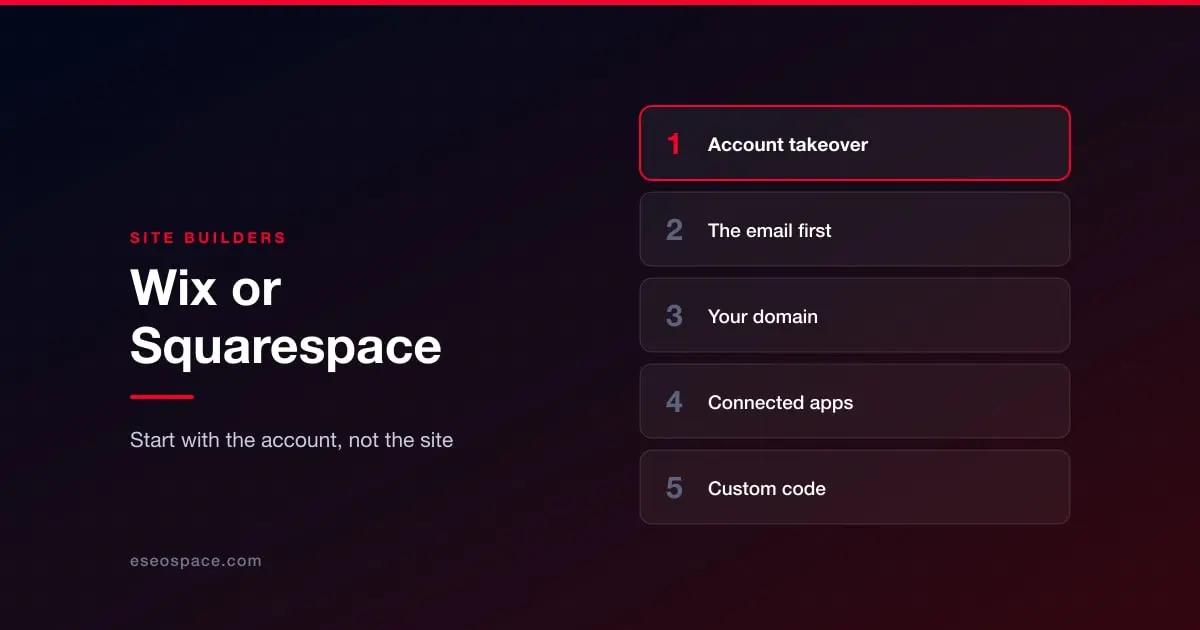
Account takeover
Someone has your login. The symptoms follow from that: content changed or deleted, pages you did not create, a redirect added, billing details altered, or you simply cannot get in any more.
Reset the password from a device you trust, and reset the password on the email account attached to the site as well. If an attacker holds the mailbox, resetting only the site password hands it straight back to them.
Turn on two-factor authentication. Both platforms support it. This is the control that makes a stolen password useless, and its absence is why most of these incidents happen.
Check who else has access. Both platforms let you add contributors. Remove anyone who should not be there, including former staff and agencies you no longer work with.
Review recent activity and billing. Look for changes you did not make.
Your domain, separately
This is the one people miss. Your site and your domain registration are often different accounts with different passwords, and the domain is the more valuable target. Someone who controls your DNS can point your name at their server without touching your site at all — and the site will look perfectly healthy in your builder's dashboard while visitors land somewhere else.
If your pages look right when you edit them but wrong when you visit them, check your DNS records before you spend another minute inside the site editor.
Connected apps and custom code
Both platforms allow third-party integrations and, on higher plans, custom code injection. These are the only two routes by which something genuinely hostile can end up running on your pages.
Audit connected apps and remove anything unused. As with any platform, an app you installed once and forgot retains its access.
Read your own custom code blocks. Header and footer injections, embedded widgets, anything added for tracking. A script tag pointing at an unfamiliar domain is the thing you are looking for. If your site takes payments and you find one near the checkout, read card skimmers and cryptojacking first.
What you will not need to do
You will not be cleaning infected files, restoring core software, or hunting a backdoor in a plugin directory. If advice you are reading tells you to do those things on Wix or Squarespace, it was written for WordPress and does not apply.
What can still apply is the search fallout. If spam pages were published under your domain and indexed before you noticed, the cleanup is only half the job — see is your website blacklisted by Google? and recovering rankings after a hack.
On a different platform, or not sure yet? Start at the triage guide.
More on running a Wix site well
The rest of this series, written for people who own a Wix site rather than for agencies.
Start with Wix website services
- Wix SEO: the complete setup checklist
- What Wix lets you control, and what it keeps
- Wix speed: what actually moves Core Web Vitals
- Wix Studio vs the Wix Editor
- Wix eCommerce SEO
- Wix blog SEO
- Schema markup on Wix
- Wix accessibility and ADA risk
- Redesigning without losing rankings
- What a Wix website really costs
- When Wix is the right choice
- Local SEO on Wix
- Wix security: locking the account down
- Best Wix SEO experts
- Top Wix developers