PHP2Shell, October 2026: two critical flaws in PHP itself (CVE-2026-109618 and CVE-2026-109619) were fixed on 21 October 2026 in PHP 8.5.12, 8.4.27, 8.3.36 and 8.2.35. Any site running on PHP needs the server updated. See our PHP2Shell Resource Center.
Security vendors clean sites. That is the service, and a good one does it properly. But a clean site and a recovered site are different outcomes, and the distance between them is measured in traffic you are still not getting a month later.
This is the part nobody owns by default. If your cleanup ended when the scanner came back green, the work below has not been done.
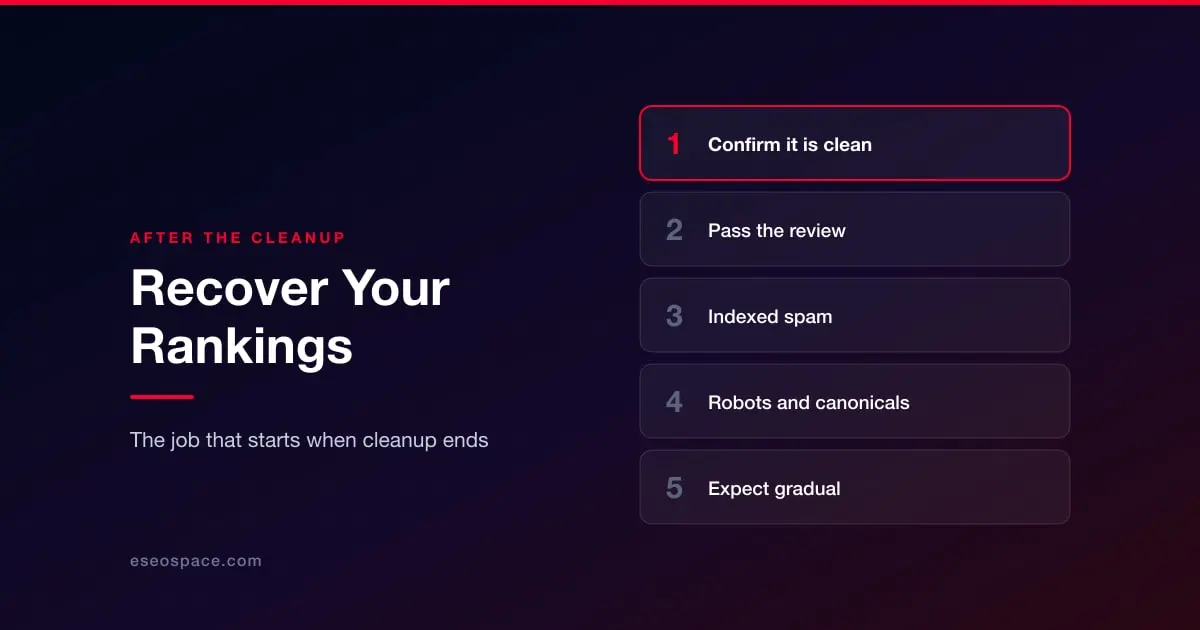
First, be sure it is actually clean
Everything here fails if any trace remains. A review that finds one leftover file resets the clock and, more importantly, tells Google your site is still compromised.
Before starting recovery, confirm the cleanup held: scan again a few days later, and specifically confirm the backdoor was found rather than only the payload. The sequence is in how to remove malware from your website. Reinfection within days of a cleanup is common and almost always means the entry point was never closed.
Clear the warnings, in order
Security Issues in Search Console. If Google detected the compromise there will be a report here describing what it found and often sample URLs. Fix everything listed, then request a review from that report. Reviews take days, not hours, and a failed review costs you the wait again.
Blacklists beyond Google. Browser warnings, host blocklists and email reputation lists are separate systems with separate removal processes. Being clear with Google does not clear the others. See is your website blacklisted by Google?
Deal with the spam that got indexed
This is the step that most affects how quickly traffic returns, and the one most often skipped.
Find out what is actually indexed. Use a site: search against your domain and page through it properly. Spam URLs indexed under your name continue to exist in the index after the files are gone.
Decide what each spam URL should return. Pages that never legitimately existed should return 404 or 410. Do not redirect them to your homepage — that tells search engines the content moved there.
Use the removal tool for anything visible now. Temporary removals in Search Console take spam out of results quickly while the permanent signals catch up.
Resubmit your real sitemap, and delete any sitemap the attacker submitted. On the Japanese keyword hack this is central rather than optional — see the Japanese keyword hack.
Check what the compromise changed underneath
Infections frequently alter things that outlast them.
Robots.txt and meta robots. Attackers sometimes block crawling to hide their work. If those blocks survive the cleanup, your recovery stalls for reasons that have nothing to do with the infection.
Canonical tags and redirects. Injected rules in .htaccess or theme files can persist quietly.
Search Console users. Remove any verified owner you did not add, and delete the verification token they used.
Your backlink profile. A site that spent months hosting spam may have attracted links you would rather not have. That is a judgement call rather than an automatic cleanup, and it matters far less than the on-site work above.
What recovery actually looks like
Expect it to be gradual. Rankings return as pages are recrawled and reassessed, which is a function of how often your site is normally crawled, not of how urgently you need it.
Two things genuinely speed it up: getting the review passed the first time, and removing indexed spam rather than waiting for it to drop out. Two things do not: making unrelated changes to the site while you wait, and resubmitting the same review repeatedly.
For what the damage consists of and why it is disproportionate to the technical severity, see website security vs SEO.
If you are earlier in this than you thought, go back to the triage guide.