These are the symptoms that cause the most panic and, fairly often, the least lasting damage. They are loud. You find out within minutes rather than months, which means the attacker has had less time to do anything subtle.
That is genuinely good news compared to an infection that hid for a quarter. It does not mean you can relax about what else they touched.
Your homepage has been replaced
Defacement means someone overwrote your content with their own — a message, a logo, a political statement. It is the digital equivalent of graffiti, and the motive is usually visibility rather than profit.
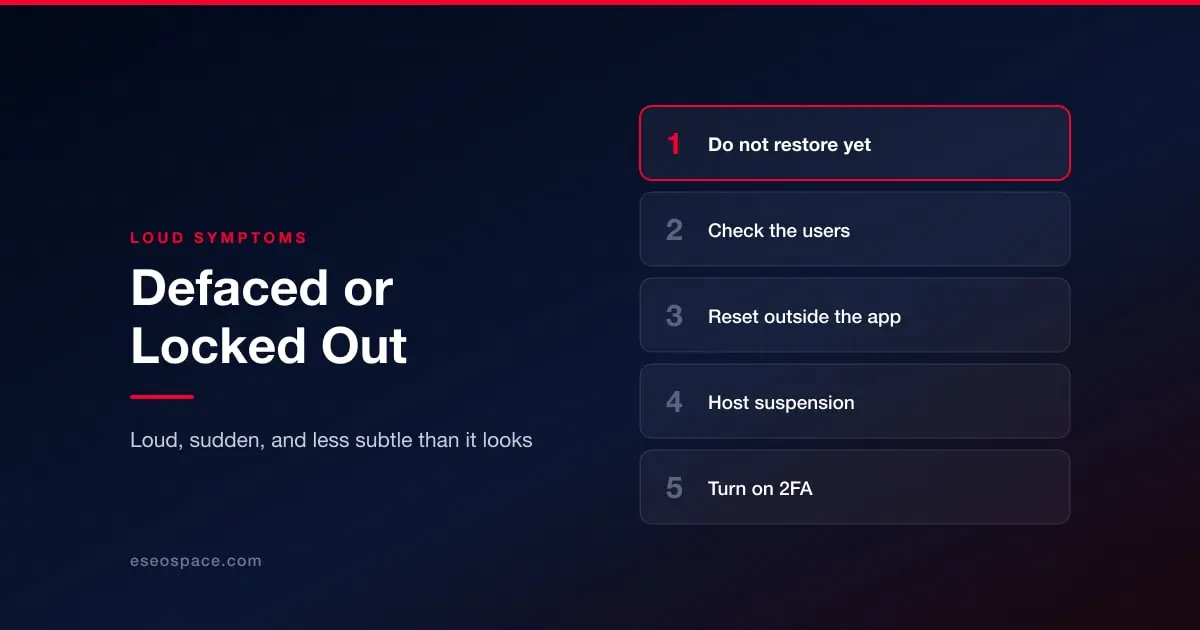
Resist the urge to restore immediately. The instinct is to push a backup live and make it go away. Do that and you destroy the only evidence of how they got in, which means you will be defaced again. Take a full copy of the compromised state first, then restore.
Assume they had more access than they used. Someone who can rewrite your homepage can usually read your database, add an admin account, and drop a backdoor. The visible damage is a choice they made, not a limit on what they could do. Clean the site properly rather than just reverting the page — how to remove malware from your website.
You cannot log in
Your password stopped working, or your account is gone entirely. First, rule out the boring explanations: a failed update, a caching plugin, a locked account after failed attempts.
If it is genuinely an attacker, they have either changed your credentials or removed your account. You still have two routes in that do not depend on the admin interface: your hosting control panel, and direct database access.
Check the user table. Look for accounts you did not create, especially administrators. An unfamiliar admin account created recently is a confirmed compromise, not a suspicion. It is the second of the ten signs in 10 warning signs your WordPress site has been hacked.
Reset credentials from outside the application. Change the database password, the hosting account password and any FTP or SSH credentials, not only the admin login. Then remove the attacker's accounts.
Then turn on 2FA. A stolen or reused password is the single most common way sites are taken over, and it is the one control that makes the stolen password worthless. See website access control and 2FA.
Your host suspended the account
You find the site replaced with a suspension notice, usually because the host's scanning found malware, or because your server was sending spam or attacking someone else.
This feels like the host being unhelpful. It is worth reframing: they have told you, for free, that you are infected, and they have stopped the damage spreading. That is more than most site owners get.
Ask what they found. Support can normally tell you which files were flagged and why. That is a head start on the cleanup that you would otherwise pay for.
Get file access before you argue. A suspended account often still permits FTP or file manager access. Confirm you can reach your files, and take the backup, before anything else.
Expect to demonstrate the cleanup. Hosts generally want evidence the infection is gone before restoring service. A clean scan result and a short account of what you found and removed is usually enough.
All three end in the same place
Whichever of these you are dealing with, the sequence afterwards does not change: preserve, clean, find the entry point, close it, then deal with the search consequences. If Google had time to flag the site, see is your website blacklisted by Google?, and once the site is clean, recovering rankings after a hack.
For the decision-making order under pressure, the first hour. To start from the symptom, the triage guide.