



What Web Agencies Should Ask Clients For and What They Should Never Store
What Web Agencies Should Ask Clients For and What They Should Never Store
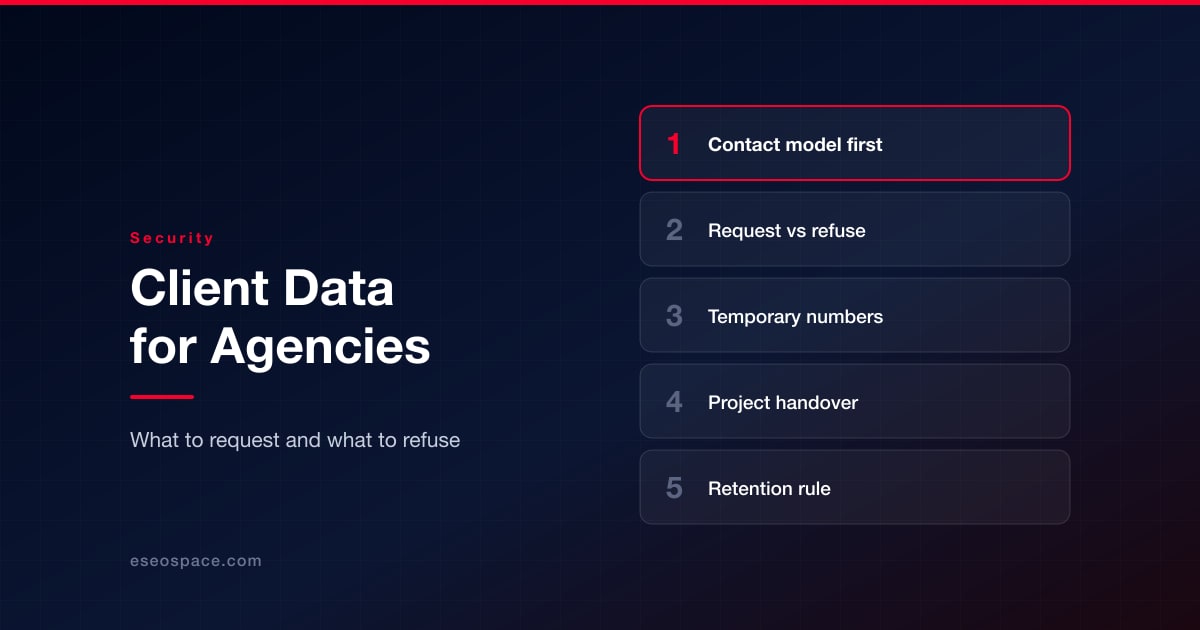
Every project leaves an agency holding things: logins, phone numbers, recovery emails, API keys, even copies of documents. Once they are no longer needed, every one of them is a liability. This article gives technical teams guidelines on which data to ask for, which to decline, and what to do at the end of a project. It also covers verification numbers, since even routine QA may mean you need to receive SMS online with GetTempNumber instead of borrowing a staff phone, and that only works safely in the right places.

Start With a Contact Model, Not a Password List
Your first request to a client should be about who is responsible for what, not for credentials. Identify the business owner, the technical and billing contacts, and the escalation path, and record them in one place. Once that is settled, most access requests can go to the right contact rather than to whoever answers the phone.
Where possible, use role-based email accounts registered on the client's domain rather than personal addresses. The same applies to two-factor authentication: the second factor should belong to the client's organization, so access survives staff changes on either side. CISA recommends enabling MFA on your accounts, which is another reason to make this decision up front.
What to Request and What to Refuse
The data minimization principle in Article 5 of the GDPR points agencies the same way: collect only the information you need and keep it only as long as you need it. In practice that means separating what you should ask for from what you should decline:
| Item | Ask for it? | Notes |
|---|---|---|
| Named contacts and role-based emails | Yes | Store in the project record and review at each milestone |
| Delegated access (user roles, invitations) | Yes | Prefer an invited agency account over a shared login |
| API keys and tokens | Only scoped ones | Request least-privilege keys and rotate them at handover |
| Client's personal passwords | No | Never accept a password for someone's personal account |
| 2FA backup codes and seed secrets | No | Keep these with the account owner |
| One-time SMS codes sent to a client's phone | No | Treat them as live credentials, not as data to relay |
| Scans of IDs, passports or bank cards | No | Reject unless the contract genuinely requires them |
| End-user data exports | Only when needed | Use a secure channel and delete after use |
The rule is simple: accept access that is delegated and revocable, and never accept anything that would let you act as another person. If a client sends something you have declined by chat or email, have it rotated and delete the message, since a secret pasted into a ticket is no longer a secret.

Where Temporary and Virtual Numbers Fit
Some verification numbers do belong in an agency workflow, but only for the agency's own work. When your team tests sign-up or notification flows on a staging site, a disposable inbox lets you receive test messages without tying each test to a staff member's personal phone.
The service's own website spells out the limits. Free public numbers have inboxes that anyone visiting the page can read, and the site warns against using them for banking, payments or password recovery.
For longer-term use the service offers private virtual numbers, and the distinction matters for agencies. Public numbers are for testing only, with nothing sensitive involved.
The reason is control. A client's account recovery path must belong to the client, and a number that expires or is shared can lock them out or expose their codes. NIST guidance already treats SMS as a weaker authentication option than app-based or hardware methods, so it is a poor choice for a client's only second factor in the first place.
Handing Over Access When the Project Ends
The end of a project is when stray access piles up. A short, repeatable checklist keeps it from becoming a gap in either direction:
- Transfer ownership of the domain, hosting, analytics and tag manager accounts to identities the client owns.
- Remove agency users and revoke outstanding invitations, API keys, deploy keys and webhooks.
- Rotate every shared secret that anyone on your team has seen.
- Hand over documentation of every account and its configuration, without the passwords themselves.
- Delete or archive any copies of client data according to the agreed retention period.
Treat the checklist as part of the contract. Walking the client through the transfer on a call and getting a short written confirmation protects both sides if a question comes up later.
Keep a Short Retention Rule
When deleting anything feels risky, everything ends up kept, and long-term storage carries risks of its own. Write a retention policy that says what you store, for how long and where, and apply it to every project. Never keep credentials in tickets, chat history or shared documents; use a password manager with a vault per project instead.
None of this is legal advice, and the rules differ from country to country. The common practice is to ask for the data you need, refuse anything that would let you impersonate the client, test with disposable numbers only when there is no better option, and return everything when the project ends.
Put this into action with eSEOspace
We help businesses grow with maintenance & support that actually performs. Explore the services behind this guide:
Get a FREE Audit
We'll perform a comprehensive SEO, AEO, GEO & CRO audit of your website — completely free — and show you exactly how to outrank your competitors.
Don't have a site yet? Get in touch →
Get a FREE GEO/AEO/SEO Audit
We'll analyze your site's SEO, GEO, AEO & CRO — completely free — and show you exactly how to get found across Google and AI answers.
Don't have a site yet? Get in touch →
Great — your audit is on the way!
We'll send your free SEO/GEO/AEO/CRO audit within the next few hours. Where should we send it?
You're all set! ✓
Your free audit is being prepared — check your inbox in the next few hours. Talk soon!








