This profile is part of our MCP server directory, within The MCP Guide. Profiles are checked against each vendor's own documentation. Need a server built? See MCP development.
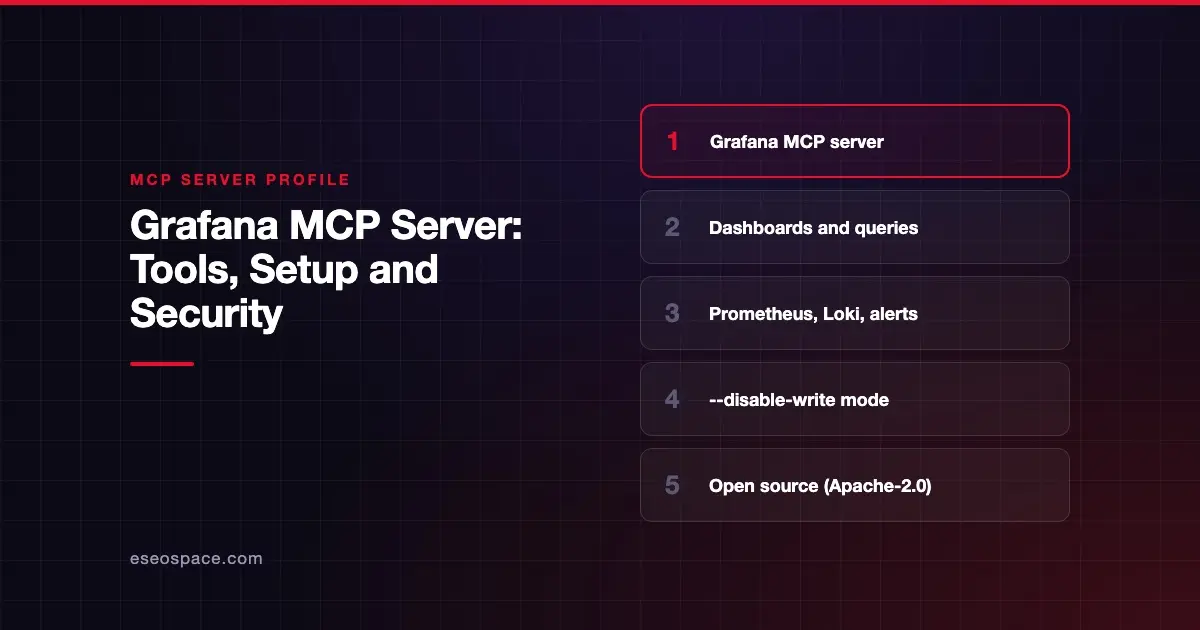
The Grafana MCP server lets an AI agent search and edit dashboards, query data sources such as Prometheus and Loki, and work with alerts, incidents and Grafana OnCall. Grafana Labs publishes it as open source in the grafana/mcp-grafana repository, and it works with self-hosted Grafana and Grafana Cloud.
Checked against: grafana/mcp-grafana README on 28 October 2026. eSEOspace did not install or test this server.
Key Takeaways
- The server runs where you choose:
uvx, Docker, a binary or Helm. It connects to your Grafana instance with a service account token. - It covers dashboards, data source queries, alerting, incidents, OnCall, annotations, snapshots and rendering.
--disable-writeblocks write tools such asupdate_dashboard,create_incidentand the alerting write tools.- Many categories, including admin and raw SQL, are off by default and must be turned on with
--enabled-tools. - Anonymous usage statistics go to Grafana Labs by default. You can opt out with one flag.
At a glance
| Item | Detail |
|---|---|
| Publisher | Grafana Labs |
| Official? | Yes |
| Hosting | Local or self-hosted (uvx, Docker, binary, Helm) |
| Transport | stdio; SSE and Streamable HTTP documented |
| Sign-in | Grafana service account token (GRAFANA_SERVICE_ACCOUNT_TOKEN) |
| Read or write | Both; read-only mode available |
| Price | Free and open source |
| Source code | grafana/mcp-grafana (Apache-2.0) |
| Status | Not labeled |
What it can do
The README lists capability groups and a tool table with the RBAC permission each tool needs. Highlights:
- Dashboards:
search_dashboards,get_dashboard_by_uid,get_dashboard_summary,get_dashboard_property,get_dashboard_panel_queries,list_dashboard_versions,update_dashboard. - Queries: Prometheus and Loki querying, plus InfluxDB, SQL data sources, CloudWatch, Google Cloud Logging, Graphite, Elasticsearch/OpenSearch and Quickwit. Most of these extra data sources are off by default.
- Alerting: list alert rules and statuses, create, update and delete rules, and manage contact points and notification policies.
- Incidents and OnCall: search, create and update incidents in Grafana Incident; view schedules, shifts, current on-call users and alert groups.
- Annotations, snapshots and rendering: create or delete annotations and snapshots, and render panels as PNG images (needs the Grafana Image Renderer).
- Navigation: generate deeplinks to dashboards, panels and Explore.
- Admin (off by default):
list_teams,list_users_by_org,list_all_rolesand related role tools. - User:
user_inforeturns the current identity and its organizations.
The README notes that large dashboards "can consume significant context window space." Summary and property tools exist to keep context small.
How to connect it
The README's quick start needs uv. Add this to your client config, for example Claude Desktop or Cursor:
{
  "mcpServers": {
    "grafana": {
      "command": "uvx",
      "args": ["mcp-grafana"],
      "env": {
        "GRAFANA_URL": "http://localhost:3000",
        "GRAFANA_SERVICE_ACCOUNT_TOKEN": "<your service account token>"
      }
    }
  }
}
For Grafana Cloud, replace GRAFANA_URL with your instance URL, such as https://myinstance.grafana.net. The README requires Grafana 9.0 or later for full functionality. It also documents Docker, binary and Helm installs, multi-organization support, TLS and a health check endpoint.
To create the token, make a Grafana service account with permissions for the tools you need. The older GRAFANA_API_KEY variable is deprecated.
Security notes
- Least privilege vs. convenience. The README says assigning the built-in Editor role is "simpler (but less restrictive)" and "grants broad read/write access." Prefer fine-grained RBAC scopes for production.
- Read-only mode.
--disable-writeturns off dashboard, folder, incident, alerting, OnCall, annotation, snapshot and Agent Observability write tools. - Raw SQL can write. The README warns
query_sql"will run aDROP TABLE" andquery_influxdbcan delete, when data source credentials allow. Both are disabled in read-only mode. - Off-by-default categories. Admin, Assistant, SQL and several data sources stay off unless listed in
--enabled-tools. Leave them off unless needed. - Restrict logs.
--loki-enforced-matchersadds label matchers to every Loki query, so an agent can only read chosen streams. - Usage statistics. Reporting "is enabled by default." Opt out with
--usage-stats=disabled,GRAFANA_USAGE_STATS=disabledorDO_NOT_TRACK=1. Grafana says arguments, queries, log lines and credentials are never sent.
Dashboards and logs can carry sensitive data into the model's context. See MCP data exfiltration and the MCP security hub.
Alternatives
- Datadog MCP Server, a hosted option for Datadog customers.
- PagerDuty MCP Server for incident response and on-call.
- Kubernetes MCP Server (Community), which has its own Prometheus, Loki and Tempo toolsets.
Next step
Start with --disable-write and a Viewer-level service account, then ask the agent to summarize a dashboard during your next incident review. If you need a custom observability server, our MCP development team can help. See the server directory for more.
Frequently asked questions
Does the Grafana MCP server work with Grafana Cloud?
Yes. The README says it works with local Grafana instances and Grafana Cloud. Use your Grafana Cloud instance URL in GRAFANA_URL.
Is there a hosted Grafana MCP URL?
The README covers running the server yourself with uvx, Docker, a binary or Helm. We found no Grafana-hosted endpoint in the README.
How do I make the Grafana MCP server read-only?
Start it with --disable-write. Pair that with a service account that has only read permissions.
Does it send data to Grafana Labs?
It sends anonymous usage statistics by default, such as which tools were called and how many failed. Grafana says tool arguments, queries, log lines and credentials are never sent. You can opt out.