This profile is part of our MCP server directory, within The MCP Guide. Profiles are checked against each vendor's own documentation. Need a server built? See MCP development.
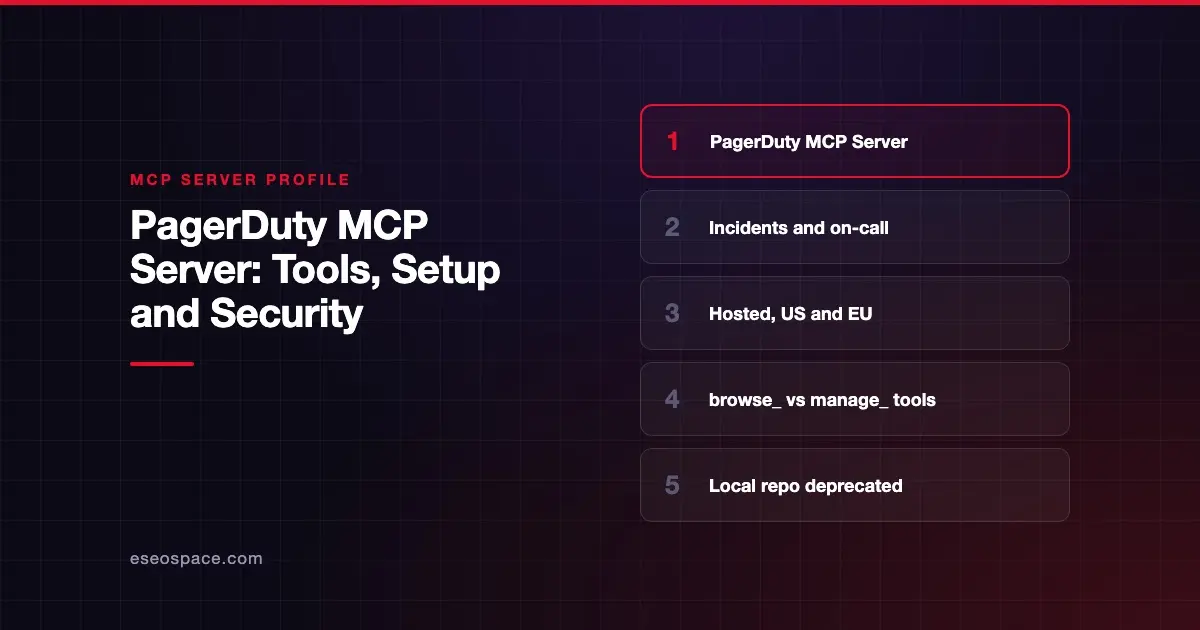
The PagerDuty MCP Server lets an AI agent look up and manage incidents, services, on-call schedules, teams, event orchestrations and status pages in your PagerDuty account. PagerDuty publishes and hosts it, and its older local server is now deprecated.
Checked against: PagerDuty MCP Server documentation on 28 October 2026. eSEOspace did not install or test this server.
Key Takeaways
- PagerDuty hosts the server at
https://mcp.pagerduty.com/mcp, withhttps://mcp.eu.pagerduty.com/mcpfor EU accounts. - You connect with an API key in a header or with OAuth. PagerDuty does not support Dynamic Client Registration.
- Tools prefixed
browse_read data. Tools prefixedmanage_create or change it. - The self-hosted GitHub repository is "deprecated and now read-only." New work happens on the hosted server.
- PagerDuty requires an account with Advanced Permissions and does not list a separate MCP price.
At a glance
| Item | Detail |
|---|---|
| Publisher | PagerDuty |
| Official? | Yes |
| Hosting | Remote (US and EU); local version deprecated |
| Transport | HTTP |
| Sign-in | User API key in a header, or OAuth (no Dynamic Client Registration) |
| Read or write | Both |
| Price | No separate MCP price listed |
| Source code | Hosted server: closed. Deprecated local server: PagerDuty/pagerduty-mcp-server |
| Status | Local server deprecated; hosted server not labeled |
What it can do
PagerDuty's docs list tools in read and write pairs:
| Area | Read | Write |
|---|---|---|
| Incidents | browse_incidents | manage_incidents |
| Services | browse_services | manage_services |
| Schedules | browse_schedules | manage_schedules |
| Teams | browse_teams | manage_teams |
| Event orchestrations | browse_event_orchestrations | manage_event_orchestrations |
| Alert grouping | browse_alert_grouping | manage_alert_grouping |
| Status pages | browse_status_pages | manage_status_pages |
Read-only tools also cover escalation policies (browse_escalation_policies), users (browse_users), change events (browse_change_events) and activity (browse_activity).
Typical questions fit on-call work: who is on call tonight, which incidents are open on a service, or what changed before an outage. PagerDuty notes that some tools and filters, such as scoping incidents by team or assignment, need user-level authentication.
The deprecated local server used a different naming style. Its tools overview lists 103 tools, 63 read-only and 40 write. It only exposed write tools when started with --enable-write-tools.
How to connect it
PagerDuty's docs require "a valid PagerDuty account with Advanced Permissions" and a User API key or OAuth client. Your client must support remote HTTP MCP servers.
PagerDuty documents setup for Cursor, Visual Studio Code and Claude Code:
- Cursor: add the server to
~/.cursor/mcp.jsonfor all projects, or.cursor/mcp.jsonfor one project. - Claude Code with an API key: use
claude mcp add-json pagerdutywith anAuthorizationheader ofToken token=${PAGERDUTY_API_KEY}, pointing at your region's URL. - Claude Code with OAuth: configure a static callback port, such as
8080, because PagerDuty does not support Dynamic Client Registration.
Copy the exact JSON from PagerDuty's page for your client. Use the EU URL if your account is hosted in the EU.
Security notes
- Separate read from write. The
browse_andmanage_split makes approvals easy to reason about. Consider auto-approving onlybrowse_tools in your client. - Scoped OAuth clients. PagerDuty says a scoped OAuth client can limit which tools succeed.
- No server-side tool filtering. PagerDuty notes tool filtering is "not directly available" on the hosted server. Use client-side controls instead.
- User keys act as you. A User API key carries that user's permissions. Store it in an environment variable, not a committed file. See secret leakage in MCP.
- Incident data is sensitive. Notes and alerts can include customer details. Treat tool output as untrusted input too, since alert text could carry prompt injection.
During a live incident, approval fatigue is real. Read approval fatigue in MCP and the MCP security hub before rollout.
Alternatives
- Datadog MCP Server, which also covers Datadog incidents and monitors.
- Grafana MCP server, which includes Grafana Incident and OnCall tools.
- Atlassian's MCP server, if your team tracks incident follow-ups in Jira.
Next step
Connect with a scoped OAuth client and allow only browse_ tools for the first few weeks. Then decide which manage_ actions your responders want an agent to take. Our MCP readiness audit can help set that policy. See the server directory for more.
Frequently asked questions
Should I use the hosted or local PagerDuty MCP server?
Use the hosted one. PagerDuty's GitHub repository says the local server is deprecated and read-only, and development has moved to the hosted server.
What is the PagerDuty MCP URL?
https://mcp.pagerduty.com/mcp for US accounts and https://mcp.eu.pagerduty.com/mcp for EU accounts.
Does PagerDuty's MCP server support OAuth?
Yes, but without Dynamic Client Registration. You use static OAuth client credentials or pass a bearer token. An API key header also works.
Can the PagerDuty MCP Server resolve incidents?
The manage_incidents tool creates or changes incident data, within your user's permissions. Review each manage_ call before approving it.