

This profile is part of our MCP server directory, within The MCP Guide. Profiles are checked against each vendor's own documentation. Need a server built? See MCP development.
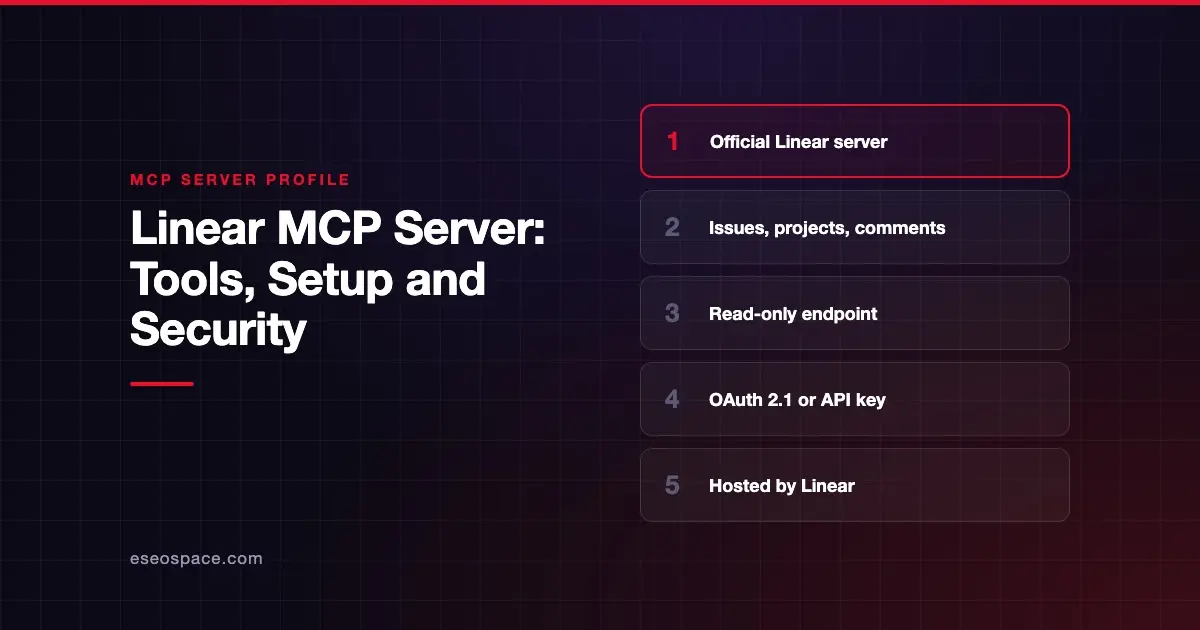
The Linear MCP server lets an AI app find, create and update issues, projects and comments in your Linear workspace. Linear hosts and manages it centrally, so there is nothing to install beyond your client's config.
Checked against: Linear MCP docs on 28 October 2026. eSEOspace did not install or test this server.
Key Takeaways
- The default endpoint
https://mcp.linear.app/mcpis read-write. - A separate endpoint,
https://mcp.linear.app/mcp/readonly, exposes only read tools. - Sign-in uses OAuth 2.1 with dynamic client registration, or a Bearer token or API key.
- Enterprise teams can use Okta for enterprise-managed authentication.
- The older SSE endpoint at
/sseis deprecated, so older setup guides may point to the wrong URL.
At a glance
| Item | Detail |
|---|---|
| Publisher | Linear |
| Official? | Yes |
| Hosting | Remote URL (centrally hosted) |
| Transport | Streamable HTTP; SSE deprecated |
| Sign-in | OAuth 2.1, or API key / Bearer token |
| Read or write | Read-write by default; read-only endpoint and scope available |
| Price | No separate MCP price listed |
| Source code | Not published in Linear's MCP docs |
| Status | Not stated |
What it can do
Linear describes the server's tools as being for "finding, creating, and updating objects in Linear like issues, projects, and comments." The docs page does not publish a full tool list.
Linear says the server follows the authenticated remote MCP specification version 2025-03-26. Its example uses include:
- Planning roadmaps
- Writing standup notes
- Investigating incoming bugs
- Summarizing a team's cycle
- Building timelines
- Turning a plan into implementation issues
Once connected, your client shows the exact tools it received.
How to connect it
For Claude Code, Linear documents this command. Then run /mcp in a session to sign in:
claude mcp add --transport http linear-server https://mcp.linear.app/mcpFor Codex CLI:
codex mcp add linear --url https://mcp.linear.app/mcpFor VS Code, Windsurf (now Devin Desktop) and other clients without native remote support, Linear gives an mcp-remote config:
{
  "mcpServers": {
    "linear": {
      "command": "npx",
      "args": ["-y", "mcp-remote", "https://mcp.linear.app/mcp"]
    }
  }
}
In Claude, Linear says Team and Enterprise users connect through the connectors page on Claude.ai, while Free and Pro users add it from Claude's connector settings in Claude desktop. Claude now labels that page Customize > Connectors. Cursor users can install it from Cursor's MCP tools directory.
If you work in several Linear workspaces, each one needs its own sign-in. Linear suggests a separate MCP_REMOTE_CONFIG_DIR per workspace.
Security notes
Linear gives you three ways to keep the AI read-only:
- Connect to
https://mcp.linear.app/mcp/readonly, which exposes only read tools. - Use the normal endpoint but request only the
readOAuth scope. Linear says that token "can't reach write APIs." - Create a Linear API key with only the Read permission.
Read-write is the default, so you have to pick read-only on purpose. API keys and tokens travel in the Authorization header, so keep them out of shared config files.
For troubleshooting, Linear suggests deleting ~/.mcp-auth and reconnecting. That folder holds saved sign-in data, so protect it like any credential store.
The MCP project's security best practices also cover risks such as token passthrough, confused deputy attacks and scope minimization.
Issue text written by other people can contain hidden instructions. See prompt injection through tool results and approval fatigue, and the MCP Security Center for more.
Alternatives
- Atlassian Rovo MCP Server for teams on Jira and Confluence.
- GitHub MCP Server if you track work in GitHub Issues and Projects.
- GitLab MCP server for GitLab work items.
Next step
Start with the read-only endpoint for standups and summaries, then move to read-write once your team trusts the setup. Compare options in our best MCP servers for developers list or browse the MCP server directory.
Frequently asked questions
Does the Linear MCP server cost extra?
Linear's MCP docs do not list a price or a plan requirement. You connect with your existing Linear account.
How do I make the Linear MCP server read-only?
Use https://mcp.linear.app/mcp/readonly, request only the read OAuth scope, or create an API key with only Read permission. Any of the three keeps the AI away from write APIs.
Can I connect with an API key instead of OAuth?
Yes. Linear accepts a Bearer token or API key in the Authorization: Bearer <yourtoken> header. That also works for restricted read-only keys and existing Linear OAuth apps.
Is the SSE endpoint still supported?
https://mcp.linear.app/sse remains as a deprecated fallback. Linear says new setups should use /mcp.









