This profile is part of our MCP server directory, within The MCP Guide. Profiles are checked against each vendor's own documentation. Need a server built? See MCP development.
The GitLab MCP server lets an AI app read and update merge requests, work items, repository files and CI pipelines in your GitLab instance. GitLab builds it into the product itself, so it runs on GitLab.com, Self-Managed and Dedicated.
Checked against: GitLab MCP server docs on 28 October 2026. eSEOspace did not install or test this server.
Key Takeaways
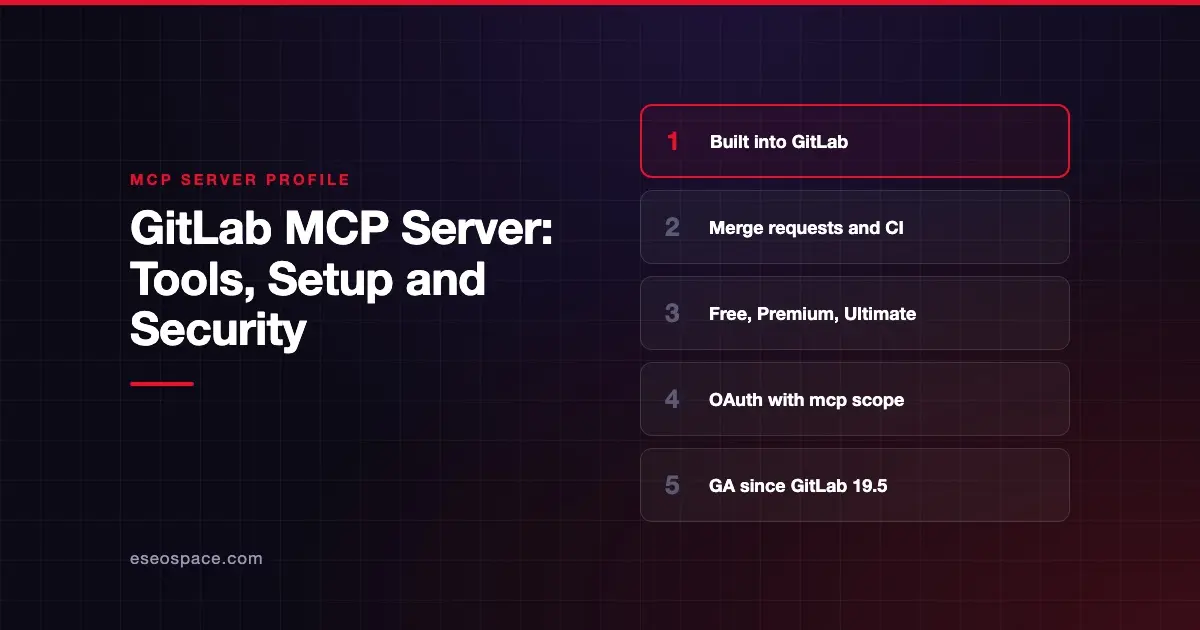
- GitLab lists the MCP server as generally available in GitLab 19.5, after an experiment in 18.3 and a beta in 18.6.
- It is available on the Free, Premium and Ultimate tiers.
- An admin must allow MCP server access for the top-level group (GitLab.com) or the instance (Self-Managed and Dedicated).
- Sign-in uses OAuth with the
mcpscope or a fine-grained personal access token. Legacy tokens are rejected. - GitLab says you are responsible for guarding against prompt injection and should use the tools only on objects you trust.
At a glance
| Item | Detail |
|---|---|
| Publisher | GitLab |
| Official? | Yes |
| Hosting | Remote URL on your GitLab instance: https://<gitlab.example.com>/api/v4/mcp |
| Transport | HTTP; mcp-remote proxy for stdio-only clients |
| Sign-in | OAuth (mcp scope) or fine-grained personal access token |
| Read or write | Read and write |
| Price | Free, Premium and Ultimate; Duo and security tools need higher tiers |
| Source code | Not linked from GitLab's MCP docs |
| Status | Generally available (GitLab 19.5) |
What it can do
GitLab groups tools into toolsets. The defaults are core, merge_requests, work_items, repository and ci, and meta is always on. wikis, code_security and orbit are opt-in. A duo_agent_platform toolset appears only when GitLab Duo Agent Platform is available.
The MCP server tools page lists tools such as:
- Merge requests:
get_merge_request,list_merge_requests,save_merge_request,save_merge_request_review,accept_merge_request - Work items:
get_work_item,list_work_items,save_work_item,save_note,link_work_items - Repository:
get_repository_file,list_repository_tree,list_commits,add_commit,add_branch,search,semantic_search - CI/CD:
get_pipeline,list_pipelines,save_pipeline,get_job,get_artifact_file - Security (Ultimate):
list_vulnerabilities,get_vulnerability,save_vulnerability
You choose toolsets with the X-Gitlab-Enabled-Mcp-Server-Toolsets header. Use all to request everything.
How to connect it
For Claude Code, GitLab documents this command, then running /mcp in the chat to sign in:
claude mcp add -s user --transport http GitLab https://<gitlab.example.com>/api/v4/mcpFor Cursor and other HTTP clients, the generic config is:
{"mcpServers": {"GitLab": {"type": "http", "url": "https://<gitlab.example.com>/api/v4/mcp"}}}Use gitlab.com as the host for GitLab.com. GitLab also documents setup for Codex, Gemini CLI, OpenCode, Kiro, GitHub Copilot in VS Code and Amazon Q Developer. Claude Desktop and Zed connect through npx -y mcp-remote, which needs Node.js 20 or later.
Security notes
GitLab's permission model is clear. Users sign in with their own credentials and can reach only data they are already allowed to see.
Points GitLab calls out:
- Prompt injection is on you. The docs say to use MCP tools only on GitLab objects you trust.
- Token types. Only OAuth tokens with the
mcpscope and fine-grained PATs work. Legacy personal, project and group tokens return403. - Shared OAuth apps. GitLab does not verify which client uses a shared
clientId, and apps created through the REST API do not enforce PKCE. - Write tools.
accept_merge_requestmerges code,save_pipelinecan run or cancel pipelines, andstart_duo_sessioncan push commits.
The MCP project's security best practices also cover risks such as token passthrough, confused deputy attacks and scope minimization.
Start with the default toolsets and add more only when needed. For background, read MCP OAuth misconfigurations and prompt injection through tool results, or browse the MCP Security Center.
Alternatives
- GitHub MCP Server for teams on GitHub.
- Atlassian Rovo MCP Server for Bitbucket Cloud plus Jira.
- CircleCI MCP server or Buildkite MCP server if your CI runs outside GitLab.
Next step
Ask your GitLab admin to allow MCP access, then start with read-heavy toolsets. The MCP server directory has profiles of other code and CI tools.
Frequently asked questions
Is the GitLab MCP server free?
It is available on GitLab Free, Premium and Ultimate. GitLab Duo Agent Platform tools need Premium or Ultimate with Duo turned on, or GitLab credits. Code security tools are Ultimate features.
Does it work on self-managed GitLab?
Yes. GitLab lists GitLab.com, Self-Managed and Dedicated. On Self-Managed and Dedicated, an administrator must allow MCP server access for the instance first.
Why does my old access token not work?
GitLab rejects legacy personal, project and group access tokens with a 403 error, even with api scope. Use OAuth with the mcp scope or a fine-grained personal access token.
Can I limit which tools the AI sees?
Yes. Send the X-Gitlab-Enabled-Mcp-Server-Toolsets header to pick toolsets, or X-Gitlab-Enabled-Mcp-Server-Tools to name single tools. Your own GitLab permissions still apply to every result.