This profile is part of our MCP server directory, within The MCP Guide. Profiles are checked against each vendor's own documentation. Need a server built? See MCP development.
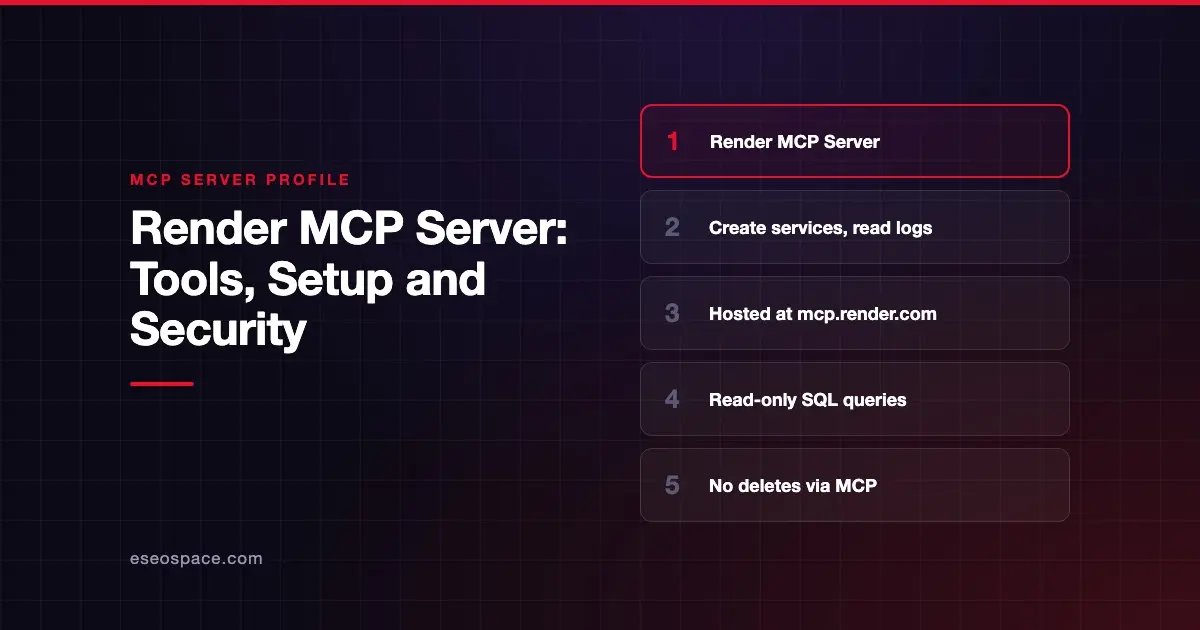
The Render MCP Server lets an AI agent create and inspect Render services, read logs and metrics, trigger deploys and run read-only queries on Render Postgres. Render publishes it, hosts it at https://mcp.render.com/mcp and keeps the source on GitHub.
Checked against: Render MCP server docs on 28 October 2026. eSEOspace did not install or test this server.
Key Takeaways
- Render hosts the server. You connect with OAuth through Render's plugins, or with an API key for non-interactive use.
- Agents can create web services, static sites, cron jobs, Postgres databases and Key Value instances.
- Changes to existing resources are limited to triggering deploys and editing environment variables. Deletes go through the Dashboard or API.
- The
query_render_postgrestool runs read-only SQL. - Render warns that the server "supports potentially destructive operations" and that secrets may reach your AI app.
At a glance
| Item | Detail |
|---|---|
| Publisher | Render |
| Official? | Yes |
| Hosting | Remote: https://mcp.render.com/mcp (source also runs locally) |
| Transport | Streamable HTTP and stdio |
| Sign-in | OAuth (via Render plugins or manual setup) or API key |
| Read or write | Both, with limits |
| Price | No separate MCP price listed |
| Source code | render-oss/render-mcp-server on GitHub |
| Status | Not labeled preview or GA |
What it can do
The README documents these tools:
Workspaces: list_workspaces, select_workspace (deprecated), get_selected_workspace.
Services: list_services, get_service, create_web_service, create_static_site, create_cron_job, update_environment_variables. The update_web_service, update_static_site and update_cron_job tools return a Dashboard link rather than making changes.
Deployments and events: list_deploys, get_deploy, trigger_deploy, list_events.
Logs and metrics: list_logs, list_log_label_values, get_metrics.
Postgres: query_render_postgres, list_postgres_instances, get_postgres, create_postgres.
Key Value: list_key_value, get_key_value, create_key_value.
create_web_service supports Node, Python, Go, Rust, Ruby, Elixir and Docker runtimes. Render says deploying prebuilt images from a container registry is not supported.
The README says the server supports MCP protocol versions 2025-11-25, 2025-06-18, 2025-03-26 and 2024-11-05. Over stdio it also supports the sessionless 2026-07-28 version, the latest MCP specification.
How to connect it
Render's docs say its official plugins for Claude Code, Codex and Cursor "configure this server with OAuth automatically." In Claude Code you install the Render plugin, choose an access scope, run /reload-plugins, and approve in your browser the first time.
For non-interactive setups, create an API key in your Render Account Settings. Render's Claude Code command for API-key setup:
claude mcp add --transport http render https://mcp.render.com/mcp --header "Authorization: Bearer <YOUR_API_KEY>"Then set a workspace. Render suggests a prompt like "Set my Render workspace to [WORKSPACE_NAME]." Render says "each MCP server action is scoped to the selected workspace." The README adds that every resource tool accepts an optional workspaceId, and the session-based fallback is deprecated.
Security notes
- Broad access. Render says: "Authenticating the MCP server grants access to your workspaces and services."
- Destructive potential. Render warns the server "supports potentially destructive operations." Only connect it if you are comfortable giving your AI tool that access.
- Built-in limits help. Render documents that you cannot delete resources, change scaling or set IP allowlists through MCP. Edits to existing services are limited to deploys and environment variables.
- Secrets. Render does not guarantee sensitive values stay out of your AI app's context. It says to "exercise caution when interacting with secrets." See secret leakage in MCP.
- Read-only SQL. Postgres access through
query_render_postgresis read-only. Query results still enter the model's context, so avoid tables with personal data.
Render's API docs say scoped API keys, which limit access to resources in one workspace, are in early access. An API key in a shell history or config file is a common leak. Prefer OAuth through the plugin where you can, and review the MCP security hub.
Alternatives
- Heroku MCP Server for Heroku apps and Postgres.
- DigitalOcean MCP Server for App Platform, Droplets and databases.
- Vercel MCP for front ends on Vercel.
Next step
Connect Render's server to a test workspace and ask it to summarize recent deploy failures. That shows its value with low risk. For a team rollout, our MCP readiness audit covers scopes and approvals. Browse more in the server directory.
Frequently asked questions
Can the Render MCP Server delete my services?
No. Render's docs say other modifications or deletions must be done in the Render Dashboard or REST API. The server can create resources, trigger deploys and change environment variables.
Does the Render MCP Server cost extra?
Render's docs do not list an MCP price. They note that viewing web service response times needs a Pro workspace or higher.
Can it query my database?
Yes, read-only. The query_render_postgres tool runs a read-only SQL query against a Render-hosted Postgres database.
Do I need an API key?
Not if you use Render's plugins for Claude Code, Codex or Cursor, which set up OAuth. API keys are for non-interactive environments.