This profile is part of our MCP server directory, within The MCP Guide. Profiles are checked against each vendor's own documentation. Need a server built? See MCP development.
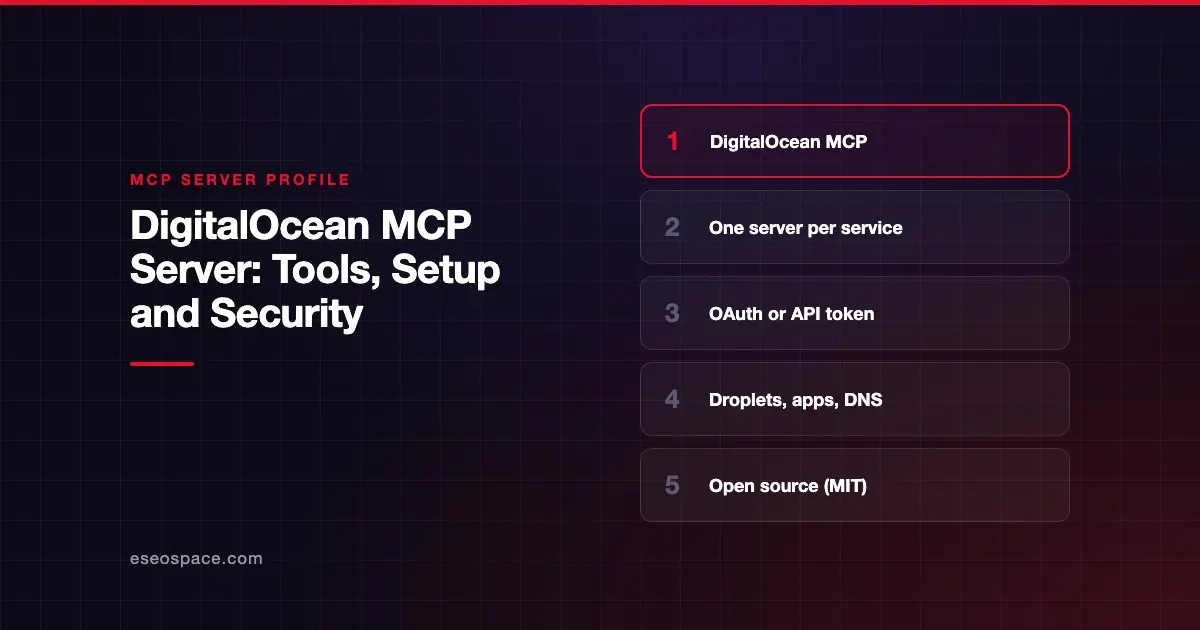
DigitalOcean's MCP servers let an AI agent manage Droplets, App Platform apps, managed databases, Kubernetes, DNS and other DigitalOcean resources. DigitalOcean publishes the code as open source and hosts each service as its own remote MCP server.
Checked against: digitalocean-labs/mcp-digitalocean README and DigitalOcean MCP docs on 28 October 2026. eSEOspace did not install or test this server.
Key Takeaways
- DigitalOcean runs a separate hosted endpoint per service, such as
https://droplets.mcp.digitalocean.com/mcp. - OAuth 2.0 is recommended. API tokens work for local installs and clients without OAuth.
- The README lists 24 services, from apps and databases to networking, Spaces and GenAI tools.
- A local package,
@digitalocean/mcp, lets you enable only the services you need with--services. - DigitalOcean's README opens with a disclaimer that using MCP with your account "can come with risks."
At a glance
| Item | Detail |
|---|---|
| Publisher | DigitalOcean |
| Official? | Yes |
| Hosting | Both: remote per-service endpoints, and local @digitalocean/mcp |
| Transport | HTTP (remote); stdio (local) |
| Sign-in | OAuth 2.0 (recommended) or personal access token |
| Read or write | Both |
| Price | No separate MCP price listed |
| Source code | digitalocean-labs/mcp-digitalocean (MIT) |
| Status | Not labeled preview or GA |
What it can do
The README's "Available Services" table lists one endpoint per service. A selection:
| Service | Endpoint | What it covers |
|---|---|---|
| apps | https://apps.mcp.digitalocean.com/mcp | App Platform apps and deployments |
| droplets | https://droplets.mcp.digitalocean.com/mcp | Create, resize, snapshot and monitor Droplets |
| databases | https://databases.mcp.digitalocean.com/mcp | Managed database clusters |
| doks | https://doks.mcp.digitalocean.com/mcp | Kubernetes clusters and node pools |
| networking | https://networking.mcp.digitalocean.com/mcp | Domains, DNS, certificates, firewalls, load balancers, VPCs, CDNs |
| accounts | https://accounts.mcp.digitalocean.com/mcp | Account, billing, balance, invoices, SSH keys |
| spaces | https://spaces.mcp.digitalocean.com/mcp | Spaces object storage and access keys |
| docs | https://docs.mcp.digitalocean.com/mcp | Public docs search; no API token required |
Other services include insights, marketplace, functions, docr (container registry), volumes, NFS, MicroVMs and several GenAI and inference services.
The README gives these example tool names:
create-app-from-specto deploy an app from a GitHub repo.droplet-resizeanddroplet-enable-backups.microvm-execto run a command in a MicroVM.key-createanddomain-create.cdn-flush-cache.vpc-peering-createandvpc-peering-delete.docs-search,docs-get-quickstartanddocs-troubleshoot.
Each service has its own README in the repository with the full tool list.
How to connect it
Claude Code with OAuth. Add a service URL with no header, and Claude prompts you to sign in on first use:
claude mcp add --transport http digitalocean-apps https://apps.mcp.digitalocean.com/mcpClaude Code with an API token. Set DIGITALOCEAN_API_TOKEN in your shell first, then:
claude mcp add --transport http digitalocean-apps https://apps.mcp.digitalocean.com/mcp \
  --header "Authorization: Bearer $DIGITALOCEAN_API_TOKEN"
Add more services the same way, one entry per endpoint. The README also covers Claude Desktop, Cursor and VS Code.
Local. With Node.js 18 or later and the token set, enable only what you need:
npx @digitalocean/mcp --services apps,dropletsDigitalOcean says it is "highly recommended to only enable the services you need to reduce context size and improve accuracy."
Security notes
- Never hardcode tokens. The README warns in capitals not to paste your API token into any config file. It walks through storing it in an environment variable instead.
- Choose token scopes. When you create an access token, the README's steps say to set an expiry and choose the required scopes.
- Rotate if exposed. If a token was ever committed, the README says to delete it and generate a new one.
- Pick services narrowly. Adding only the endpoints you need limits what an agent can reach. The accounts service exposes billing and invoices, so skip it unless you need it.
- Write tools exist. Resize, delete and cache-flush tools change live infrastructure. Keep approvals on.
The README's disclaimer links to outside research on MCP risks. Our guide to MCP security risks covers the same ground. Pair this server with least-privilege practice and the MCP security hub.
Alternatives
- Render MCP Server for web services and Postgres.
- Heroku MCP Server for Heroku apps.
- AWS MCP Server for larger AWS estates.
Next step
Start with the docs and apps endpoints, then add others as real tasks need them. If you want a custom server that combines DigitalOcean with your own systems, see our MCP development service. More profiles are in the server directory.
Frequently asked questions
Is there one DigitalOcean MCP URL?
No. Each service, such as apps, droplets or databases, has its own hosted endpoint. You can connect to several at once by adding several entries.
Does it cost anything to use?
Neither the README nor DigitalOcean's MCP docs page states a price. Normal charges apply to the Droplets, databases and other resources an agent creates.
Do I need an API token?
Not with OAuth on supported clients. Tokens are for local installs or clients without OAuth support. The docs service needs no token.
Can I limit which tools it loads?
Yes. Connect only the endpoints you need. Locally, use the --services flag to enable specific services.