This profile is part of our MCP server directory, within The MCP Guide. Profiles are checked against each vendor's own documentation. Need a server built? See MCP development.
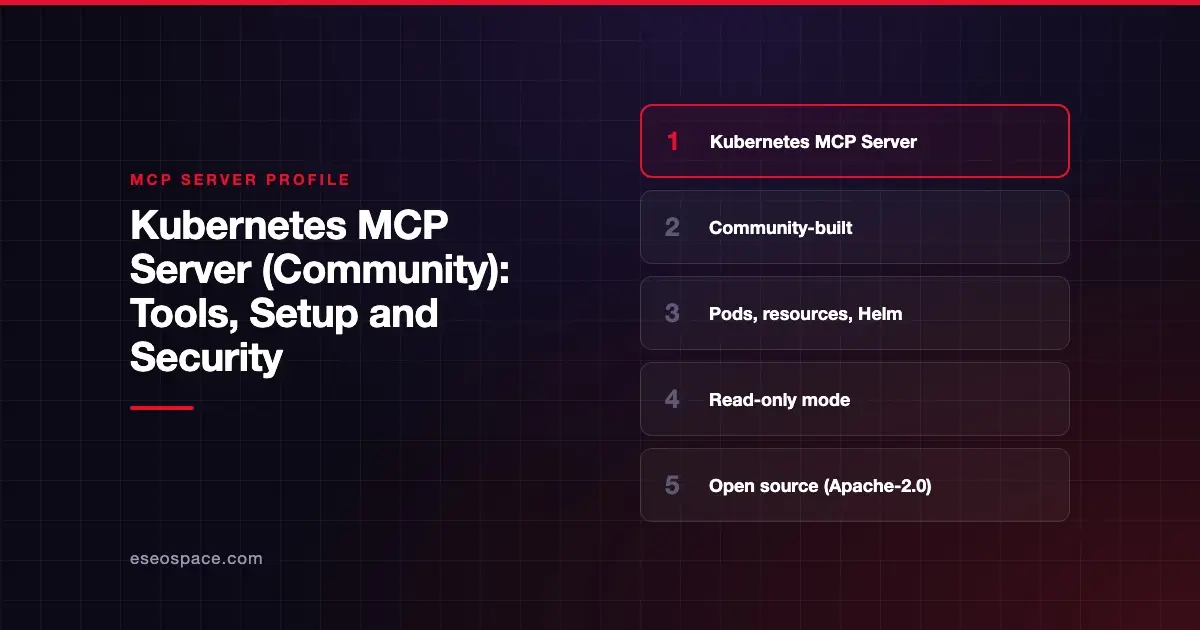
The Kubernetes MCP Server lets an AI agent list, inspect, create, update and delete resources in Kubernetes and OpenShift clusters, read pod logs and manage Helm releases. It is community-built: the Kubernetes project does not publish an official MCP server, and this one is maintained in the containers/kubernetes-mcp-server repository on GitHub.
Checked against: kubernetes-mcp-server README on 28 October 2026. eSEOspace did not install or test this server.
Key Takeaways
- This is a community-built server, not a release of the Kubernetes project. It is open source under Apache-2.0.
- It talks to the Kubernetes API directly in Go. The README says it "IS NOT just a wrapper around
kubectlorhelm." - It runs locally from npm, PyPI, a native binary or a container, and uses your kubeconfig.
read_only = trueexposes only read-only tools, anddisable_destructive = trueblocks deletes and updates.- A
denied_resourceslist can hide sensitive kinds, such as Secrets, from the agent.
At a glance
| Item | Detail |
|---|---|
| Publisher | containers/kubernetes-mcp-server project (community) |
| Official? | Community |
| Hosting | Local (npm, PyPI, binary, container); can also run in HTTP mode and via a Helm chart |
| Transport | stdio; HTTP mode documented |
| Sign-in | Your kubeconfig or in-cluster config; OAuth/OIDC available for HTTP mode |
| Read or write | Both; read-only mode available |
| Price | Free and open source |
| Source code | containers/kubernetes-mcp-server (Apache-2.0) |
| Status | Not labeled |
We checked for an official alternative first. Cloud vendors publish their own cluster servers for their managed services, such as Google's GKE endpoint and Azure's AKS server. None comes from the Kubernetes project itself.
What it can do
The README groups tools into toolsets. The core toolset includes:
- Pods:
pods_list,pods_list_in_namespace,pods_get,pods_delete,pods_top,pods_exec,pods_log,pods_run. - Generic resources:
resources_list,resources_get,resources_create_or_update,resources_delete,resources_scale. - Cluster info:
namespaces_list,events_list,nodes_log,nodes_stats_summary,nodes_top,projects_list(OpenShift).
Other toolsets:
config: view and manage the local kubeconfig, with tools such asconfiguration_view.helm:helm_install,helm_list,helm_uninstall.kubevirt,tekton,kiali,kcpandnetobservfor those projects.observability/logs,observability/metricsandobservability/tracesfor Loki, Prometheus and Alertmanager, and Tempo.
The README says multi-cluster support is on by default. Tools then take an extra context argument to choose the cluster.
How to connect it
The only requirement listed is access to a Kubernetes cluster. For Claude Desktop, the README gives:
{
  "mcpServers": {
    "kubernetes": {
      "command": "npx",
      "args": ["-y", "kubernetes-mcp-server@latest"]
    }
  }
}
You can also run it with uvx kubernetes-mcp-server@latest or a release binary. The README links dedicated guides for Claude Code, VS Code, Cursor and Goose CLI. For production, it points to a Kubernetes setup guide that creates a dedicated mcp-viewer ServiceAccount with read-only cluster access and a time-bound token.
Settings live in a TOML file passed with --config. The README's example:
log_level = 2
read_only = true
toolsets = ["core", "config", "helm", "kubevirt"]

# Deny access to sensitive resources
[[denied_resources]]
group = ""
version = "v1"
kind = "Secret"
Security notes
- Read-only first. The configuration reference says
read_only"only exposes tools annotated withreadOnlyHint=true." It callsread_only = truea "production-safe configuration." - Middle ground.
disable_destructiveturns off tools annotated as destructive, such as delete and update, while allowing other writes. See MCP tool annotations. - High-risk tools.
pods_execruns commands inside containers.resources_deleteandhelm_uninstallremove workloads. Keep these out of reach unless the task needs them. - Hide Secrets. Use
denied_resourcesso the agent cannot read Secret objects. - Redaction. The README says tokens, keys, passwords and cloud credentials are redacted from MCP log messages sent to clients.
- Kubeconfig scope. The server acts with whatever your kubeconfig context allows. Use a dedicated ServiceAccount with a narrow role.
Community servers deserve a closer look before install. Read how to security-review an MCP server and the MCP security hub.
Alternatives
- Google Cloud MCP servers, which include an official GKE endpoint.
- Azure MCP Server; Microsoft also lists a separate AKS MCP server.
- DigitalOcean MCP Server, whose
doksendpoint manages DigitalOcean Kubernetes clusters.
Next step
Run the server with read_only = true against a staging cluster and a ServiceAccount, then decide which writes, if any, you will allow. For help designing that rollout, see our MCP readiness audit. More profiles are in the server directory.
Frequently asked questions
Is there an official Kubernetes MCP server?
Not from the Kubernetes project, as far as we found. This server is community-built in the containers GitHub organization. Managed Kubernetes providers such as Google (GKE) and Microsoft (AKS) publish their own servers.
Does the Kubernetes MCP Server need kubectl?
No. The README says it is a native Go implementation that talks to the Kubernetes API server directly. It needs no external tools.
How do I make it read-only?
Set read_only = true in the TOML config. Only tools marked read-only are exposed. Combine that with a read-only ServiceAccount for defense in depth.
Does it work with OpenShift?
Yes. The README says it supports Kubernetes and OpenShift, including an OpenShift-only projects_list tool.