This profile is part of our MCP server directory, within The MCP Guide. Profiles are checked against each vendor's own documentation. Need a server built? See MCP development.
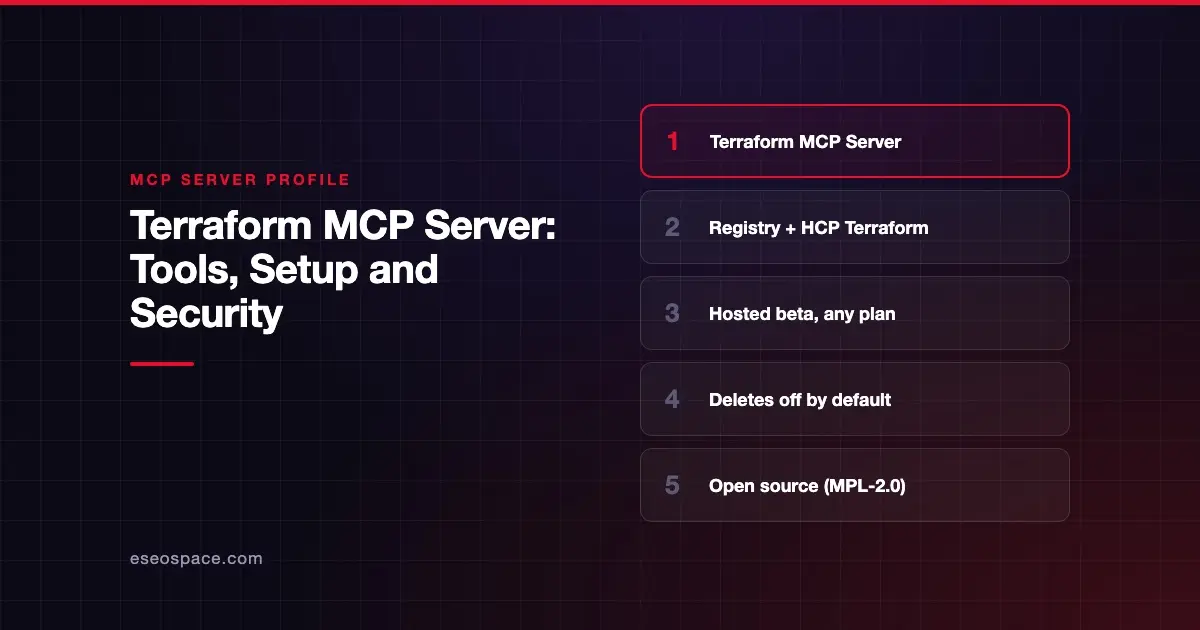
The Terraform MCP Server gives AI models live access to Terraform provider docs, modules and policies, and to workspaces in HCP Terraform and Terraform Enterprise. HashiCorp publishes it as open source and also hosts a remote version for HCP Terraform users.
Checked against: Terraform MCP server documentation on 28 October 2026. eSEOspace did not install or test this server.
Key Takeaways
- The server has three toolsets:
registry(public registry),registry-privateandterraform(HCP Terraform and Terraform Enterprise). - HashiCorp hosts a remote server at
https://mcp.terraform.io/mcp. It is in beta and open to any HCP Terraform plan, including Free. - The remote server uses an HCP Terraform API token, not OAuth, and "does not provide destructive operations."
- When you self-host, destructive tools stay off until you set
ENABLE_TF_OPERATIONS=true. - HashiCorp warns the server may expose Terraform data to the client and LLM, so do not use it with untrusted clients.
At a glance
| Item | Detail |
|---|---|
| Publisher | HashiCorp |
| Official? | Yes |
| Hosting | Both: hosted https://mcp.terraform.io/mcp and self-hosted (Docker, binary, Helm) |
| Transport | stdio and Streamable HTTP |
| Sign-in | HCP Terraform or Terraform Enterprise API token (TFE_TOKEN) |
| Read or write | Both; destructive tools gated |
| Price | No MCP price listed; HashiCorp says use does not change RUM usage or plan entitlements |
| Source code | hashicorp/terraform-mcp-server (MPL-2.0) |
| Status | Hosted server: Beta |
What it can do
HashiCorp's tools reference lists tools by area.
Public registry: search_providers, get_provider_details, get_provider_capabilities, get_latest_provider_version, search_modules, get_module_details, get_latest_module_version, search_policies, get_policy_details.
Private registry: search_private_modules, get_private_module_details, search_private_providers, get_private_provider_details.
HCP Terraform and Terraform Enterprise (terraform toolset):
- Identity:
whoami,get_token_permissions,list_terraform_orgs. - Projects and teams:
list_terraform_projects,create_project,delete_project,create_team,grant_team_access,delete_teamand more. - Workspaces:
list_workspaces,create_workspace,update_workspace,delete_workspace_safely,force_unlock_workspace. - Runs:
list_runs,create_run,action_run,get_plan_details,get_plan_logs,get_apply_logs. - State, policies and variables:
list_state_versions,attach_policy_set_to_workspaces,create_variable_set,create_workspace_variableand related tools. - Stacks:
list_stacks,get_stack_details.
The README says the default toolset is registry. You choose groups with --toolsets or single tools with --tools.
How to connect it
Hosted (beta). HashiCorp's remote server page says you need an HCP Terraform account on any plan, including Free, during the beta. HCP Terraform "does not act as an OAuth provider," so you add an API token. The README's Claude Code command:
claude mcp add terraform -s user -t http \
  --header "Authorization: Bearer <<TFE_TOKEN>>" \
  https://mcp.terraform.io/mcp
Local with Docker. The README's Claude Code command:
claude mcp add terraform -s user -t stdio -- docker run -i --rm hashicorp/terraform-mcp-serverThe README also covers VS Code, Cursor, Claude Desktop, Amazon Q Developer, Kiro CLI, Codex CLI, Gemini extensions, Bob and OpenCode. Docker is listed as a prerequisite for the container route.
Security notes
- Data exposure. The README says the server "may expose certain Terraform data to the MCP client and LLM. Do not use the MCP server with untrusted MCP clients or LLMs."
- Destructive tools are gated.
action_run,delete_workspace_safely,force_unlock_workspace,delete_projectanddelete_teamneedENABLE_TF_OPERATIONS=true. HashiCorp warns they "can permanently modify or destroy infrastructure resources."create_runonly offersauto_approveandis_destroywith that flag set. - Not every write is gated. The reference calls
create_workspacedestructive andupdate_workspacepotentially destructive. It does not say they need the flag. - Hosted is safer by default. The remote server offers no destructive operations and only default run types.
- Self-hosted HTTP hardening. Use TLS, set
MCP_ALLOWED_ORIGINS, and considerMCP_ORGANIZATION_ALLOWLIST. The server rejects tokens in query parameters and blocks clients from changingTFE_ADDRESS. - Review outputs. HashiCorp says users "should thoroughly review all outputs/recommendations."
Use a team token with only the workspaces it needs. See token passthrough risks for centralized deployments and the MCP security hub.
Alternatives
- Pulumi MCP Server for infrastructure as code in general-purpose languages.
- AWS MCP Server for direct AWS API work.
- Azure MCP Server, which can also generate Terraform remediation artifacts for Advisor findings.
Next step
Start with the registry toolset so your AI writes Terraform against current provider docs. Add workspace tools later, with destructive operations off. Our Claude Code consulting team can help set that up. More profiles are in the server directory.
Frequently asked questions
Is the hosted Terraform MCP server free?
HashiCorp does not list an MCP price. It says any HCP Terraform plan, including Free, can use it during the beta. Use does not change your resources under management (RUM) usage or plan entitlements.
Can the Terraform MCP Server destroy infrastructure?
Not on the hosted server. Self-hosted, destructive tools and destroy runs are off unless you set ENABLE_TF_OPERATIONS=true.
Does it support OAuth?
No. HashiCorp says HCP Terraform does not act as an OAuth provider, so you supply an API token in your client config.
Do I need HCP Terraform to use it?
Not for the public registry tools, which run locally. Workspace, run and private registry tools need HCP Terraform or Terraform Enterprise.