This profile is part of our MCP server directory, within The MCP Guide. Profiles are checked against each vendor's own documentation. Need a server built? See MCP development.
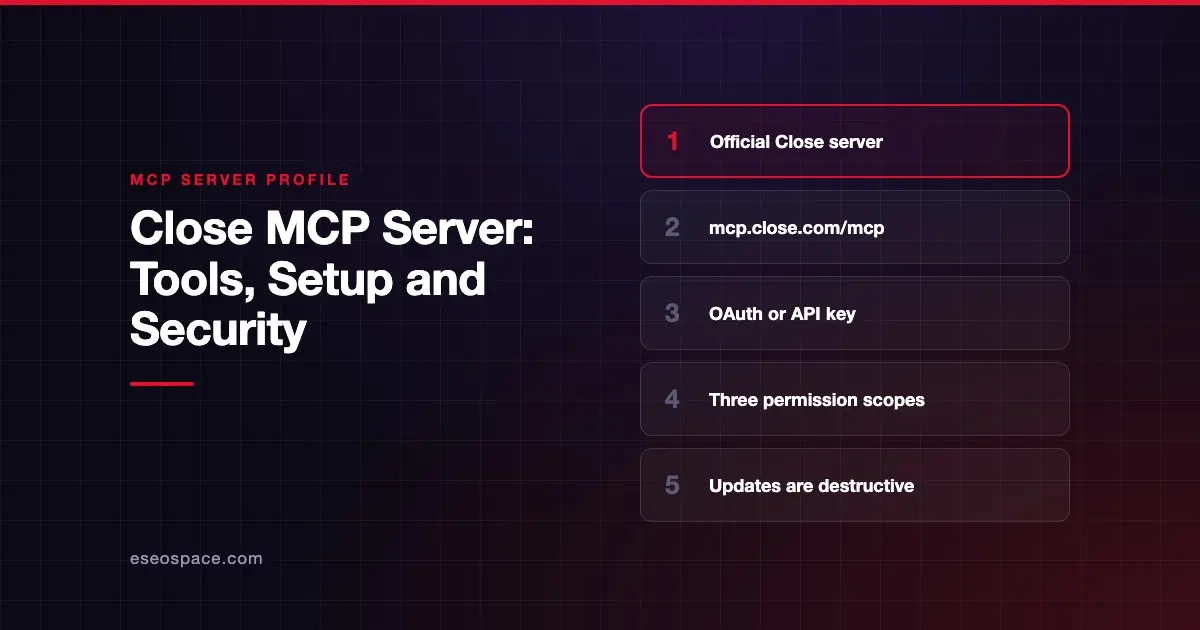
The Close MCP server lets an AI app search leads, activities, opportunities and call transcripts in Close CRM, and, with the right scope, create, update or delete records. Close hosts it at https://mcp.close.com/mcp and documents setup for Claude, ChatGPT, Cursor, VS Code and n8n.
Checked against: Close MCP Server docs and Close MCP Tools on 28 October 2026. eSEOspace did not install or test this server.
Key Takeaways
- Close runs a remote server at
https://mcp.close.com/mcpwith Streamable HTTP and OAuth 2.0 Dynamic Client Registration. - Three scopes set what the AI can do:
mcp.read,mcp.write_safeandmcp.write_destructive. - In Close's scheme, updating existing records is in the destructive scope, not the safe write scope.
- You can sign in with OAuth or send a
Close-API-Keyheader plus aClose-Scopeheader. - Close does not support the older SSE transport.
At a glance
| Item | Detail |
|---|---|
| Publisher | Close |
| Official? | Yes |
| Hosting | Remote URL (https://mcp.close.com/mcp) |
| Transport | Streamable HTTP (no SSE) |
| Sign-in | OAuth 2.0 with Dynamic Client Registration, or API key headers |
| Read or write | Read, safe write, or destructive write, by scope |
| Price | No separate MCP price listed |
| Source code | Closed |
| Status | Not stated |
What it can do
Close publishes its full tool list by scope. Each higher scope includes the tools below it.
Read-only (mcp.read), 77 tools as of October 2026, including:
- Search:
search,lead_search,activity_search,paginate_search - Records:
fetch_lead,fetch_contact,fetch_opportunity,fetch_email_thread,fetch_call,fetch_meeting_transcript - Reporting:
aggregate_objects,list_objects,describe_fields - Org and billing:
org_info,org_users,get_billing_summary,get_ai_credit_usage - Help:
close_product_knowledge_searchsearches Close's own documentation
Safe write (mcp.write_safe) adds 19 tools, mostly for creating items, such as create_lead, create_contact, create_opportunity, create_note, create_task, create_draft_email, create_pipeline and create_workflow.
Destructive write (mcp.write_destructive) adds 42 tools, including every update and delete tool, such as update_lead, update_opportunity, delete_lead, delete_contact, merge_leads, bulk_update_tasks and schedule_voice_agent_call.
This split matters. If you want an assistant to change a deal stage, it needs the destructive scope, which also allows deletes.
How to connect it
Claude. Close says its server is "officially supported across the Claude ecosystem." In Claude, open Settings, select Connectors, then Organization connectors, find Close and click Connect. Then grant access to your Close organization and scopes.
Claude Code. Close documents this command:
claude mcp add --scope user --transport http close https://mcp.close.com/mcpFor API key sign-in instead, Close adds headers:
claude mcp add --scope user --transport http close https://mcp.close.com/mcp \
  --header "Close-API-Key: ${CLOSE_API_KEY}" \
  --header "Close-Scope: mcp.read"
VS Code. Close's sample settings.json adds the server with "type": "http", an API key input and "Close-Scope": "mcp.read", which gives a read-only server.
ChatGPT, Cursor and n8n. Close links an official ChatGPT plugin, a one-click Cursor install and an n8n MCP Client Tool setup using MCP OAuth2.
To work with more than one Close organization, add one connection per org with a unique name. Close describes a workaround for Claude that appends ?1, ?2 and so on to the URL.
Security notes
- Choose the lowest scope.
mcp.readis read-only. Close's own VS Code example defaults to it. - Destructive includes updates. Updates, deletes, merges and voice-agent calls all sit in
mcp.write_destructive. - Protect API keys. If you use the header method, the key is a long-lived secret. Store it in an environment variable, as Close's example does, not in a shared file.
- Per-org connections. Each connection is tied to the organization you approve during OAuth.
- Calls and transcripts. Read tools return call transcripts and email bodies, which may hold sensitive customer data.
Email and transcript text can carry hidden instructions. Read MCP prompt injection, MCP secret leakage and the MCP Security Center.
Alternatives
- Attio MCP server: auto-approves reads and asks before writes.
- Pipedrive MCP server: a native server on all Pipedrive plans.
- Apollo.io MCP server: prospecting, enrichment and sequences.
Next step
Start every rep on mcp.read and only grant the destructive scope to people who need record updates. Compare other sales servers in the MCP server directory, or ask us for an MCP readiness audit.
Frequently asked questions
What is the Close MCP server URL?
Close lists https://mcp.close.com/mcp. It supports Streamable HTTP and OAuth 2.0 Dynamic Client Registration.
Can I make the Close MCP server read-only?
Yes. Choose the mcp.read scope during OAuth, or send Close-Scope: mcp.read with an API key. Only read tools are then available.
Why does updating a lead need the destructive scope?
Close's tool list puts all update and delete tools under mcp.write_destructive. The mcp.write_safe scope mostly adds tools that create new items, plus a few like pinning smart views.
Does Close MCP support SSE?
No. Close's FAQ says it currently does not support SSE and asks teams that need it to email support.