This profile is part of our MCP server directory, within The MCP Guide. Profiles are checked against each vendor's own documentation. Need a server built? See MCP development.
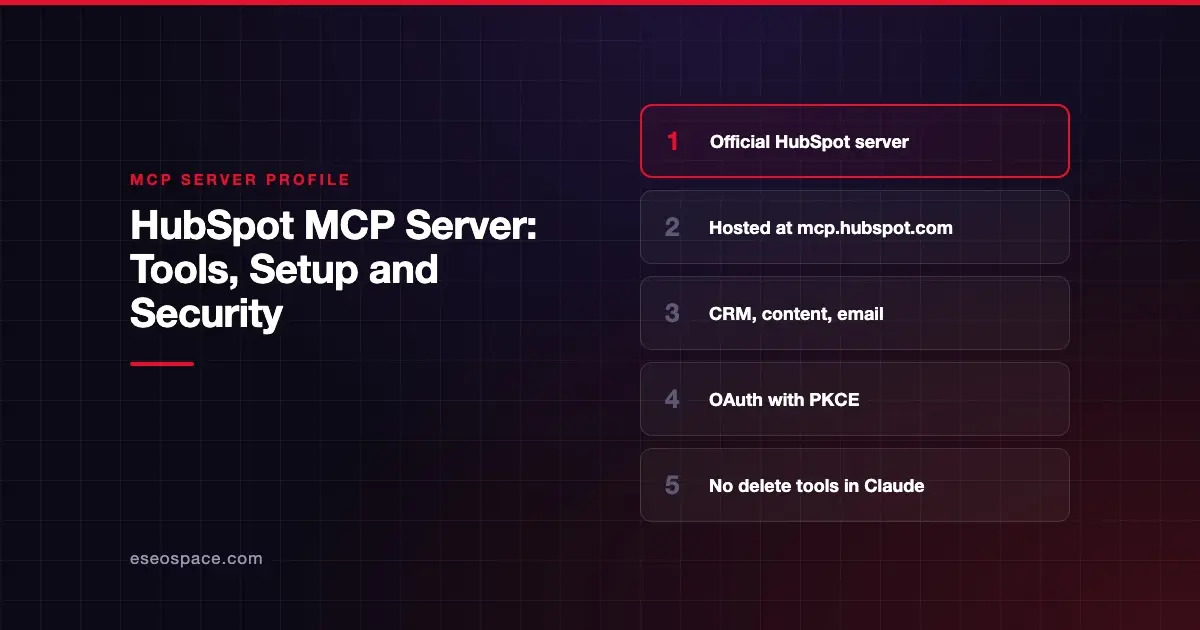
The HubSpot MCP server lets an AI app search, read and update your HubSpot CRM, plus content, campaigns and marketing email drafts. HubSpot runs it as a hosted remote server at https://mcp.hubspot.com, and each user signs in with their own HubSpot permissions. Claude users get a separate, ready-made directory connector instead.
Checked against: HubSpot's MCP server integration guide and HubSpot's Claude connector article on 28 October 2026. eSEOspace did not install or test this server.
Key Takeaways
- HubSpot hosts the server at
https://mcp.hubspot.comand requires OAuth with PKCE, using a connector you create in your HubSpot account. Claude's directory connector skips that step. - It reads CRM records, activities, content, conversations and marketing email, and it can write records, pages, blog posts, campaigns and properties.
- HubSpot's developer guide says write tools such as
manage_crm_objectsrequire user confirmation. Its Claude article is softer: Claude "may" show changes first, and "Always allow" skips the prompt. - In Claude, HubSpot caps writes at 10 records at a time and offers no delete tools, as of October 2026.
- Some tools depend on your subscription: AEO tools need Marketing Hub Professional or Enterprise, and quotes are in beta.
- If Sensitive Data is turned on, activity and conversation data is blocked in the MCP server.
At a glance
| Item | Detail |
|---|---|
| Publisher | HubSpot |
| Official? | Yes |
| Hosting | Remote URL (https://mcp.hubspot.com) |
| Transport | Streamable HTTP |
| Sign-in | OAuth with PKCE (client ID and secret from an MCP connector); Claude's directory connector needs no connector setup |
| Read or write | Read and write |
| Price | No separate MCP price listed; some tools need specific Hubs or tiers |
| Source code | Closed |
| Status | Not stated for the server; revenue objects and quotes are marked beta |
What it can do
HubSpot's integration guide publishes the tool list by group. Availability varies by subscription, permissions and account setup.
| Group | Tools |
|---|---|
| Account and schema | get_user_details, get_organization_details, discover_hubspot_schema, tool_guidance |
| CRM data | search_crm_objects, get_crm_objects, manage_crm_objects, manage_segment, query_crm_data |
| Properties and pipelines | search_properties, get_properties, manage_custom_properties, manage_custom_pipelines |
| Owners | search_owners |
| Campaigns and marketing | get_campaign_attribution_reports, read_campaign_data, manage_campaign_objects, get_marketing_email_analytics, manage_marketing_email, get_content_analytics_report |
| Content | manage_landing_page, manage_website_page, manage_blog_post, render_asset |
| Conversations and intent | search_conversations, get_conversation_channel_metadata, search_intent_signals |
| AEO | get_aeo_metrics, manage_aeo_prompts, manage_aeo_recommendations |
| Other | manage_onboarding, submit_feedback |
Read access covers contacts, companies, deals, tickets, leads, custom objects, activities such as calls and notes, blog posts and pages, campaigns, and conversation channels. Write access covers CRM records and activities, pages and blog posts (including publishing), campaigns, marketing email drafts, pipelines, custom properties and static segments.
HubSpot also documents hard limits. search_crm_objects returns up to 200 results per page, get_crm_objects takes up to 100 IDs, and query_crm_data does not support joins or subqueries. The page and blog tools (manage_website_page, manage_blog_post, render_asset) work only in select clients, which HubSpot names as Claude, ChatGPT and Gemini.
For how this fits a marketing stack, see MCP for marketing teams.
How to connect it
Claude: use the directory connector
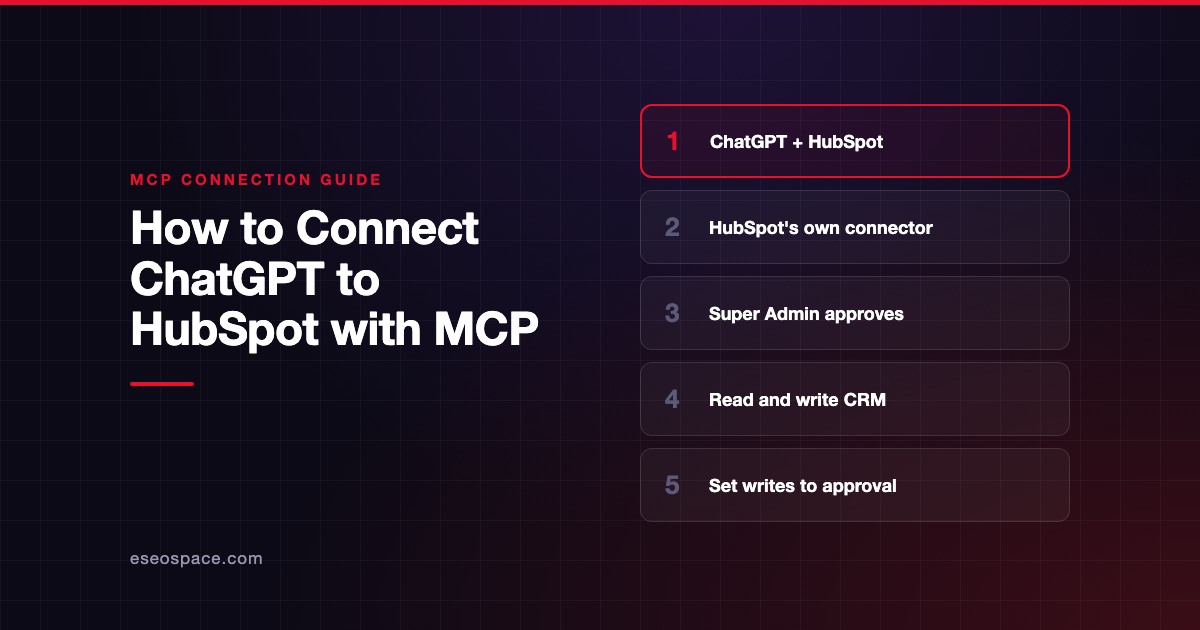
If you use Claude, you do not need to create a HubSpot MCP connector. Claude's directory listing shows a HubSpot-built connector at https://mcp.hubspot.com/anthropic. You add it from Customize > Connectors in Claude, sign in to HubSpot and click Connect app.
HubSpot's Claude connector article lists the conditions, as of October 2026:
- Paid Claude plan. HubSpot says "You must have a paid Anthropic subscription" (Pro, Max, Team or Enterprise).
- Super Admin approval. Super Admins and users with App Marketplace Access connect right away. Everyone else needs a Super Admin to approve the connector and set its data permissions.
- Write limits. HubSpot says "you can only create or update 10 records at a time," and the connector "does not support delete operations."
Our step-by-step guide covers the rest: connect Claude to HubSpot.
Other AI clients: create an MCP connector
HubSpot's developer guide describes creating an MCP connector first. In HubSpot, go to Development, then MCP Connectors, then click Create MCP connector. Enter a name and a redirect URL that matches your AI client, then click Create. The connector details page shows the client ID and client secret.
In your AI client, add the server URL and those credentials:
https://mcp.hubspot.comThe user then selects a HubSpot account, grants permissions and authorizes the connection. HubSpot does not publish a config JSON snippet. For testing, its guide uses the MCP Inspector with Streamable HTTP and the redirect URL http://localhost:6274/oauth/callback/debug, then runs get_user_details to confirm the connection.
HubSpot notes that users must reinstall the connector to pick up newly added scopes. HubSpot's MCP overview also describes a separate, local Developer MCP server for building HubSpot apps through its CLI; this profile covers the remote CRM server.
Security notes
- Your permissions, no more. HubSpot says all actions respect the signed-in user's HubSpot permissions. Scopes depend on the tools available at install time and what the user grants.
- Confirmation on writes. HubSpot's developer guide says write tools such as
manage_crm_objectsandmanage_segmentrequire explicit user confirmation. Its Claude article is softer: Claude "may show you the proposed changes before execution," and with Always allow, "edits may occur without asking for approval." HubSpot recommends setting write tools to Needs Approval in Claude. - Publishing is a write.
manage_landing_page,manage_website_pageandmanage_blog_postcan create, edit and publish public content. Treat them as high risk. - Sensitive Data. When HubSpot's Sensitive Data setting is on, activity and conversation data is blocked in the MCP server.
- Token lifetime. Access tokens expire; clients use the refresh token and re-authorize when it is invalid.
Content you pull into the AI, like inbound emails or chat messages, can carry hidden instructions. Read MCP prompt injection and the MCP Security Center before you let an agent write.
Alternatives
- Salesforce MCP server: admin-activated hosted servers for Enterprise Edition orgs.
- Pipedrive MCP server: a native server available on all Pipedrive plans.
- Attio MCP server: a hosted server that auto-approves reads and confirms writes.
Next step
Start with read tools and one trusted client, then add writes once reports look right. If you want help planning which HubSpot actions an agent should be allowed to take, book an MCP readiness audit. Browse more profiles in the MCP server directory.
Frequently asked questions
Is the HubSpot MCP server free?
HubSpot's integration guide does not list a separate MCP price. Some tools depend on your plan. AEO tools need Marketing Hub Professional or Enterprise, and quotes need Revenue Hub Professional or Enterprise.
Can the HubSpot MCP server publish pages?
Yes. HubSpot's guide says the server can create, edit and publish landing pages, website pages and blog posts. Those tools are available only in select AI clients that HubSpot names: Claude, ChatGPT and Gemini.
Does it respect HubSpot user permissions?
Yes. HubSpot says all actions respect the user's HubSpot permissions. Inbox access is also limited to the users or teams an inbox is restricted to.
Why can't the AI see call notes or conversations?
If your account has Sensitive Data enabled, HubSpot blocks activity and conversation data in the MCP server. That data is still available through HubSpot's standard CRM APIs.