This profile is part of our MCP server directory, within The MCP Guide. Profiles are checked against each vendor's own documentation. Need a server built? See MCP development.
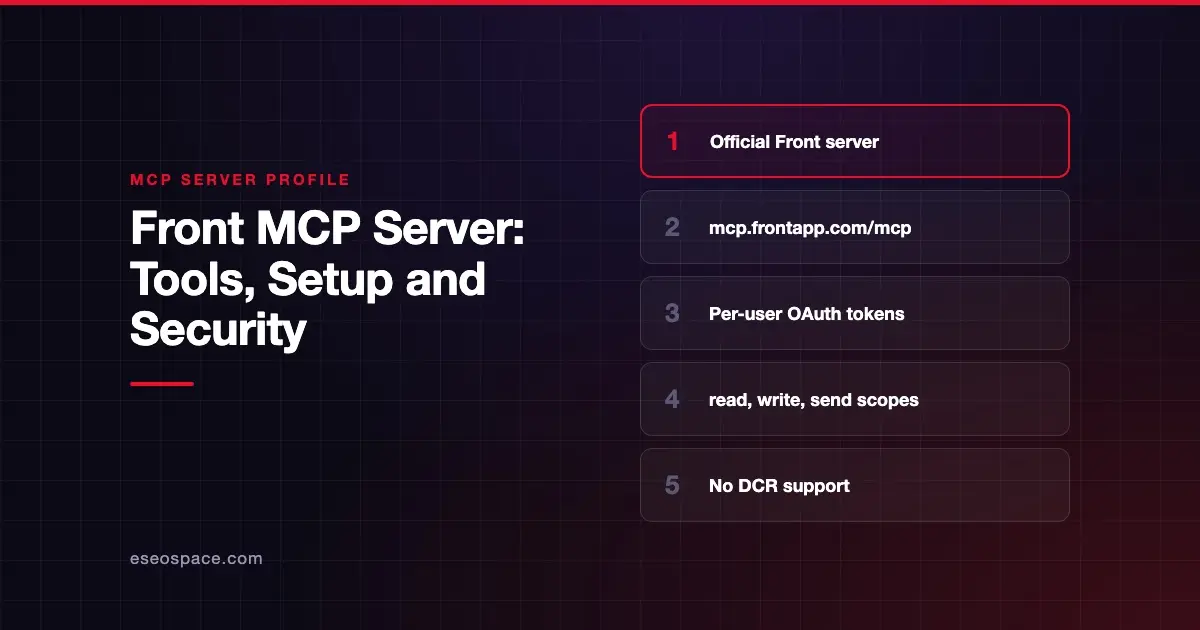
Front's MCP server lets AI agents search and read conversations, draft and send replies, add internal comments, tag, assign and archive conversations, and look up contacts. Front hosts it at https://mcp.frontapp.com/mcp, and every tool call is tied to a specific Front teammate.
Checked against: Front's MCP Server developer docs on 28 October 2026. eSEOspace did not install or test this server.
Key Takeaways
- Front hosts the server at
https://mcp.frontapp.com/mcpover Streamable HTTP, targeting MCP spec version 2025-11-25. - Agents authenticate as a specific teammate, with exactly that teammate's permissions.
- Three scopes control access:
read,writeandsend. Sending is separate from drafting. - Front does not support Dynamic Client Registration, so clients must send an OAuth client ID and secret.
- Official directory listings exist for Claude and ChatGPT; other clients use a Front developer app.
At a glance
| Item | Detail |
|---|---|
| Publisher | Front |
| Official? | Yes |
| Hosting | Remote URL (https://mcp.frontapp.com/mcp) |
| Transport | Streamable HTTP |
| Sign-in | OAuth 2.1 with PKCE, confidential client (ID and secret); no DCR |
| Read or write | Read, write and send, by scope |
| Price | No separate MCP price listed; tool-call rate limits vary by plan |
| Source code | Closed |
| Status | Not stated in the developer docs |
What it can do
Front's developer docs publish a tool reference with each tool's access level.
| Group | Tools |
|---|---|
| Conversations | search_conversations, read_conversation (read); create_draft, update_draft, delete_draft, assign_conversation, move_conversation (write); update_conversation_status (write, destructive); send_message (send, destructive) |
| Messages | read_message, get_attachment |
| Templates | search_message_templates |
| Comments | add_comment (internal, not visible to customers) |
| Tasks | create_task, update_task |
| Tags | list_tags, tag_conversation |
| Contacts and accounts | search_contacts, read_contact, search_accounts, read_account |
| Organization | get_my_identity, list_inboxes, list_channels, list_teammates, list_teams, list_statuses, list_drafts |
send_message only sends a draft that already exists, was created by create_draft and is owned by the connected teammate. That two-step design gives you a natural review point.
Rate limits
Front meters tool calls per minute, separately from its Core API limits:
| Plan | Tool calls per minute |
|---|---|
| Starter | 100 |
| Professional | 200 |
| Enterprise | 300 |
Limits are keyed on the connecting teammate. Front says these are minimums, and capacity refills continuously.
How to connect it
Claude or ChatGPT. Front recommends its official directory listings, such as the Front connector in Claude's directory. A Front admin, or a user allowed to install integrations, connects first. Then each teammate connects their own account.
Other clients. First create an app in Front under Settings > Company > Developer:
- Create a developer app, click Add feature in the Features tab and add an OAuth feature.
- Note the Client ID and Client secret, and add your client's redirect URL.
- Enable MCP Server under Feature access, and only that option.
- Under Resource permissions, pick the narrowest scopes your use needs.
Then connect your client. Front's Claude Code example:
MCP_CLIENT_SECRET=<your-client-secret> claude mcp add --transport http --client-id <your-client-id> --client-secret front https://mcp.frontapp.com/mcpRestart Claude Code, run /mcp, select the server and choose Authenticate. For Claude Code, Front says the app's redirect URL should be http://localhost/callback.
Security notes
- Per-user identity. Front says "the agent's effective permissions are exactly the authorizing teammate's permissions." If the teammate cannot see an inbox, neither can the agent.
- Scope advice from Front. A research agent needs only
read. A drafting copilot needsreadpluswrite. Requestsendonly if the agent will actually send messages. - Destructive tools. Front marks
send_messageandupdate_conversation_statusas destructive. - Admin ceiling. Front admins can limit which read, write and send permissions the MCP server can use for all connected assistants.
- New permissions need reconnects. A connection keeps the permissions approved at first authorization. New tools that need more return a
missing required scopeserror until users reconnect.
Customer emails are untrusted input that an agent will read before drafting a reply. Read MCP prompt injection, MCP confused deputy and the MCP Security Center.
Alternatives
- Intercom MCP server: mostly read-only support tools with US and EU endpoints.
- Freshdesk MCP server: ticket and knowledge base tools with API key access.
- HubSpot MCP server: conversation search alongside CRM records.
Next step
Give your first agent read and write only, so it can draft replies that a teammate sends. For more support and inbox servers, browse the MCP server directory, or ask us about MCP development for a custom triage agent.
Frequently asked questions
Can the Front MCP server send emails to customers?
Yes, with the send scope. send_message sends a draft created by create_draft and owned by the connected teammate. Without send, the agent can only draft.
Why can't my AI client connect to Front?
Front does not support Dynamic Client Registration. Your client must support a confidential OAuth connection that sends a client ID and secret.
Does the agent see every inbox?
No. Front says each token is bound to one teammate, and the agent only sees what that teammate's Front role allows.
What are the Front MCP rate limits?
Front lists 100 tool calls per minute on Starter, 200 on Professional and 300 on Enterprise, per connecting teammate. These limits are separate from Core API limits.