This profile is part of our MCP server directory, within The MCP Guide. Profiles are checked against each vendor's own documentation. Need a server built? See MCP development.
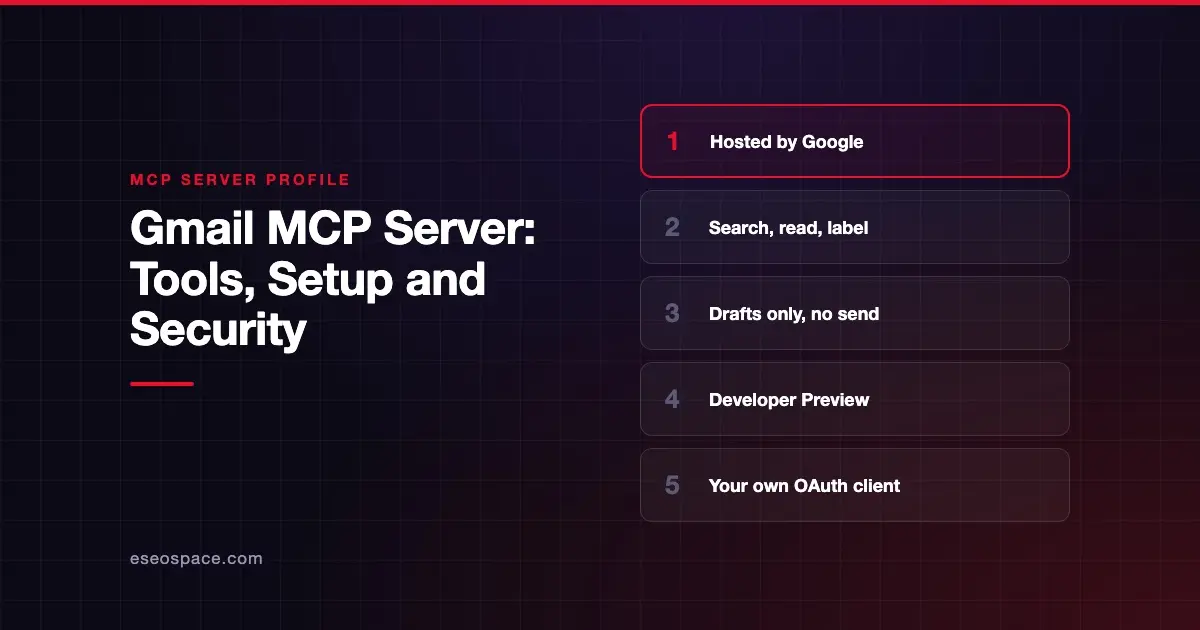
Google's Gmail MCP server lets an AI app search your mailbox, read messages and threads, apply or remove labels, and create drafts. It does not send email. Google publishes and hosts it as one of its Workspace MCP servers, and as of October 2026 it is part of the Google Workspace Developer Preview Program.
Checked against: Configure the Google Workspace MCP servers on 28 October 2026. eSEOspace did not install or test this server.
Key Takeaways
- The server URL is
https://gmailmcp.googleapis.com/mcp/v1, over Streamable HTTP. - It has 10 tools. The only write actions are creating drafts and changing labels; there is no send tool.
- Google says drafts can be reviewed and sent from Gmail, which keeps a person in the loop by design.
- You need Developer Preview membership, a Google Cloud project and your own OAuth client marked for an AI-powered agent.
- Google's setup guide warns about indirect prompt injection from untrusted emails.
At a glance
| Item | Detail |
|---|---|
| Publisher | |
| Official? | Yes |
| Hosting | Remote URL: https://gmailmcp.googleapis.com/mcp/v1 |
| Transport | Streamable HTTP |
| Sign-in | OAuth 2.0 with your own client ID and secret |
| Read or write | Read, plus drafts and labels (no sending) |
| Price | No separate MCP price listed |
| Source code | Closed (hosted by Google) |
| Status | Developer Preview |
What it can do
Google's setup guide lists these Gmail tools:
search_threadsfinds threads that match a query.get_threadandget_messageread a thread or a single message.list_labelsandlist_draftslist your labels and drafts.label_message,label_thread,unlabel_messageandunlabel_threadadd or remove labels.create_draftwrites a new draft.
The OAuth scopes are gmail.readonly and gmail.compose. The compose scope is what allows draft creation.
This design matters for a business. An AI can prepare a reply, but a person still opens Gmail and presses send. If you need an agent that sends on its own, this server will not do it.
How to connect it
Google documents setup for Google Antigravity and for Claude. Claude needs an Enterprise, Pro, Max or Team plan, according to the guide. The main steps are:
- Join the Google Workspace Developer Preview Program. Its terms say pre-GA features may not be included in public apps before general availability.
- In a Google Cloud project, enable the Gmail API and the Gmail MCP API. Google's command is:
gcloud services enable gmailmcp.googleapis.com --project=PROJECT_ID- Configure the OAuth consent screen in Google Auth Platform and add the Gmail scopes.
- Create an OAuth client of type "Web application." Select "Use this client for an AI-powered agent" and add your client's redirect URI. For Claude, Google lists
https://claude.ai/api/mcp/auth_callback. - In Claude, go to Settings (or Admin settings) > Connectors, click "Add custom connector," enter a name and the Gmail server URL, then add the client ID and secret under Advanced settings.
- Sign in and test with a prompt such as asking for a draft.
For Antigravity, Google says to add a gmail entry under mcpServers in ~/.gemini/config/mcp_config.json, with serverUrl and an oauth block holding your client ID and secret.
Without a refresh token, Google says users must sign in again about every hour. Adding access_type=offline to the authorization request fixes that.
Security notes
Email is one of the riskiest data sources to give an AI. Anyone can send you a message, so anyone can put text in front of the model. Google's guide says untrusted emails can contain hidden instructions that "hijack" a session and lead to data being modified, stolen or deleted. It advises using only trusted tools, being careful with untrusted inputs and reviewing every action the client takes.
The draft-only design limits the damage. A hijacked session cannot send mail through this server. It can still read sensitive threads and pass them to another connected tool, which is the cross-server data leakage pattern. Be careful about which other servers share the session.
Other notes from Google:
- Service accounts with domain-wide delegation and Apps Script default OAuth clients cannot use the "AI-powered agent" option. Google describes workarounds.
- Because it is a preview, behavior and tools may change. The program terms also say Google may use data sent through pre-GA APIs to provide, test and improve them.
The MCP tools specification says clients should prompt for confirmation on sensitive operations. Check that your client does this before the agent creates drafts or relabels mail.
Read more on prompt injection through tool results and in our MCP security center.
Alternatives
- Google Workspace MCP servers, our profile of Google's Drive, Docs, Sheets and Calendar servers.
- Outlook (Microsoft 365 Mail) MCP server, which can send mail but is marked legacy.
- AgentMail MCP server, for giving an agent its own inbox rather than access to yours.
Next step
If you plan to connect a shared support or sales inbox, write down which labels and senders the AI may touch before you start. eSEOspace can review that plan in an MCP readiness audit. See more servers in our MCP server directory.
Frequently asked questions
Can the Gmail MCP server send email?
No. Google's tool list includes create_draft but no send tool. Google says drafts can be reviewed and sent from Gmail.
Is the Gmail MCP server generally available?
No. As of October 2026 it is part of the Google Workspace Developer Preview Program, and you must be a member to use it.
Which OAuth scopes does it use?
Google lists gmail.readonly and gmail.compose. You add them to your OAuth consent screen when you set up your Google Cloud project.
Which AI clients does Google document?
Google's guide covers Google Antigravity and Claude. For Claude, it says you need an Enterprise, Pro, Max or Team plan.