This profile is part of our MCP server directory, within The MCP Guide. Profiles are checked against each vendor's own documentation. Need a server built? See MCP development.
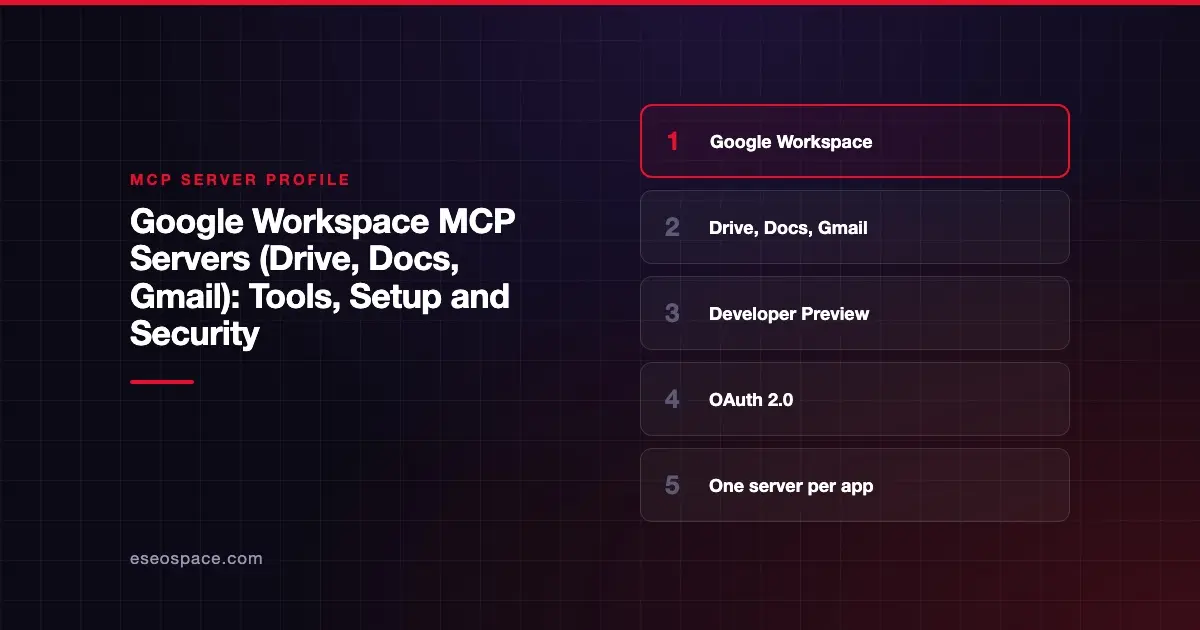
Google's Workspace MCP servers let an AI app search and read Drive files, edit Docs and Sheets, draft Gmail messages and manage Calendar events. Google publishes and hosts them, with one remote server per Workspace product. As of October 2026 they are in Developer Preview, so you must join Google's preview program first.
Checked against: Configure the Google Workspace MCP servers on 28 October 2026. eSEOspace did not install or test this server.
Key Takeaways
- Google runs a separate MCP server for each product, such as
https://drivemcp.googleapis.com/mcp/v1for Drive. - Access is through the Google Workspace Developer Preview Program, not a general release.
- You create your own Google Cloud project and OAuth client, and pick the scopes each server needs.
- The servers inherit the signed-in user's permissions and Workspace data governance controls.
- Google's own guide warns about indirect prompt injection from untrusted emails and documents.
At a glance
| Item | Detail |
|---|---|
| Publisher | |
| Official? | Yes |
| Hosting | Remote URLs, one per product (for example https://drivemcp.googleapis.com/mcp/v1) |
| Transport | Streamable HTTP |
| Sign-in | OAuth 2.0 with your own OAuth client |
| Read or write | Both, depending on the product and scopes |
| Price | No separate MCP price listed |
| Source code | Closed (hosted by Google) |
| Status | Developer Preview |
What it can do
Google lists the tools for each server in its setup guide. The document-focused ones are:
- Drive:
search_files,read_file_content,download_file_content,get_file_metadata,get_file_permissions,list_recent_files,create_fileandcopy_file. - Docs:
read_docandupdate_doc. - Sheets:
get_values,get_spreadsheet,update_values,update_formulas,update_spreadsheetandinsert_dimension. - Slides:
read_presentationandupdate_presentation. - Gmail:
search_threads,get_thread,get_message,create_draft,list_draftsand label tools. There is no send tool in Google's list;create_draftwrites a draft. - Calendar:
list_events,search_events,suggest_time,create_event,update_event,delete_eventandrespond_to_event.
Google also lists servers for Chat, People (directory and contacts) and Classroom. Each product has a tool reference page, such as the Drive MCP reference.
How to connect it
Setup takes more steps than most hosted servers. Google's guide walks through them in this order:
- Join the Developer Preview Program and create a Google Cloud project.
- Turn on the standard APIs (Drive, Docs, Gmail and so on) and the matching MCP services, such as
drivemcp.googleapis.com, using gcloud or the console. - Set up the OAuth consent screen and add scopes. For Drive, Google lists
drive.readonlyanddrive.file. - Create an OAuth client of type Web application, add your client's redirect URI and select Use this client for an AI-powered agent.
- Add each server to your MCP client with its URL, client ID and client secret.
For Claude, Google says to add a custom connector per product (Claude now labels its connector page Customize > Connectors) and enter the OAuth client ID and secret under Advanced settings. The redirect URI it gives is https://claude.ai/api/mcp/auth_callback. Google lists Claude Enterprise, Pro, Max or Team as the Claude plans that work. Google's guide also covers Antigravity, and gives generic settings for other clients: Streamable HTTP and OAuth 2.0.
One detail trips people up. Google says clients must request access_type=offline, or users will have to sign in again about every hour.
Security notes
Google's guide includes a clear warning. Untrusted emails, documents or other inputs can hold hidden instructions that could let an attacker modify, steal or delete data. Google advises using only trusted tools, being careful with untrusted inputs and reviewing every action the AI takes. Our page on prompt injection explains the attack in plain English.
- Pick narrow scopes. Drive offers
drive.readonlyanddrive.file. Start read-only where you can. - Write and delete tools.
update_doc,update_values,delete_eventandsend_message(Chat) change real data. - Audit. Admins can review OAuth log events in the security investigation tool.
- Separate OAuth clients. Google recommends keeping agent and non-agent OAuth clients apart.
- Mixing servers. Connecting Gmail, Drive and Chat at once raises the risk of data exfiltration across tools.
More guidance lives in the MCP security hub.
Alternatives
- Microsoft MCP Server for Enterprise for read-only Microsoft Entra directory data.
- Dropbox MCP server or Box MCP server for files stored outside Google Drive.
- Google's google/mcp repository also lists an open-source Workspace server built as a Gemini CLI extension.
Next step
Google's servers give you fine control, but you own the OAuth client and scope choices. If your team needs help planning that, eSEOspace offers an MCP readiness audit. You can also compare other options in the MCP server directory.
Frequently asked questions
Is there an official Google Drive MCP server?
Yes. Google hosts a Drive MCP server at https://drivemcp.googleapis.com/mcp/v1, alongside servers for Docs, Sheets, Slides, Gmail, Calendar, Chat, People and Classroom. As of October 2026 they are in Developer Preview.
Can the Gmail MCP server send email?
Google's tool list for Gmail includes create_draft but no send tool. The AI can draft and label mail, and a person sends it. Check the Gmail reference page for changes.
Why do I need my own OAuth client?
Google's setup has you create the OAuth client in your own Cloud project and choose its scopes. That gives your admins control over what each AI client can request. It also means you must manage the client secret carefully.
Does the AI see files I can't see?
No. Google says the servers inherit the same permissions and data governance controls as the signed-in user. The AI sees what that user can see, which may still be a lot.