This profile is part of our MCP server directory, within The MCP Guide. Profiles are checked against each vendor's own documentation. Need a server built? See MCP development.
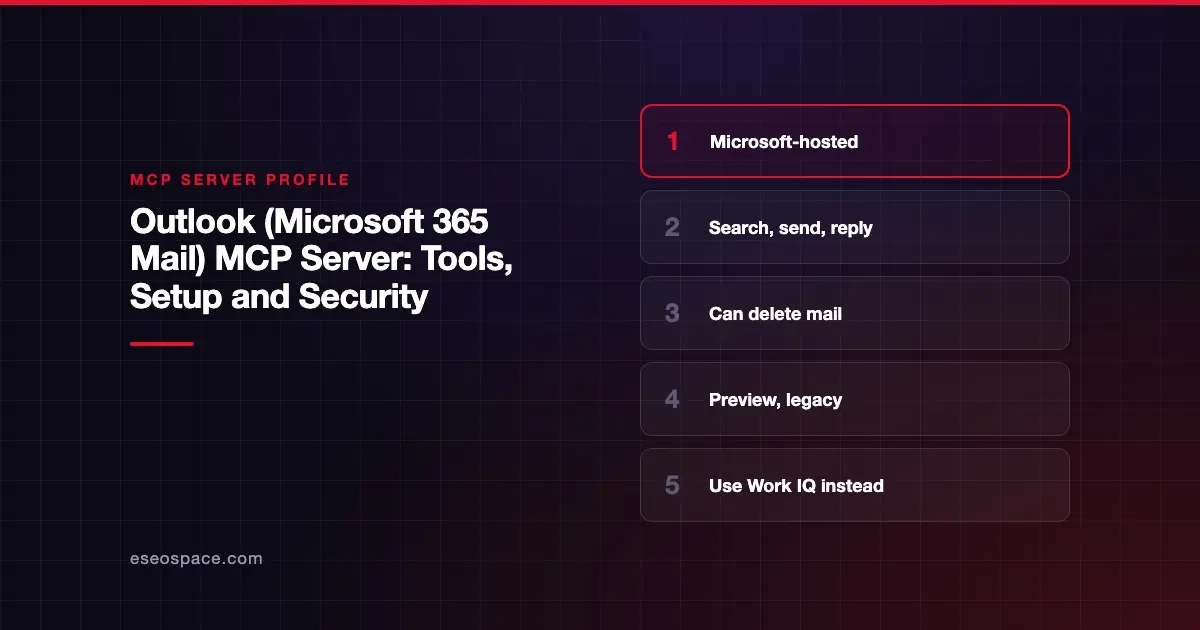
Microsoft's Mail MCP server lets an AI agent search, read, draft, send, reply to and delete email in the signed-in user's Outlook mailbox through Microsoft Graph. Microsoft publishes and hosts it as part of its Agent 365 tooling. As of October 2026, Microsoft labels it a preview and a legacy option kept for backward compatibility.
Checked against: Mail reference (preview) on 28 October 2026. eSEOspace did not install or test this server.
Key Takeaways
- The server ID is
mcp_MailToolsand it has 10 documented tools. - Unlike Google's Gmail server, it can send mail directly with
mcp_MailTools_graph_mail_sendMail, and it can reply, reply-all and delete. - Microsoft says the app-specific Microsoft 365 MCP tools, including Mail, "shouldn't be used in production environments or new projects."
- For new work, Microsoft recommends Work IQ MCP, which it describes as generally available.
- Microsoft warns that preview tool names and parameters might change.
At a glance
| Item | Detail |
|---|---|
| Publisher | Microsoft |
| Official? | Yes |
| Hosting | Remote, tenant-level URL: https://agent365.svc.cloud.microsoft/agents/tenants/{tenantId}/servers/mcp_MailTools |
| Transport | Not stated on the reference page |
| Sign-in | Acts as the signed-in Microsoft 365 user (Microsoft Graph Mail API) |
| Read or write | Both, including send and delete |
| Price | No separate MCP price listed |
| Source code | Closed (hosted by Microsoft) |
| Status | Preview; legacy, for backward compatibility |
What it can do
Microsoft's Mail tool reference lists these tools.
Read and search:
mcp_MailTools_graph_mail_getMessagegets one message by ID.mcp_MailTools_graph_mail_listSentlists sent items.mcp_MailTools_graph_mail_searchMessagessearches mail with KQL-style queries across subject, body and attachments.
Draft and change:
mcp_MailTools_graph_mail_createMessagecreates a draft, with HTML support.mcp_MailTools_graph_mail_updateMessagechanges subject, body, categories or importance.
Send (acts on your behalf):
mcp_MailTools_graph_mail_sendMailsends an email as the signed-in user, with To, CC and BCC.mcp_MailTools_graph_mail_sendDraftsends an existing draft.mcp_MailTools_graph_mail_replyandmcp_MailTools_graph_mail_replyAllsend replies.
Delete:
mcp_MailTools_graph_mail_deleteMessagedeletes a message from the user's mailbox.
The reference page does not describe a confirmation step inside the server. Any "are you sure?" prompt must come from the agent platform or client you use.
How to connect it
Microsoft does not publish a standalone install command. Access runs through Agent 365. Microsoft's MCP server options overview says the Tools registry in the Microsoft 365 admin center is the source of truth for available servers. Availability "can vary by tenant, region, rollout status, licensing, administrator approval, and organizational policy."
The documented flow is:
- An admin reviews the server under Agents > Tools in the Microsoft 365 admin center. Admins can view and control individual tools for supported servers.
- A maker adds it to a Copilot Studio agent. The reference applies to agents on the standard harness.
- The reference page lists the tenant-level URL above for the server.
Microsoft's guidance for new projects is to use Work IQ MCP rather than this server.
Security notes
A server that can send mail as a real employee is a high-value target. A forged instruction inside an incoming email could ask the agent to forward data or reply to a stranger. This is prompt injection through tool results, and it can turn into data exfiltration when send tools are enabled.
Steps that reduce the risk:
- In the admin center, turn off
sendMail,replyAllanddeleteMessageunless a workflow truly needs them. KeepcreateMessageso the agent drafts and a person sends. - Keep send actions behind a human approval step in your agent platform. The MCP tools specification says clients should prompt for confirmation on sensitive operations.
- Remember that
saveToSentItemsdefaults to true, so sent messages land in Sent Items, which helps later review. - Re-check tool names before automating, since Microsoft says preview names may change.
Our MCP security center has a full checklist.
Alternatives
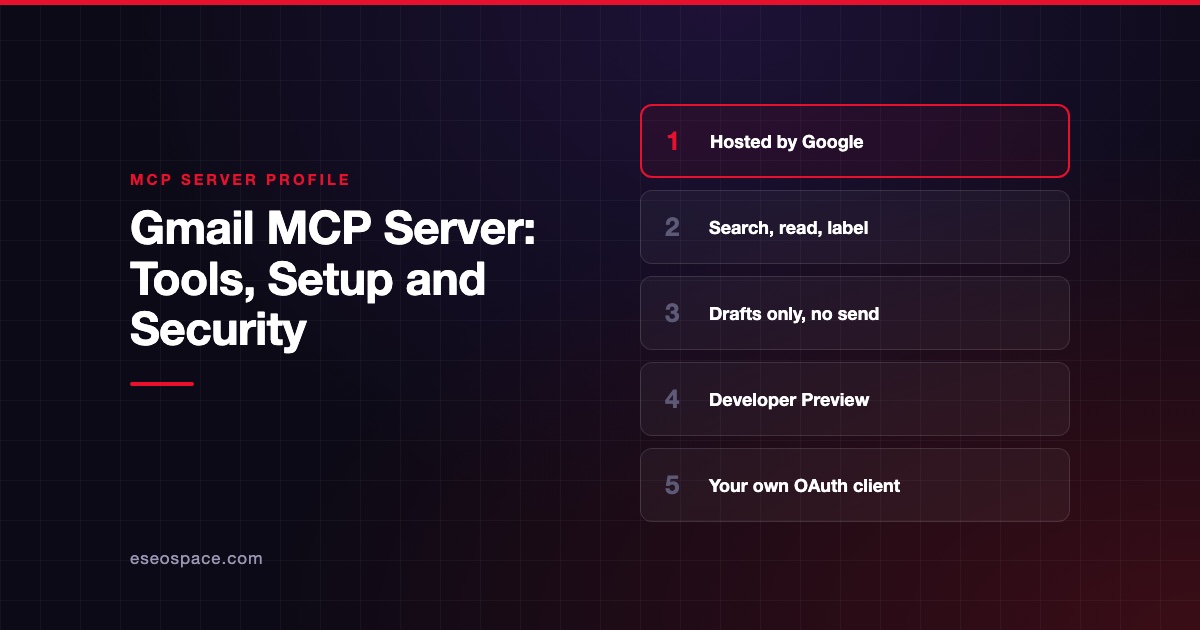
- Gmail MCP server, Google's preview server, which drafts but never sends.
- Microsoft Teams MCP server, the sister legacy server for chats.
- AgentMail MCP server, for giving an agent its own separate inbox.
- Work IQ MCP, Microsoft's recommended path for Microsoft 365 data.
Next step
Before you let any agent send from a company mailbox, decide which mailbox, which recipients and who approves. eSEOspace can help you set that policy in an MCP readiness audit. Browse more servers in our MCP server directory.
Frequently asked questions
Is there an official Outlook MCP server?
Yes. Microsoft hosts a Mail server, ID mcp_MailTools, that works with Outlook mailboxes through the Microsoft Graph Mail API. It is a preview and Microsoft calls it a legacy option.
Can it send email without me?
It can. mcp_MailTools_graph_mail_sendMail sends as the signed-in user. Whether you see a confirmation depends on your agent platform's settings, not on the server.
Should new projects use it?
Microsoft says no. Its docs recommend Work IQ MCP for new projects that need Microsoft 365 data.
Can it delete email?
Yes. mcp_MailTools_graph_mail_deleteMessage deletes a message from the signed-in user's mailbox. Block it in the admin center if you do not need it.