This profile is part of our MCP server directory, within The MCP Guide. Profiles are checked against each vendor's own documentation. Need a server built? See MCP development.
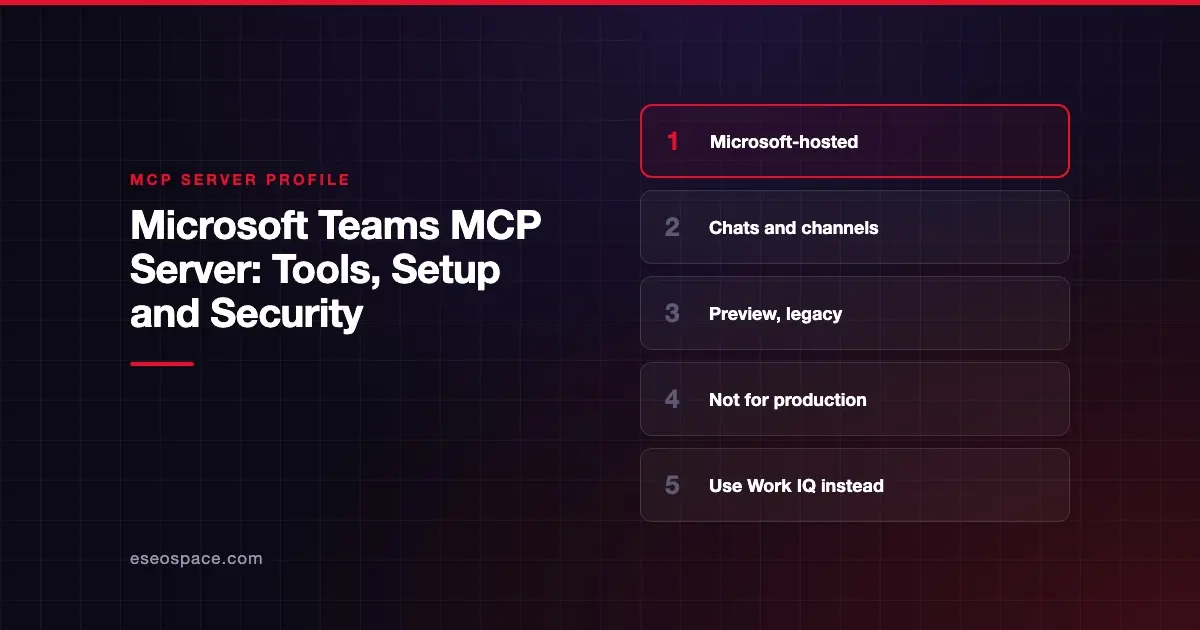
The Microsoft Teams MCP server lets an AI agent create, read, update and delete Teams chats, channel messages, channels and memberships through Microsoft Graph. Microsoft publishes and hosts it as part of its Agent 365 tooling. As of October 2026, Microsoft labels it a preview and a legacy option kept for backward compatibility.
Checked against: Teams reference (preview) on 28 October 2026. eSEOspace did not install or test this server.
Key Takeaways
- Microsoft says the app-specific Microsoft 365 MCP tools, including Teams, "shouldn't be used in production environments or new projects."
- For new projects, Microsoft points you to Work IQ MCP, which it calls generally available.
- The Teams server ID is
mcp_TeamsServerand its scope isMcpServers.Teams.All. - It has 25 documented tools, including posting, editing and soft-deleting messages and deleting whole chats.
- Microsoft warns that preview tool names and parameters might change, so avoid hard-coded dependencies.
At a glance
| Item | Detail |
|---|---|
| Publisher | Microsoft |
| Official? | Yes |
| Hosting | Remote, tenant-level URL: https://agent365.svc.cloud.microsoft/agents/tenants/{tenantId}/servers/mcp_TeamsServer |
| Transport | Not stated on the reference page |
| Sign-in | Microsoft 365 work account; server scope McpServers.Teams.All |
| Read or write | Both, including deletes |
| Price | No separate MCP price listed |
| Source code | Closed (hosted by Microsoft) |
| Status | Preview; legacy, for backward compatibility |
What it can do
Microsoft's Teams tool reference lists each tool with the Graph endpoint it calls.
Chat tools:
mcp_graph_chat_listChats,mcp_graph_chat_getChat,mcp_graph_chat_listChatMessages,mcp_graph_chat_getChatMessage,mcp_graph_chat_listChatMembers(read)mcp_graph_chat_createChat,mcp_graph_chat_addChatMember,mcp_graph_chat_updateChat(create and change chats)mcp_graph_chat_postMessage(posts a plain-text message in a chat)mcp_graph_chat_updateChatMessage(edits a message)mcp_graph_chat_deleteChatMessage(soft-deletes a message)mcp_graph_chat_deleteChat(soft-deletes a chat)
Channel and team tools:
mcp_graph_teams_listTeams,mcp_graph_teams_getTeam,mcp_graph_teams_listChannels,mcp_graph_teams_getChannel,mcp_graph_teams_listChannelMembers,mcp_graph_teams_listChannelMessages(read)mcp_graph_teams_createChannel,mcp_graph_teams_createPrivateChannel,mcp_graph_teams_updateChannel(channel setup)mcp_graph_teams_addChannelMember,mcp_graph_teams_updateChannelMember(membership and roles)mcp_graph_teams_postChannelMessage,mcp_graph_teams_replyToChannelMessage(post and reply in channels)
Microsoft notes that message posting supports plain text only. It also flags mcp_graph_chat_postMessage as not idempotent and warns against blind retries, because a retry can post the same message twice.
How to connect it
Microsoft does not give a one-line install command for this server. It is managed through Agent 365. According to Microsoft's MCP server options overview, the Tools registry in the Microsoft 365 admin center is the source of truth for which servers your tenant can use. What appears there "can vary by tenant, region, rollout status, licensing, administrator approval, and organizational policy."
The documented paths are:
- An admin reviews available servers under Agents > Tools in the Microsoft 365 admin center, where they can approve, block or control individual tools.
- A maker adds the server to an agent in Copilot Studio (the reference page applies to agents on the standard harness).
- The reference page lists the tenant-level URL and the
McpServers.Teams.Allscope for the server.
For any new build, Microsoft's own advice is to skip this server and use Work IQ MCP instead.
Security notes
This server can do real damage if an agent misreads a request. It can post into any chat or channel the user can reach, rewrite messages and soft-delete chats. Microsoft notes that tenant retention policies govern chat deletion and that compliance rules may retain deleted messages.
Practical steps:
- Use the admin center's tool-level controls to block delete and member-management tools you do not need. See least privilege in practice.
- Keep a human approval step for posting. A message the agent posts appears under the user's identity.
- Remember that channel messages can carry hidden instructions from other people.
- Because Microsoft may change preview tool names, re-check the reference page before relying on any tool in a workflow.
- Follow the MCP tools specification, which says clients should prompt for confirmation on sensitive operations.
More guidance is in our MCP security center.
Alternatives
- Slack MCP server, a hosted server with search, messaging, canvases and lists.
- Outlook (Microsoft 365 Mail) MCP server, the sister server for email, with the same legacy status.
- Webex MCP server for Webex spaces and meetings.
- Work IQ MCP, Microsoft's recommended replacement for Microsoft 365 data.
Next step
If your team runs on Microsoft 365, the bigger decision is Work IQ versus building a narrow custom server. eSEOspace can help you map that choice through an MCP readiness audit. More profiles are in the MCP server directory.
Frequently asked questions
Is there an official Microsoft Teams MCP server?
Yes. Microsoft hosts a Teams MCP server with the ID mcp_TeamsServer. Microsoft labels it a preview and says it is kept for backward compatibility only.
Should I use the Teams MCP server in production?
Microsoft says no. Its docs state that the app-specific Microsoft 365 MCP tools shouldn't be used in production or new projects, and recommend Work IQ MCP instead.
Can the Teams MCP server post messages as me?
Yes. mcp_graph_chat_postMessage and mcp_graph_teams_postChannelMessage post plain-text messages, and other tools edit or delete them. Use your client's approval prompt or block those tools in the admin center.
Does the Microsoft Graph MCP server cover Teams?
No. Microsoft's MCP Server for Enterprise focuses on Entra directory data. Our Microsoft Graph MCP server profile explains the difference.