This profile is part of our MCP server directory, within The MCP Guide. Profiles are checked against each vendor's own documentation. Need a server built? See MCP development.
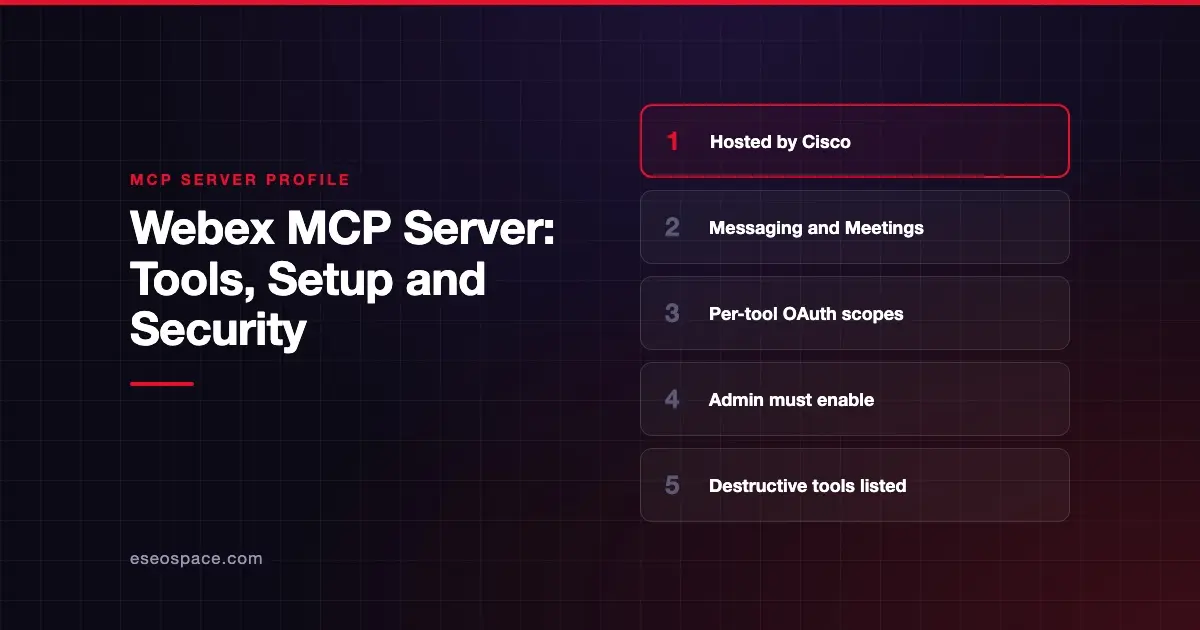
Cisco's Webex MCP servers let an AI app send, edit and delete Webex messages, manage spaces and memberships, and schedule, update or cancel Webex meetings. Cisco publishes and hosts them on webexapis.com, with separate servers for Messaging, Meetings and Vidcast. An admin must enable each server in Webex Control Hub first.
Checked against: Webex Messaging MCP Server and Webex Meetings MCP Server on 28 October 2026. eSEOspace did not install or test this server.
Key Takeaways
- The Messaging server is at
https://mcp.webexapis.com/mcp/webex-messagingand has 24 tools. - The Meetings server is at
https://mcp.webexapis.com/mcp/webex-meetingand has 8 tools, including create, update and delete. - Cisco labels
webex-delete-message"Destructive and irreversible" and says deleted spaces "cannot be recovered." - Each tool maps to a specific Webex OAuth scope, plus
spark:mcpto connect at all. - Cisco documents setup for Claude Code, Claude Desktop, Codex, Copilot Studio, Cursor, Gemini CLI, VS Code and Amazon Quick.
At a glance
| Item | Detail |
|---|---|
| Publisher | Cisco (Webex) |
| Official? | Yes |
| Hosting | Remote URLs on mcp.webexapis.com |
| Transport | Remote HTTP (Cisco documents --transport http setup) |
| Sign-in | OAuth 2.0 bearer token (Webex integration) or a WCIT token |
| Read or write | Both, including deletes |
| Price | No separate MCP price listed |
| Source code | Closed (hosted by Cisco) |
| Status | Not stated |
What it can do
Messaging server (24 tools). Cisco groups them as follows:
- Messages:
webex-create-message,webex-edit-message,webex-delete-message,webex-get-message,webex-search-messages. - Spaces:
webex-create-space,webex-get-space,webex-update-space,webex-delete-space,webex-search-spaces. - Memberships:
webex-add-membership,webex-get-membership,webex-update-membership,webex-remove-membership. - Webhooks:
webex-create-webhook,webex-get-webhook,webex-update-webhook,webex-delete-webhook. - Files:
webex-share-file,webex-upload-file,webex-get-file-details,webex-download-file. - Threading:
webex-create-thread-reply,webex-get-thread.
webex-create-message posts to a space or a 1:1 chat and supports markdown, HTML, file URLs and adaptive cards.
Meetings server (8 tools): webex-list-meetings, webex-create-meeting, webex-update-meeting, webex-delete-meeting, webex-get-meeting-status, webex-get-meeting-summary, webex-list-recordings and webex-list-transcripts. Cisco notes that webex-create-meeting sends email invitations and webex-delete-meeting can send a cancellation email. Meeting summaries require Webex AI Assistant.
Vidcast server: Cisco also lists a Vidcast server at https://mcp.webexapis.com/mcp/vidcast with 29 tools for searching and analyzing Vidcast videos. A Cisco DevNet copy of the docs collects all three.
How to connect it
Cisco's connection guide offers two sign-in methods:
- WCIT token: generated in the Developer Portal with only the
spark:mcpscope. Extra scopes are requested during tool calls, which needs a client that supports elicitation. Cisco warns that clients without it "will fail on tools requiring additional scopes." - OAuth 2.0: create a Webex Integration with the server's scopes plus
spark:mcp, then save the client ID and secret. Cisco says the secret can't be viewed again after you leave the page.
For Claude Code, Cisco's setup page gives this pattern:
MCP_CLIENT_SECRET=your-secret claude mcp add --transport http \
  --client-id your-client-id --client-secret --callback-port port \
  your-server-name your-server-url
Then run /mcp, select the server and choose Authenticate to sign in.
Security notes
The scope tables are the best control Cisco gives you. For example, spark:messages_write covers creating, editing and deleting messages, uploads and thread replies. spark:rooms_write covers creating, updating and deleting spaces. If you only need search and recaps, request the _read scopes alone. That is least privilege in practice.
Other points:
- Destructive tools: message and space deletes are permanent, per Cisco. Keep approval on for them.
- Webhooks:
webex-create-webhookcan send real-time message events to any URL. A bad URL leaks data, as covered in MCP data exfiltration. - Tokens: keep tokens out of version control. Cisco says revoking a token immediately cuts off every client using it.
- Admin gate: each server must be enabled in Control Hub, so admins decide whether MCP is on at all.
More in our MCP security center.
Alternatives
- Zoom MCP server, with similar Meetings and Team Chat coverage.
- Slack MCP server, for chat-first teams.
- Microsoft Teams MCP server, a legacy preview for Teams chats.
Next step
If your company runs on Webex, start with meeting transcripts and summaries, then decide whether an agent should post anywhere. eSEOspace can help you scope that through an MCP readiness audit. Browse more servers in our MCP server directory.
Frequently asked questions
Does Webex have an official MCP server?
Yes. Cisco hosts Messaging, Meetings and Vidcast MCP servers on mcp.webexapis.com, documented on the Webex developer portal.
Can the Webex MCP server delete messages?
Yes. webex-delete-message deletes a message, and Cisco calls it destructive and irreversible. It needs the spark:messages_write scope.
Do I need an admin to use it?
Yes. Cisco says each server must be enabled by your organization's admin in Webex Control Hub before it can be used.
Will creating a meeting email the attendees?
Cisco says webex-create-meeting sends email invitations. Review invitee lists before you approve the call.