

This profile is part of our MCP server directory, within The MCP Guide. Profiles are checked against each vendor's own documentation. Need a server built? See MCP development.
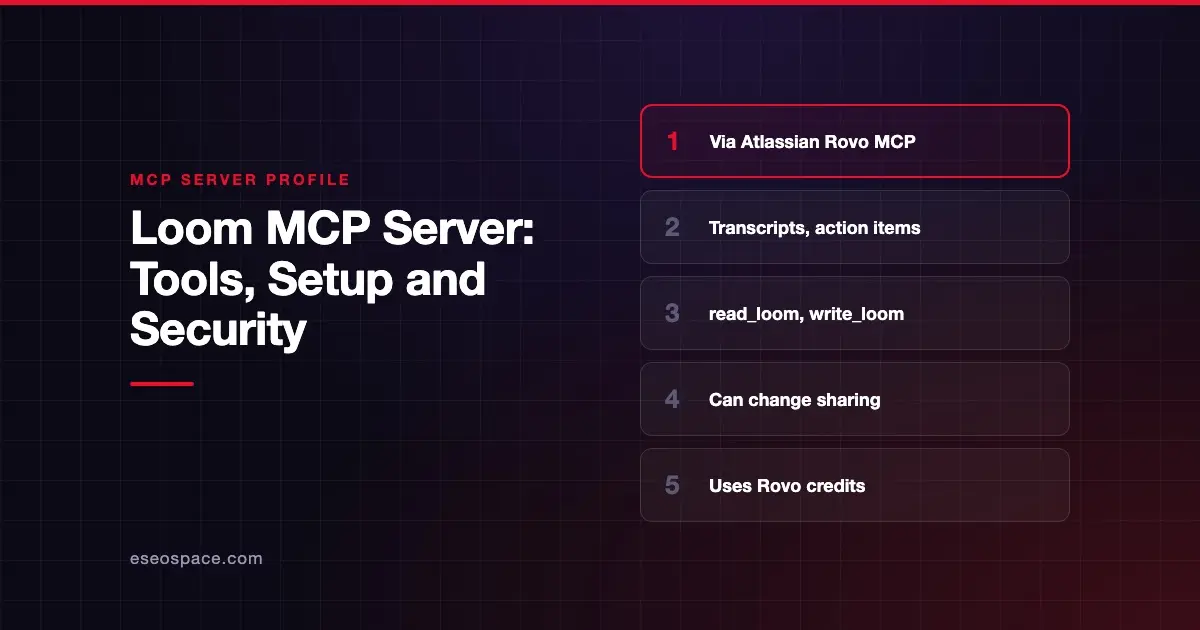
Loom's MCP tools let an AI app list your Loom videos, read transcripts and AI meeting action items, add comments, share videos, organize folders and publish new recordings. Loom does not run a separate server. Its tools come through the Atlassian Rovo MCP Server, which Atlassian publishes and hosts.
Checked against: Loom MCP tools on 28 October 2026. eSEOspace did not install or test this server.
Key Takeaways
- You connect to the Atlassian server at
https://mcp.atlassian.com/v2/mcpand get Loom tools alongside any Jira or Confluence tools you allow. - Your Loom workspace must be linked to an Atlassian Cloud site first.
- Loom tools sit in two toolsets:
read_loomandwrite_loom. - Write tools can change who can view a video, including making it Public.
- Atlassian says MCP use consumes Rovo credits.
At a glance
| Item | Detail |
|---|---|
| Publisher | Atlassian (Loom) |
| Official? | Yes |
| Hosting | Remote URL: https://mcp.atlassian.com/v2/mcp |
| Transport | Remote HTTP (Atlassian documents --transport http setup) |
| Sign-in | OAuth 2.1 or API token |
| Read or write | Both |
| Price | No separate MCP price listed; calls consume Rovo credits |
| Source code | Closed (hosted by Atlassian) |
| Status | Not stated for Loom tools |
What it can do
Atlassian's Loom page describes capabilities in four groups. It does not list individual tool names and points to Atlassian's supported tools page for those.
- Read (
read_loom): retrieve your video list, videos shared with you, folders, metadata, transcripts and AI meeting action items. - Act and engage (
write_loom): add timestamped comments and emoji reactions, share videos and reprocess stuck videos. - Organize (
write_loom): create folders, move videos into spaces or folders, rename videos and change viewing permissions to Owner, Workspace or Public. - Create (
write_loom): upload, process and publish recordings, then return a shareable URL.
The Loom page does not list a delete operation.
For a business, the read side is the main draw. An assistant can pull action items from a recorded meeting, or search transcripts to answer "what did we decide?" without anyone rewatching the video.
How to connect it
Atlassian's getting started guide gives the Claude Code command:
claude mcp add --transport http atlassian https://mcp.atlassian.com/v2/mcpFor Claude Desktop, it gives this config:
{ "mcpServers": { "atlassian": { "url": "https://mcp.atlassian.com/v2/mcp" } } }Atlassian also lists ChatGPT, Codex, VS Code, Cursor, GitHub Copilot CLI, Gemini, Windsurf (now Devin Desktop) and others. Then follow the Loom steps:
- Link your Loom workspace to an Atlassian Cloud site. Unlinked workspaces do not appear when you pick a site.
- Sign in with your Atlassian account.
- Select the site linked to Loom.
- Approve the requested permissions, which include
READ_LOOMandWRITE_LOOM.
Atlassian's Loom page uses the v2 server URL. Atlassian also says that on 1 March 2027, existing v1 connections will automatically start using v2 tools.
Security notes
Atlassian says its MCP server "respects your existing Loom permissions." It can only reach videos you are allowed to view under your privacy settings. That is helpful, but it also means a manager's connection reaches every video that manager can see.
Risks to plan for:
- Sharing changes: the Organize tools can switch a video to Public. A mistaken or injected request could expose a private recording. Keep approval on for permission changes.
- Transcripts as input: a transcript is text spoken by other people. Treat it as untrusted content, as explained in prompt injection through tool results.
- Cross-product reach: Atlassian warns that "MCP clients can perform actions on all connected products." If you only need Loom, do not approve Jira or Confluence write access in the same session.
- Costs: calls consume Rovo credits, so a chatty agent can use up your allowance.
The MCP tools specification says clients should prompt for confirmation on sensitive operations. If you can, grant read_loom only. Our guide to least privilege in practice and the MCP security center explain how.
Alternatives
- Atlassian Rovo MCP server, our profile of the full server behind these tools.
- Zoom MCP server, for meeting summaries, transcripts and recordings in Zoom.
- Webex MCP server, which also has a Vidcast server for Webex's video platform.
Next step
If your team records a lot of async video, start with read-only transcript search and action items. eSEOspace can help you scope an Atlassian rollout through an MCP readiness audit. More profiles are in our MCP server directory.
Frequently asked questions
Does Loom have its own MCP server?
No. Loom tools are included in the Atlassian Rovo MCP Server. Atlassian's Loom page says your Loom workspace must be linked to an Atlassian Cloud site.
Can the AI make my Loom videos public?
The write_loom tools can change viewing permissions to Owner, Workspace or Public. Only grant write access if you need it, and approve each change.
Can it read meeting transcripts?
Yes. The read tools retrieve transcripts and AI meeting action items for videos you are allowed to view.
Does using Loom through MCP cost extra?
Atlassian says MCP usage consumes Rovo credits. It does not list a separate MCP price on the pages we checked.









