This profile is part of our MCP server directory, within The MCP Guide. Profiles are checked against each vendor's own documentation. Need a server built? See MCP development.
Pipedrive's native MCP server lets AI assistants such as Claude and ChatGPT search deals, contacts, organizations and leads, then create and update records in plain language. Pipedrive built and maintains it, and it is available on every Pipedrive plan.
Checked against: Pipedrive's MCP server feature page on 28 October 2026. eSEOspace did not install or test this server.
Key Takeaways
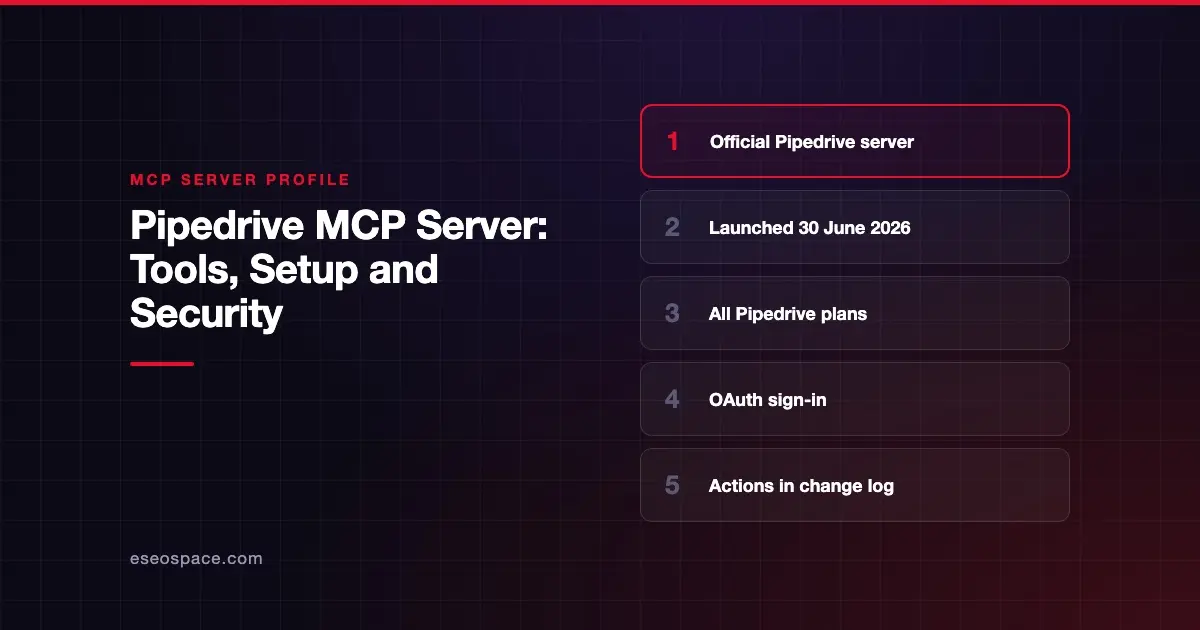
- Pipedrive announced its native MCP server on 30 June 2026 and says it is available to customers on all plans.
- It connects through official Claude and ChatGPT connectors, or any assistant that supports custom MCP connections.
- Sign-in uses OAuth, and the assistant can only see or change what the connected user can.
- Every action is recorded in Pipedrive's change log.
- Usage is subject to plan-based token limits, and Pipedrive says extra tokens can be purchased.
At a glance
| Item | Detail |
|---|---|
| Publisher | Pipedrive |
| Official? | Yes |
| Hosting | Remote (hosted by Pipedrive) |
| Transport | Not stated on the pages we checked |
| Sign-in | OAuth |
| Read or write | Read and write |
| Price | Included on all plans, with plan-based token limits; extra tokens can be bought |
| Source code | Closed |
| Status | Not stated as beta or GA; Pipedrive calls it "fully supported" |
What it can do
Pipedrive's launch announcement and feature page describe three groups of capabilities. Neither page publishes individual tool names, so we do not list any here.
Query
- Search deals, contacts, organizations and leads in natural language.
- Retrieve pipeline details and analyze sales activity.
Actions
- Create and update deals, contacts and activities.
- Convert leads into deals.
- Schedule follow-ups.
Workflows
- Turn meeting notes into CRM records.
- Generate follow-up tasks and run multi-step workflows.
The feature page also describes pipeline insights and sales analysis. A typical use is asking "which deals in the proposal stage have had no activity in two weeks?" and then letting the assistant draft follow-up tasks. You should review those tasks before they go live.
How to connect it
Pipedrive's feature page lists three steps:
- Connect your AI assistant to Pipedrive through a secure OAuth login.
- Describe what you want in plain language.
- Review the results, which use live Pipedrive data.
For Claude and ChatGPT, Pipedrive points to official connectors in each app's directory, including the Pipedrive connector in Claude's directory. For other assistants, the FAQ says any tool that supports custom MCP connections can connect "using the Pipedrive MCP server URL." The pages we checked do not print that URL, and they reference a separate setup guide without linking it. Check Pipedrive's help center for the current address before you configure a custom client.
Pipedrive says no coding or developer resources are needed.
Security notes
- User-scoped access. Pipedrive says the assistant can only access and modify data the connected user is permitted to view or edit.
- Change logs. All actions are recorded in Pipedrive's change logs, so you can trace what an assistant changed.
- Write actions. The server can create and update records and convert leads. Turn on your client's approval prompts for writes, especially early on.
- Third-party policies. Pipedrive notes that your AI provider's own privacy and security policies also apply to data you send through the assistant.
- Watch for look-alikes. Many community "Pipedrive MCP" servers exist on GitHub and in directories. Use the official connector or the URL from Pipedrive's own docs.
Meeting notes and emails you paste in can contain instructions the AI may follow. Read MCP prompt injection and MCP supply chain risks, and see the MCP Security Center.
Alternatives
- HubSpot MCP server: a hosted server with a published tool list and CRM, content and email access.
- Close MCP server: a sales CRM server with three permission scopes, including a read-only one.
- Attio MCP server: a hosted CRM server with a full public tool list.
Next step
Connect the official connector for one sales rep first, using read questions only, and check the change log after any write. For more options in this category, browse the MCP server directory or read MCP for small business.
Frequently asked questions
Which Pipedrive plans include the MCP server?
Pipedrive says its MCP server is available to customers on all Pipedrive plans. Usage is subject to plan-based token limits, and additional tokens can be purchased.
Which AI assistants work with Pipedrive MCP?
Pipedrive offers official connectors for Claude and ChatGPT. Its FAQ says any AI assistant that supports custom MCP connections can also connect.
Can the assistant change my Pipedrive data?
Yes. Pipedrive says it can create and update deals, contacts and activities and convert leads into deals. It can only do what the connected user is allowed to do, and actions appear in the change log.
Do I need a developer to set it up?
No, according to Pipedrive. Setup is an OAuth login from your AI assistant, and Pipedrive says no coding is required.