This profile is part of our MCP server directory, within The MCP Guide. Profiles are checked against each vendor's own documentation. Need a server built? See MCP development.
Salesforce's hosted MCP servers let AI apps such as Claude, ChatGPT and Cursor read and update Salesforce data using the signed-in user's own permissions. Salesforce runs the servers, and an admin turns each one on in Setup before anyone can connect.
Checked against: Salesforce's hosted MCP servers repository and wiki on 28 October 2026. eSEOspace did not install or test this server.
Key Takeaways
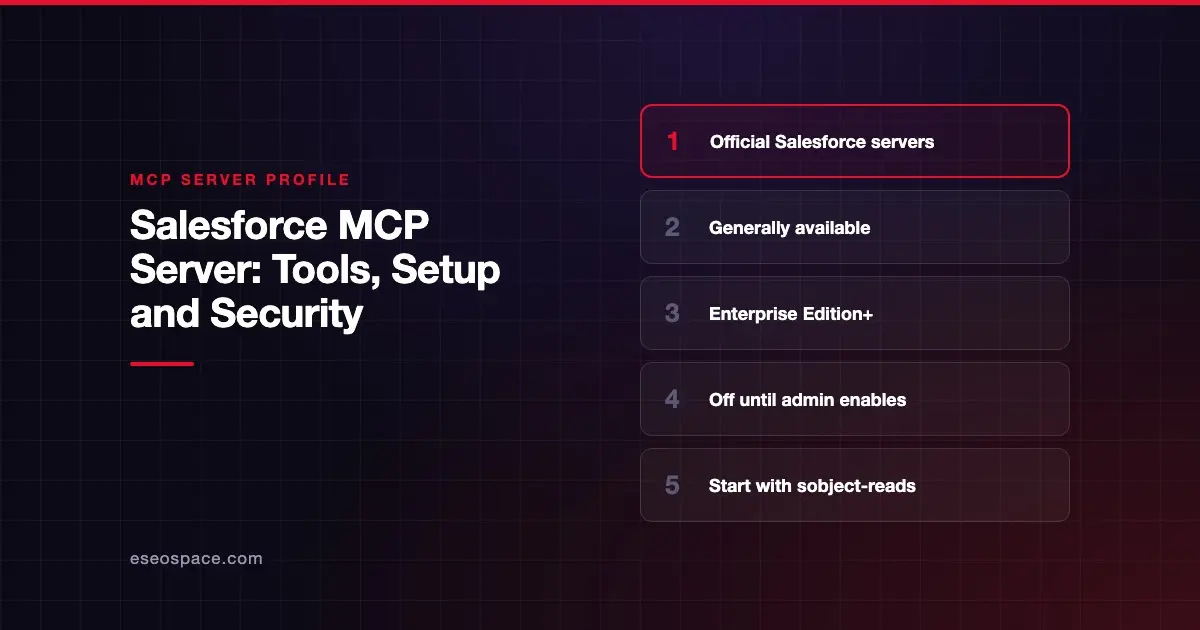
- Salesforce says its hosted MCP servers are generally available (GA), and they need Enterprise Edition or above (Developer Edition orgs also work).
- Servers are off by default. An admin enables each one in Setup → API Catalog → MCP Servers.
platform/sobject-readsis read-only;platform/sobject-alladds create, update and delete.- Agents inherit the user's object access, field-level security and sharing rules, and edits show the user's name in the audit trail.
- Tool calls count against your org's daily API quota, and the
mcp-remotebridge is not supported.
At a glance
| Item | Detail |
|---|---|
| Publisher | Salesforce |
| Official? | Yes |
| Hosting | Remote URLs under https://api.salesforce.com/platform/mcp/v1/ |
| Transport | Remote HTTP (clients need native OAuth/HTTP MCP support) |
| Sign-in | OAuth authorization code flow via an External Client App |
| Read or write | Both; a read-only server is available |
| Price | No separate MCP price listed; Enterprise Edition or above required |
| Source code | Closed (the GitHub repo holds docs and issues, Apache-2.0) |
| Status | GA, per the repository README |
What it can do
Salesforce offers several hosted servers, and admins can also build custom ones. The repository's FAQ names two starting points:
platform/sobject-reads: read-only access to records. Salesforce says "there is physically no tool available that can create, update, or delete a record."platform/sobject-all: read, write and delete, plus prompt templates (usable in Claude and Cursor) such as account review briefings.
The Quick Start Guide uses a getUserInfo tool to test a new connection. For the full list of servers and tools, Salesforce points to its official servers reference on developer.salesforce.com. That page blocked our automated check, so this profile does not reproduce the full tool list.
Admins can also attach APIs and Flows to custom servers. The Security and Permissions page describes custom tools built from Named Queries, Apex Invocable Actions, Apex REST endpoints and Flows.
Salesforce also notes that its server is deterministic: no language model runs on the Salesforce side. If you want MCP for Salesforce development work rather than CRM data, Salesforce points to the separate Salesforce DX MCP Server.
How to connect it
The Confirming Availability page and Quick Start describe these steps:
- Confirm your org is Enterprise Edition or above. If MCP is missing, Salesforce says to ask Support to enable the
MCPServicepermission. - In Setup → API Catalog → MCP Servers, toggle on the servers you need. Changes can take up to 2 minutes.
- Create an External Client App (Connected Apps are not supported). The Quick Start uses scopes
mcp_apiandrefresh_token, with PKCE enabled. A new app can take up to 30 minutes to propagate. - In your client, enter the server URL, client ID and client secret.
The connection guide lists URL patterns. For production orgs:
https://api.salesforce.com/platform/mcp/v1/{servername}
https://api.salesforce.com/platform/mcp/v1/d/{mydomainname}/{servername}
Salesforce recommends the My Domain (/d/) form for all orgs. Sandboxes use a /sandbox/ path. Salesforce suggests testing in Postman first, then connecting Claude, ChatGPT, Cursor or Microsoft Copilot Studio using its per-client guides.
Security notes
- User context only. Salesforce says the agent gets "the same permissions as the human who authenticates," including CRUD, field-level security and sharing rules. There are no service accounts.
- Audit trail. If the agent edits a record, the user's name appears as the editor.
- Start read-only. Salesforce recommends
platform/sobject-readsfor most organizations first. - Narrow further with custom tools. Named Queries let an admin fix exactly which objects and fields a tool can query.
- Off by default. Every server must be activated by an admin.
- API quota. Each tool call uses one or more API calls from your daily limit.
- No
mcp-remote. Clients that need themcp-remotenpm bridge are not supported.
A user with broad permissions gives the agent broad permissions too. Read MCP excessive permissions and the MCP Security Center before enabling sobject-all.
Alternatives
- HubSpot MCP server: a hosted server covering CRM, content and marketing email.
- Zoho CRM MCP server: pre-built servers split by task, including a read-only one.
- Gong MCP server: read-only revenue insights from calls and emails.
Next step
Most teams should start with sobject-reads in a sandbox and a small pilot group. If you want help scoping custom tools or Flows for an agent, see our MCP development service or browse the MCP server directory.
Frequently asked questions
Which Salesforce editions support hosted MCP servers?
Salesforce's repository says hosted MCP servers require Enterprise Edition or above. Developer Edition orgs can also use them.
Can the agent delete Salesforce records?
Only if you enable a server with delete tools, such as platform/sobject-all, and the user has delete permission. The platform/sobject-reads server has no create, update or delete tools.
Why do I get a 404 or 401 error?
Salesforce's Quick Start says a 404 usually means the server is not activated. A 401 often means wrong scopes or an External Client App that has not propagated yet, which can take up to 30 minutes.
Does Salesforce use an LLM inside the MCP server?
No. Salesforce's FAQ says the server is deterministic. It returns data for structured tool calls, and the language model runs entirely in your AI client.