This profile is part of our MCP server directory, within The MCP Guide. Profiles are checked against each vendor's own documentation. Need a server built? See MCP development.
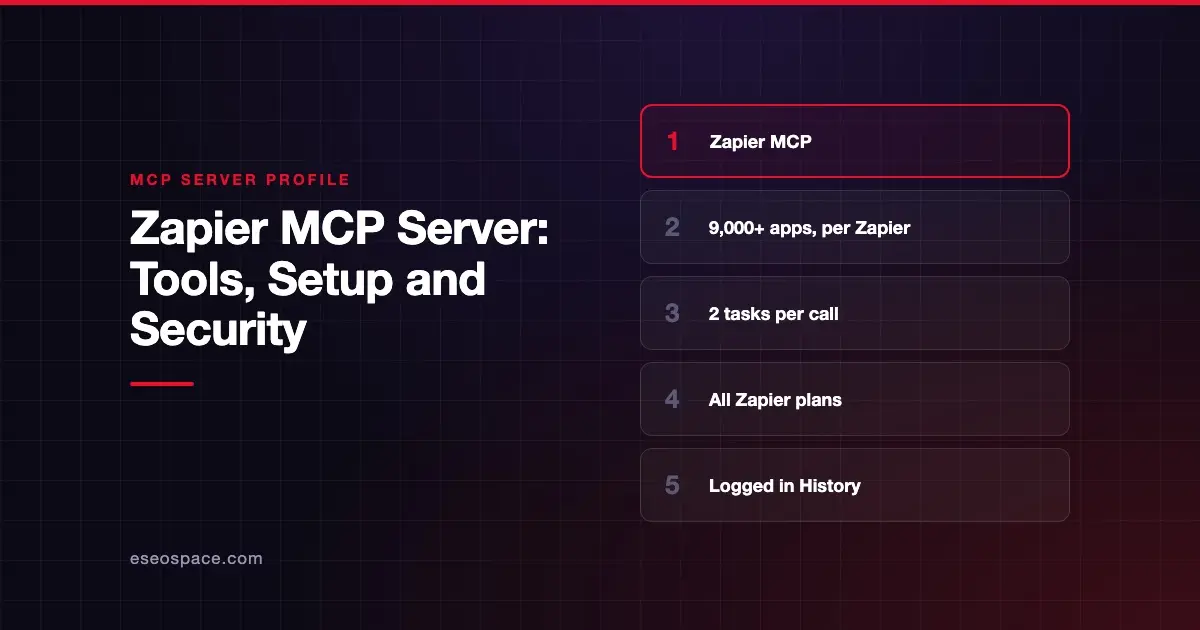
Zapier MCP lets an AI app run actions in the apps you already connect to Zapier, such as sending messages, pulling data or triggering workflows in tools like Slack, Gmail and Google Sheets. Zapier publishes and hosts it, and it is included in every Zapier plan. Each successful tool call uses two tasks from your plan.
Checked against: Zapier MCP docs on 28 October 2026. eSEOspace did not install or test this server.
Key Takeaways
- Zapier's developer docs index says 9,000+ apps and 40,000+ actions, as of October 2026. Its marketing page still shows older action counts.
- A server runs in agentic mode, where the AI finds actions as it goes, or managed mode, where you pick a fixed set.
- Each successful tool call costs two tasks; failed calls do not count, per Zapier's docs.
- Zapier keeps app credentials out of the model and records every MCP action in History.
- Zapier warns never to share a connection token, because whoever holds it can run the server's tools.
At a glance
| Item | Detail |
|---|---|
| Publisher | Zapier |
| Official? | Yes |
| Hosting | Remote URL (https://mcp.zapier.com/api/v1/connect, per Zapier's GitHub README) |
| Transport | Streamable HTTP only; SSE is not supported |
| Sign-in | OAuth by default; connection tokens for code and unlisted clients |
| Read or write | Both, depending on the actions you allow |
| Price | Included in every Zapier plan; 2 tasks per successful tool call |
| Source code | Closed server; the zapier/zapier-mcp repo distributes client plugins |
| Status | Generally available, per Zapier's security docs; Next Gen Zaps through MCP are in early access |
What it can do
Zapier MCP does not have a fixed tool list like most servers. Zapier's MCP landing page explains that the agent uses discovery tools to search Zapier's catalog instead of loading every action at once. It then asks for missing details and runs the action.
Zapier's docs describe two server modes:
- Agentic mode: the AI finds and adds actions during the conversation.
- Managed mode: you choose a fixed set of actions in advance.
Zapier also describes Code Actions. If no standard action fits, the agent can write and run code to reach internal APIs or transform data. Building Next Gen Zaps from AI clients is in early access and needs a paid plan.
Because Zapier does not publish fixed tool names, we have not listed any here.
How to connect it
Zapier's docs say your client must support Streamable HTTP. Most clients sign in with OAuth: you add Zapier as a connector and sign in when prompted. Zapier creates a default server during that sign-in if needed.
For VS Code, Zapier's GitHub README says to add https://mcp.zapier.com/api/v1/connect with type: http. For Gemini CLI it gives:
gemini extensions install https://github.com/zapier/zapier-mcpThen run /mcp auth zapier. For Claude Code, Cursor, OpenAI Codex and GitHub Copilot CLI, the README points to Zapier's plugin marketplace. Zapier's quickstart notes that Claude Code signed in with a Claude account may already have your organization's Zapier connector, so you should not run claude mcp add.
Zapier names Claude, ChatGPT, Cursor, Grok Bot and VS Code as supported clients. Any client that supports Streamable HTTP can connect.
Security notes
Zapier MCP can reach every app in your Zapier account, which makes scoping the most important decision.
- Connection tokens. Zapier says to never distribute a connection token or connection-token URL. Whoever holds one can run the server's tools and read the data they return. See secret leakage.
- Access controls. Admins can set app-level and action-level access. Enterprise IT can turn MCP on or off per workspace.
- Audit trail. Every MCP action is recorded in Zapier History.
- Certification. Zapier says it is SOC 2 Type II certified.
- Code Actions. Letting an agent write and run code widens what it can do.
- Cross-app risk. One agent with access to email, CRM and file tools can move data between them. Read about cross-server data leakage.
More is in the MCP security hub.
Alternatives
- Make MCP server, which exposes your Make scenarios as tools.
- Developer platforms such as Composio and Pipedream, compared in our MCP integration platforms list.
- Direct vendor servers, such as Notion, when you only need one app.
Next step
Zapier MCP is often the fastest way for a small team to give an AI app real actions. Estimate your monthly tool calls first, since each one costs two tasks. eSEOspace can help you scope that in an MCP readiness audit, and more options are in the MCP server directory.
Frequently asked questions
How much does Zapier MCP cost?
Zapier says MCP is included in every plan, including Free, and each successful tool call uses two tasks. Zapier's pricing page lists Free with 100 tasks a month and Professional from $19.99 a month billed annually for 750 tasks.
Does a failed tool call use tasks?
No. Zapier's docs say each successful tool call uses two tasks and failed calls do not count.
Can I share my Zapier MCP server with my team?
Zapier says sharing a server requires a Team or Enterprise plan. Any plan can share a tool bundle instead. Never share a connection token.
Does Zapier MCP support SSE?
No. Zapier's docs say your client must support MCP over Streamable HTTP and that SSE is not supported.