This guide is part of our MCP connection guides, within The MCP Guide. Steps are copied from the vendor's own documentation. Need a custom connection? See MCP development.
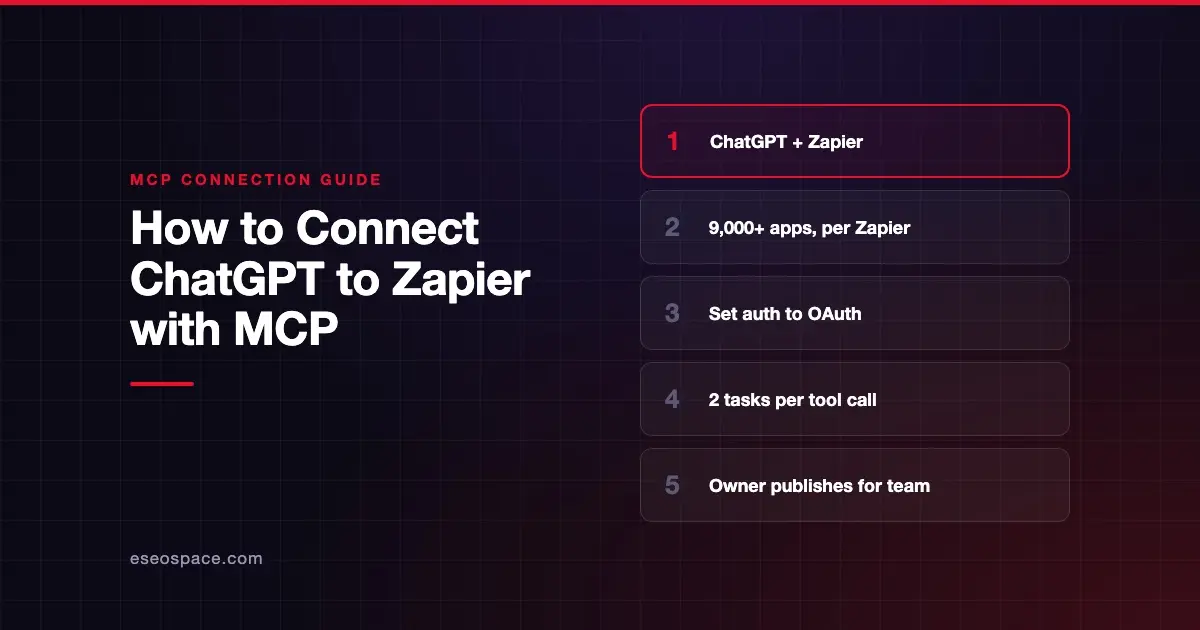
Connecting ChatGPT to Zapier MCP lets ChatGPT take actions in the apps you already use with Zapier, such as sending emails, creating tasks or updating records. Zapier says its MCP server reaches 9,000+ apps. You add it as a custom MCP server in ChatGPT, or use one your workspace already published.
Checked against: Zapier's ChatGPT setup page and OpenAI's custom MCP server guide on 28 October 2026. eSEOspace did not run these steps; menus can change, so follow the vendor's page if it differs.
Key Takeaways
- Zapier's server URL for ChatGPT is
https://mcp.zapier.com/api/v1/connect, and Zapier says authentication must be OAuth. - If your ChatGPT workspace already added Zapier, you just select it in a chat and sign in.
- Zapier's docs still say to turn on Developer mode before creating your own plugin. OpenAI's current page says you don't need to.
- Each successful tool call uses two tasks from your Zapier plan, and failed calls are free, per Zapier.
- Zapier says to never share a connection token, because whoever holds it can run your tools.
Before you start
Zapier's ChatGPT page lists:
- A Zapier account. Zapier's usage page says MCP runs on your existing plan with no separate MCP billing.
- A ChatGPT plan that supports apps. Zapier says that means Business, Enterprise or Edu if your workspace already added Zapier, or "a plan with developer mode" if you create your own plugin.
OpenAI's custom MCP server guide is stricter on the second route. It says custom MCP connections are "available for ChatGPT Business and Enterprise/Edu customers on ChatGPT web." Pro users can connect custom servers "with read/fetch permissions" only. Most Zapier actions write, so plan on Business or higher.
Rolling it out to a whole workspace has more requirements. Zapier's rollout guide asks for the ChatGPT Owner role and a Zapier Enterprise account.
Steps
Option 1: Use your workspace's Zapier app
From Zapier's ChatGPT page:
- In a new chat, select Zapier with @ or from the + menu. Ask something like
@Zapier which tools do I have available? - When ChatGPT prompts you, sign in to your Zapier account.
- If the Account field appears, select your organization's workspace.
If your admin set Zapier to Available rather than Installed, click Plugins in the sidebar, open your workspace's tab and install Zapier first.
Option 2: Create your own Zapier plugin
OpenAI's steps:
- Go to Plugins in ChatGPT.
- Select the plus button, then Add custom MCP server.
- Enter a name. Zapier suggests Zapier MCP.
- Under Connection, paste the URL:
https://mcp.zapier.com/api/v1/connect- Set Authentication to OAuth. Zapier's rollout guide says "the plugin does not work with any other option."
- Select the I understand and want to continue checkbox.
- Select Create as a plugin.
- Click Connect and sign in to Zapier.
Zapier says the plugin stays private to your account until a workspace Owner publishes it. Zapier also warns to create it in regular ChatGPT, not the admin console, because the admin console's custom server option "does not support OAuth."
Option 3: Roll it out to everyone (workspace Owner)
Zapier's rollout guide has the Owner turn on Use plugins, Publish plugins to workspace and Create plugins with MCPs under Permissions. The Owner creates the plugin as above, then picks Publish to workspace from its Manage page. Under Configure tools, Zapier says to click Refresh so ChatGPT stores the tools before publishing. Finally, set the Workspace default to Installed. Each member still signs in to their own Zapier account.
Check that it works
Zapier's tools come from discovery, not a fixed list, so start by asking what is available.
Example prompts:
- "@Zapier which tools do I have available?"
- "Using Zapier, find the contact Jane Smith in HubSpot."
- "Using Zapier, add a row to my Leads sheet in Google Sheets with today's date." Expect ChatGPT to ask before it writes.
If you haven't connected apps to Zapier yet, Zapier's quickstart walks you through turning them into tools.
Permissions and safety
- Task costs. Each successful tool call uses two tasks. Zapier's examples: "Add 5 rows to a spreadsheet" is 5 tool calls, or 10 tasks.
- Account-wide restrictions. Zapier's security page says it enforces your account's app and action restrictions. These can't be set for MCP alone.
- Turn setup rights back off. Zapier says that while Create plugins with MCPs and Publish plugins to workspace stay on, covered members can publish any MCP server. Turn them off after rollout.
- ChatGPT approvals. OpenAI's app permissions page offers Always ask, Allow read actions, Allow low-risk actions and Allow all actions. OpenAI says the last "carries elevated risk."
- Connection tokens. Never share one. Zapier calls them long-lived and tied to one server.
One connection that reaches email, CRM and files can move data between them. Read about cross-server data leakage and secret leakage, and see the MCP Security Center.
If it doesn't work
- You can't add a custom server. OpenAI limits custom servers to Business and Enterprise/Edu, plus read and fetch on Pro. Ask an admin or owner.
- You can't publish the plugin. Zapier says the Admin role is not enough for its rollout; you need Owner.
- Sign-in fails. Check that Authentication is set to OAuth and that you built the plugin in regular ChatGPT.
- Calls return a task-limit error. Zapier says that without pay-per-task billing, calls stop until your billing cycle resets, you upgrade, or you turn pay-per-task on.
- New tools don't appear. OpenAI says workspaces use a frozen snapshot of tools until an admin refreshes and republishes.
- It fails on your phone. OpenAI says custom MCP servers are web only.
Next step
Read the Zapier MCP server profile for modes, pricing and security. Zapier is one of several options in our MCP integration platforms list. Browse more setups in the connect guides, or book an MCP readiness audit to estimate task use first.
Frequently asked questions
Do I need Developer mode to add Zapier to ChatGPT?
Zapier's page says to turn it on first. OpenAI's current guide says you don't need Developer Mode in the Plugins experience, but you must accept a risk warning for each server.
How much does Zapier MCP cost in ChatGPT?
Zapier says there is no separate MCP billing. Each successful tool call uses two tasks from your plan, and failed calls use none. Your ChatGPT plan is separate.
Can my whole team use one Zapier plugin?
Yes. A ChatGPT workspace Owner can publish it and set it to Installed. Each member then signs in to their own Zapier account the first time they use it.
Why does Zapier need OAuth in ChatGPT?
Zapier's rollout guide says the ChatGPT plugin only works with OAuth. Connection tokens are for code and unlisted clients, and Zapier warns never to share them.