This guide is part of our MCP connection guides, within The MCP Guide. Steps are copied from the vendor's own documentation. Need a custom connection? See MCP development.
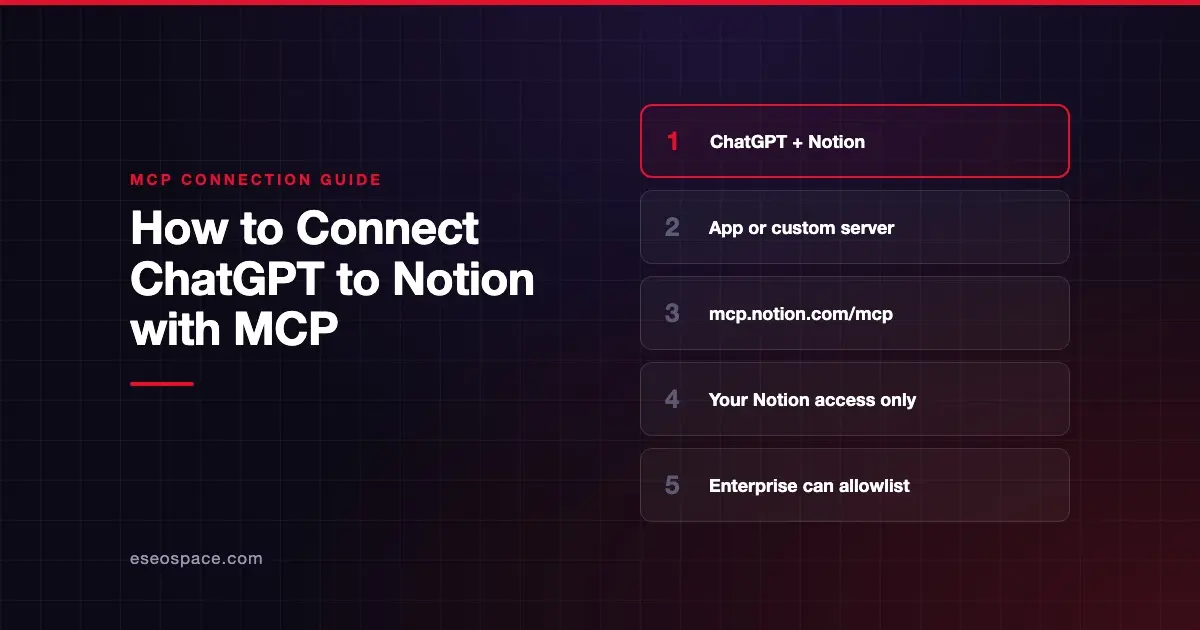
Connecting ChatGPT to Notion lets you search, summarize and compare your Notion pages in a chat. With Notion's hosted MCP server, an AI app can also create and update pages and databases. You can use the Notion app inside ChatGPT, or add Notion's server yourself as a custom MCP server.
Checked against: Notion's MCP connection guide and OpenAI's Notion app page on 28 October 2026. eSEOspace did not run these steps; menus can change, so follow the vendor's page if it differs.
Key Takeaways
- The quickest route is the Notion app in ChatGPT: Settings > Plugins, select Notion, then connect and sign in.
- Notion's hosted MCP server lives at
https://mcp.notion.com/mcp, and Notion says it works on every Notion plan. - OpenAI limits custom MCP servers to ChatGPT Business and Enterprise/Edu on the web, with read/fetch-only access on Pro.
- ChatGPT only sees what your connected Notion account can see. Notion says workspace guests can't connect at all.
- On Notion's Enterprise plan, owners can restrict members to an approved list of AI apps.
Before you start
You need a Notion account that is a member of the workspace, not a guest. Notion's FAQ says a guest who tries to connect is refused. Notion MCP "works on every plan," though some features need Business or Enterprise, such as MCP tokens and connected-source search.
On the ChatGPT side, OpenAI's Notion page says availability "depends on your ChatGPT plan, workspace configuration, and Notion account permissions." In a managed workspace, an admin may need to enable the app for your role.
For the custom-server route, OpenAI's custom MCP page says custom connections are "available for ChatGPT Business and Enterprise/Edu customers on ChatGPT web." Pro users can connect custom servers with read/fetch permissions. In a Business workspace, only admins and owners can create them.
If your Notion workspace is on Enterprise, check whether owners have set Restrict AI apps members can connect to Only from approved list. Notion's help center explains that setting.
Steps
Option 1: The Notion app in ChatGPT
These steps come from OpenAI's Notion app page.
- Open Settings > Plugins.
- Find and select Notion.
- Select Connect. If Notion is listed as a plugin instead, select Install plugin and complete the connection prompt.
- Sign in to the Notion account you want to use.
- Review the Notion workspace and content in the authorization request, then approve the connection.
OpenAI says there is no sync to set up or wait for. The app uses authorized access to your Notion content.
Option 2: Notion's MCP server as a custom server
Use this if you want Notion's full MCP tool set and your plan allows custom servers. Notion's guide does not have a ChatGPT section, but it publishes this endpoint for "Other MCP clients":
https://mcp.notion.com/mcpThen follow OpenAI's custom server steps:
- Go to Plugins.
- Select the plus button, then select Add custom MCP server.
- Enter a name, such as Notion, and optionally a description.
- Under Connection, enter
https://mcp.notion.com/mcp. - Configure authentication. Notion's overview says Notion MCP uses OAuth.
- Review the risk warning and select the I understand and want to continue checkbox.
- Select Create as a plugin, review the discovered tools, and complete Notion's sign-in.
In a Business or Enterprise/Edu workspace, an admin or owner publishes the connection so others can use it.
Check that it works
Start a new chat, type @ and pick Notion, or select it from the + menu.
Example prompts (the first two are OpenAI's own examples):
- "Summarize the decisions in our Q3 planning pages."
- "Find the onboarding guide in Notion and list the steps for a new team member."
- "Create a page called 'Launch checklist' under my Projects page." This uses
notion-create-pages, a tool on Notion's supported tools list. OpenAI says write actions depend on the app or plugin you use and your permissions.
If ChatGPT can't find a page, open it in Notion with the same account. OpenAI says that is the first thing to confirm.
Permissions and safety
- Notion permissions rule. OpenAI says a ChatGPT admin "cannot grant access to a Notion page that your Notion account is not allowed to view." Notion's help center adds that MCP tools "can access everything you can access."
- Deletes go to Trash and need confirmation. Notion says
notion-delete-pagesandnotion-delete-databasesmove items to Trash, must be called withuser_confirmed: true, and are marked destructive. Items can be restored. - ChatGPT approvals. OpenAI's app permissions page lists Always ask, Allow read actions, Allow low-risk actions and Allow all actions. Start with Always ask or Allow read actions.
- Enterprise governance. Notion Enterprise owners can approve specific AI apps and block the rest. Organization owners can also list and revoke members' MCP connections through Notion's Admin API.
Pages written by others can hide instructions aimed at the AI. Read about MCP prompt injection and visit the MCP Security Center before giving any assistant write access.
If it doesn't work
- Notion is missing. OpenAI says to confirm Notion is available for your plan and, in a managed workspace, enabled for your role.
- A page isn't found. You may have connected a different account or workspace, or the page isn't shared with you. Fix access in Notion, then reconnect.
- Notion asks you to authorize again. Reconnect and review the request. Notion's guide also suggests disconnecting and reconnecting the client.
- You're a guest. Notion refuses MCP connections from workspace guests.
- Rate limit errors. Notion says every tool call counts toward its API request limits. Ask ChatGPT to do fewer things at once, or try again later.
Next step
See the full tool groups and plan details in the Notion MCP server profile. Compare the same setup in Claude with our guide to connecting Claude to Notion, or browse all connect guides.
Frequently asked questions
Can ChatGPT read my whole Notion workspace?
No. OpenAI says ChatGPT can use only content your connected Notion account can access and that you authorized for the app. Private pages outside that access stay unavailable.
Do I need a paid Notion plan?
No. Notion says Notion MCP works on every plan. Business and Enterprise add features such as MCP tokens, connected-source search and higher request limits.
Can ChatGPT create or edit Notion pages?
It can, depending on the app or plugin you use, your Notion permissions, workspace settings and approvals, according to OpenAI. Notion's MCP server includes tools to create pages and databases and to update pages.
Can my company block ChatGPT from connecting to Notion?
Yes, on Notion's Enterprise plan. Owners can set Restrict AI apps members can connect to Only from approved list and leave ChatGPT off the list. ChatGPT workspace admins can also disable the Notion app.