This guide is part of our MCP connection guides, within The MCP Guide. Steps are copied from the vendor's own documentation. Need a custom connection? See MCP development.
Connecting Cursor to Notion's MCP server lets Cursor's agent search your workspace, read specs and docs, and create or update pages while you code. It brings requirements written in Notion straight into your coding work.
Checked against: Notion's MCP setup guide and Cursor's MCP docs on 28 October 2026. eSEOspace did not run these steps; menus can change, so follow the vendor's page if it differs.
Key Takeaways
- Notion hosts the server at
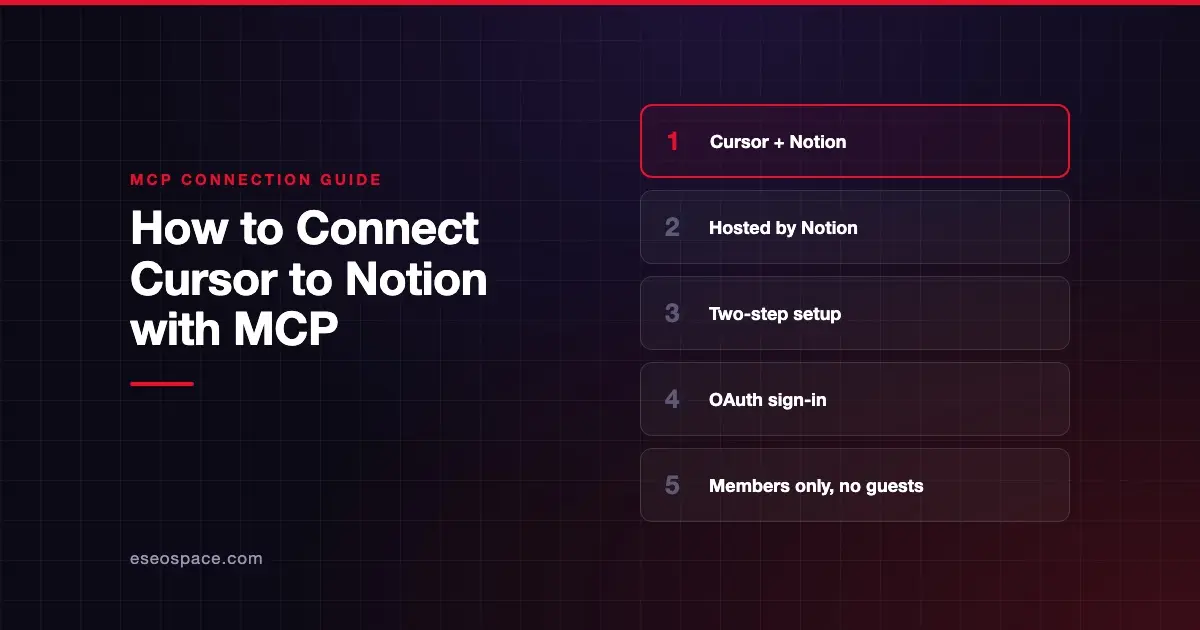
https://mcp.notion.com/mcp, so nothing runs on your machine. - Setup in Cursor is two steps: add a
.cursor/mcp.jsonentry, then enable Notion in Customize and sign in. - After you authorize, Cursor can read and update anything you can access in the chosen workspace.
- Only workspace members can connect. Guests cannot.
- Notion's tools include delete tools that move pages to Trash, so keep tool approval on.
Before you start
You need:
- Cursor installed.
- A Notion account that is a member of the workspace you want to connect. Notion's guide says guests who try to connect are refused.
- Permission from your admin, if your organization limits MCP connections. Notion says an admin can block adding MCP servers.
Think about which account you connect. Notion says that after you authorize, the client "can read and update content that you can access in the selected Notion workspace."
Steps
Notion's guide gives these two steps for Cursor:
- Create a
.cursor/mcp.jsonfile in your project root:
{
  "mcpServers": {
    "notion": {
      "url": "https://mcp.notion.com/mcp"
    }
  }
}- Open Customize in Cursor's sidebar, then enable Notion and complete the OAuth flow to connect your workspace.
To use Notion in every project, Notion says to add the same configuration to ~/.cursor/mcp.json:
{
  "mcpServers": {
    "notion": {
      "url": "https://mcp.notion.com/mcp"
    }
  }
}
The OAuth flow is a browser sign-in where you choose the Notion workspace and approve access. Cursor's docs say Cursor uses the authorization code flow with PKCE and renews tokens with the refresh token the server issues.
Check that it works
The Notion tools have names that start with notion-. Ask for a search first, since it only reads.
Example prompts:
- "Search Notion for our checkout redesign spec and summarize the requirements." This uses
notion-searchandnotion-fetch. - "Which Notion account am I connected as?" This uses
notion-get-self. - "Create a page under Engineering Notes called 'API rate limit decisions' with the three options we discussed." This uses
notion-create-pages, a write tool, so Cursor will ask for approval.
Cursor shows each tool call with its arguments and response, so you can confirm which Notion tool ran.
Permissions and safety
Notion's server can do more than read:
- Write and delete tools exist. The Notion MCP server profile lists
notion-update-page, which can overwrite content, and delete tools that move pages to Trash.notion-restore-pagesbrings them back. - Keep approvals on. Cursor asks for approval before using MCP tools by default. Approve write calls one at a time.
- Connected sources widen the reach.
notion-connector-searchcan return content from Slack, Google Drive, GitHub and other connected sources. - Admin controls. Notion's MCP overview says workspace owners manage client access in Settings → Notion MCP → Manage workspace clients. Limiting which clients members can connect needs the Enterprise plan.
- Cursor team controls. Cursor's enterprise admins can allowlist approved server URLs and limit which tools run automatically.
Shared pages and comments can contain text written to steer the AI. Read prompt injection through tool results and excessive permissions, and see the MCP Security Center.
If it doesn't work
- Enterprise policy error. Notion says an admin in your organization can block adding MCP servers. Ask your admin.
- Server doesn't appear. Check the file is at
.cursor/mcp.jsonin the project root, or~/.cursor/mcp.jsonfor global use. Then check Notion is enabled in Customize. - Signed out in Cloud Agents. Cursor says Cloud Agents keep their own MCP sign-ins, separate from your machine. Sign in for each.
- Other errors. Cursor's docs say to open the Output panel (Cmd+Shift+U) and select "MCP Logs."
Next step
Start by having Cursor read one spec page before you let it write. The Notion MCP server profile lists every tool group and admin control. For other pairings, browse the MCP connection guides, or read our guide to MCP permissions and approvals.
Frequently asked questions
Can guests in a Notion workspace use the MCP server?
No. Notion's guide says only workspace members can connect. A guest who tries sees a message that guests can't connect, and Notion refuses the authorization.
Can Cursor delete my Notion pages?
It can move pages to Trash with Notion's delete tools, and notion-restore-pages can bring them back. Cursor asks before running MCP tools by default, so review each call.
Do I need a Notion API token for Cursor?
No. Notion's Cursor setup uses OAuth. You enable the server in Customize and sign in through the browser.
How do I use Notion MCP in every Cursor project?
Add the same server entry to ~/.cursor/mcp.json in your home directory instead of the project's .cursor/mcp.json.