This guide is part of our MCP connection guides, within The MCP Guide. Steps are copied from the vendor's own documentation. Need a custom connection? See MCP development.
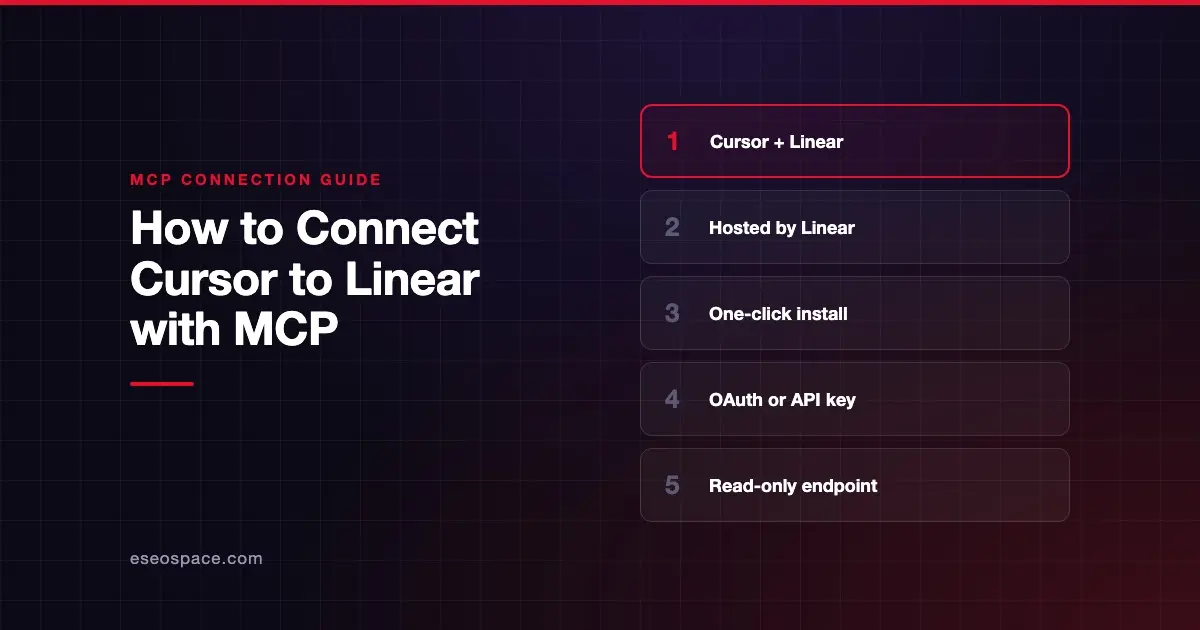
Connecting Cursor to Linear's MCP server lets Cursor's agent find, create and update Linear issues, projects and comments while you code. Linear says it lets Cursor's agent "open context from your issues or create new issues without leaving the IDE."
Checked against: Linear's MCP docs and Cursor's MCP docs on 28 October 2026. eSEOspace did not run these steps; menus can change, so follow the vendor's page if it differs.
Key Takeaways
- Linear hosts the server at
https://mcp.linear.app/mcp, using Streamable HTTP and OAuth 2.1 sign-in. - Linear's docs say to install it in Cursor from its install link or by searching for Linear in Cursor's MCP tools page.
- The default endpoint is read-write. Use
https://mcp.linear.app/mcp/readonlyfor read tools only. - You can also authenticate with a Linear API key in the
Authorization: Bearerheader. - Each Linear workspace needs its own sign-in.
Before you start
You need:
- Cursor installed.
- A Linear account in the workspace you want to connect.
- Node.js, only if you use the
mcp-remoteconfig shown below. Linear's FAQ notes you may need a newer Node version.
Decide up front whether Cursor should write to Linear. Read-write is the default, so read-only is a choice you make on purpose.
Steps
Option 1: Linear's install link (simplest)
- Open Linear's MCP docs and go to the Cursor section.
- Click Linear's install link. It opens Cursor's install prompt with this server entry:
{"url":"https://mcp.linear.app/mcp"}- Or search for Linear in Cursor's MCP tools directory, which Linear's docs also point to.
- Sign in to Linear when prompted. Linear says the interactive setup uses OAuth 2.1 with dynamic client registration.
Option 2: Add it to mcp.json
Cursor's docs say remote servers go in .cursor/mcp.json for one project or ~/.cursor/mcp.json for all projects. For the read-only endpoint, Cursor's remote format would be:
{
  "mcpServers": {
    "linear": {
      "url": "https://mcp.linear.app/mcp/readonly"
    }
  }
}
Option 3: Linear's mcp-remote config
Linear's Cursor integration page gives older steps that use the mcp-remote bridge, a small local program that connects to the remote server:
- Press CTRL/CMD Shift J to open Cursor Settings.
- Select MCP.
- Select Add new global MCP server.
- Add the following:
{
  "mcpServers": {
    "linear": {
      "command": "npx",
      "args": ["-y", "mcp-remote", "https://mcp.linear.app/mcp"]
    }
  }
}
Cursor supports remote servers natively, and its current docs manage servers from Customize in the sidebar. Linear's main docs list mcp-remote for "backwards compatibility with clients that do not support remote MCP." So try Option 1 or 2 first.
Check that it works
Linear's docs offer example prompts for common jobs. Shorter versions:
- "Summarize what team LIN completed in the most recently completed cycle."
- "Investigate the bug in issue LIN-123 and post your findings as a comment on the issue."
- "Turn this planning document into a Linear project with issues. Show me the proposed project and issues before creating anything."
Linear doesn't publish a full tool list on its docs page, so check the tools Cursor received. Cursor's chat shows each call with its arguments and response.
Permissions and safety
Linear gives three ways to keep Cursor read-only:
- Connect to
https://mcp.linear.app/mcp/readonly, which "only ever exposes read tools." - Use the standard endpoint but request only the
readOAuth scope. Linear says that token "can't reach write APIs." - Use a Linear API key with only the Read permission, passed as
Authorization: Bearer <yourtoken>.
Other points:
- Keep approvals on. Cursor asks before running MCP tools by default. Issue text written by teammates or customers can contain instructions the agent might follow.
- Protect stored sign-ins. Linear's troubleshooting uses
~/.mcp-auth, which holds saved auth info formcp-remote. Protect it like any credential. - Admin controls. Cursor's enterprise admins can allowlist Linear's URL and limit which tools run automatically.
Read prompt injection through tool results and approval fatigue, and see the MCP Security Center.
If it doesn't work
- Internal server error on connect. Linear says to run
rm -rf ~/.mcp-authto clear saved auth info, then try again. You may also need a newer Node version. - Connection dropped. Linear says to disconnect and reconnect the server from your client's MCP settings. It says this doesn't affect your Linear data.
- Wrong workspace. Reconnecting alone doesn't switch workspaces. Linear says each workspace needs its own authentication context.
- WSL on Windows. Linear's FAQ gives an SSE fallback config through
wsl. - Other errors. Cursor's docs say to open the Output panel (Cmd+Shift+U) and select "MCP Logs."
Next step
Start with the read-only endpoint and a cycle summary, then add write access for issue updates. The Linear MCP server profile covers auth options and use cases. For other pairings, browse the MCP connection guides, or see how Claude Code connects to Linear.
Frequently asked questions
Is there a read-only Linear MCP server?
Yes. Connect to https://mcp.linear.app/mcp/readonly, which only exposes read tools. You can also request only the read OAuth scope on the standard endpoint.
Do I need mcp-remote to use Linear in Cursor?
Cursor supports remote servers directly, and Linear's main docs offer an install link for Cursor. Linear describes mcp-remote as a backwards-compatible option for clients without remote MCP support.
Can I connect Cursor to two Linear workspaces?
Yes, but each workspace needs its own sign-in. Linear says reconnecting alone doesn't switch the workspace within an existing session.
Can I use a Linear API key instead of OAuth?
Yes. Linear says the server accepts OAuth tokens and API keys in the Authorization: Bearer header. A key with only the Read permission gives read-only access.