This guide is part of our MCP connection guides, within The MCP Guide. Steps are copied from the vendor's own documentation. Need a custom connection? See MCP development.
Connecting Cursor to Supabase's MCP server lets Cursor's agent list your tables, run SQL, apply migrations, read logs and deploy Edge Functions. You describe the task in chat, and Cursor calls Supabase's tools for you.
Checked against: Supabase's MCP docs and Cursor's MCP docs on 28 October 2026. eSEOspace did not run these steps; menus can change, so follow the vendor's page if it differs.
Key Takeaways
- Supabase hosts the server at
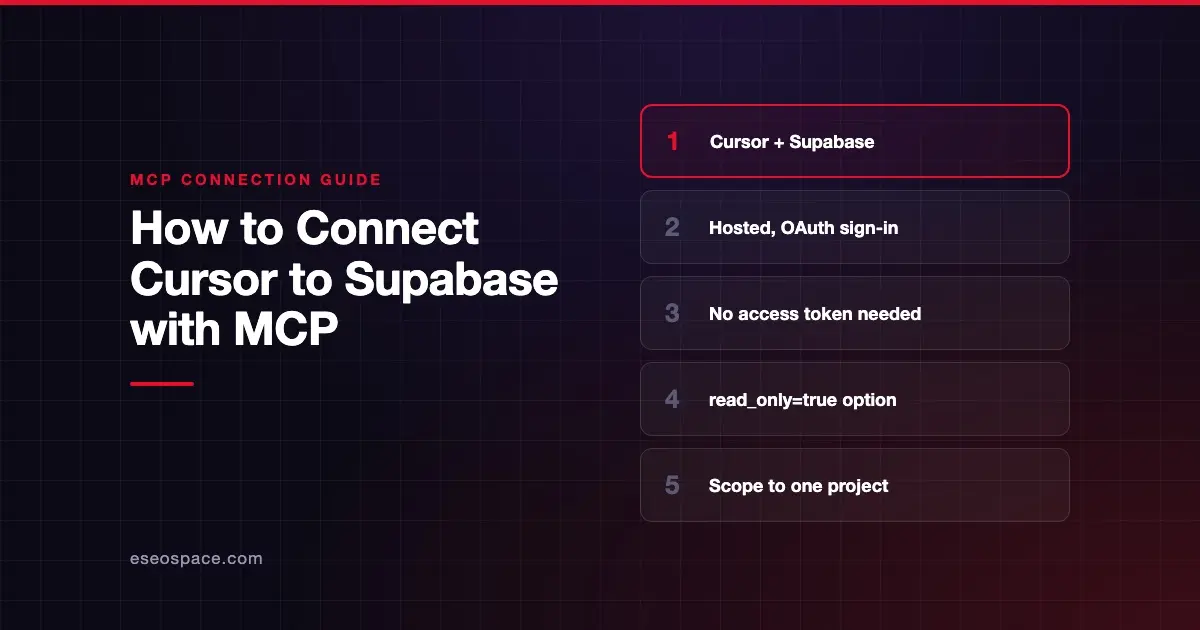
https://mcp.supabase.com/mcp, and you sign in with your Supabase account in the browser. - Supabase says you don't need a personal access token for normal use.
- Supabase's setup page offers a one-click Add to Cursor button or a config for
.cursor/mcp.json. - Add
read_only=trueandproject_refto the URL to limit what the agent can touch. - Supabase calls prompt injection "the primary attack vector unique to LLMs," so keep tool approval on.
Before you start
You need:
- Cursor installed.
- A Supabase account with access to the organization that holds your project.
- A plan decision on branching. Supabase lists its branching tools as experimental and says they require a paid plan.
Read Supabase's security section before you connect a project with real data. It says to connect to production "only when the task requires production evidence."
Steps
- Open Supabase's MCP setup page. Choose Hosted as the platform and pick a project to scope the server to it. If you pick none, Supabase says all projects will be accessible.
- Set options. You can turn on Read-only and choose feature groups. The page builds a server URL for you.
- Choose Cursor as the client. Click Add to Cursor to install in one click, or add the configuration to
.cursor/mcp.json.
For Cursor, the page generates a config in Cursor's format, with your URL in place. With the base URL from Supabase's GitHub README, it looks like this:
{
  "mcpServers": {
    "supabase": {
      "url": "https://mcp.supabase.com/mcp"
    }
  }
}
Supabase notes you can place it in ~/.cursor/mcp.json instead to use it in every project.
- Sign in. Supabase says your client opens a browser window where you log in and grant access. Choose the organization that contains your project.
- Confirm the connection. Supabase's docs say: "in Cursor, navigate to Settings > Cursor Settings > Tools & MCP." Cursor's own docs now point to Customize in the sidebar for managing servers. You may need to restart Cursor to detect all tools after sign-in.
If you use the Cursor CLI, Supabase's page gives these commands to approve and sign in:
agent mcp enable supabaseagent mcp login supabaseCheck that it works
Supabase suggests a first test: "What tables are there in the database? Use MCP tools."
Example prompts:
- "What tables are there in the database? Use MCP tools." This calls
list_tables. - "Show me the security and performance advisors for this project." This calls
get_advisors. - "Generate TypeScript types from my schema." This calls
generate_typescript_types.
Cursor shows each tool call with its arguments and response, so you can check which Supabase tool ran.
Permissions and safety
The server acts with your developer permissions. Supabase says not to give it to your customers or end users.
Supabase's URL options limit what the agent can do:
| Parameter | What it does |
|---|---|
read_only=true | Runs every query as a read-only Postgres user |
project_ref=<id> | Scopes the server to one project and disables account tools |
features=<groups> | Turns on only the tool groups you list |
Combined, a safer URL looks like this example from Supabase's docs:
https://mcp.supabase.com/mcp?project_ref=abc123&read_only=trueOther points from Supabase's docs:
- Keep manual approval on. Cursor asks before running MCP tools by default. Supabase says to review each tool call.
- Confirmations are a guardrail. Supabase can ask for confirmation of costs and destructive SQL, but calls this "a guardrail, not a guarantee of human review."
- Secrets stay in the Dashboard. Enter Edge Function secret values only in the Supabase Dashboard, never in chat.
- Use branching. Test changes on a development branch before merging to production.
Read prompt injection through tool results and excessive permissions, and see the MCP Security Center.
If it doesn't work
- Tools missing after sign-in. Supabase says you may need to restart the client to connect and detect all tools.
- Wrong projects showing. You probably picked the wrong organization at sign-in. Reconnect and choose the one that holds your project.
- Running in CI. Browser sign-in won't work there. Supabase says to create a personal access token scoped to the project and pass it in the
Authorizationheader. - Local development. With the Supabase CLI, the server runs at
http://localhost:54321/mcp, with fewer tools and no OAuth 2.1. - Other errors. Cursor's docs say to open the Output panel (Cmd+Shift+U) and select "MCP Logs."
Next step
Start read-only and scoped to a development project, then widen access only when a task needs it. The Supabase MCP server profile covers every tool group. For other pairings, browse the MCP connection guides, or see how Claude Code connects to Supabase.
Frequently asked questions
Do I need a Supabase access token to use MCP in Cursor?
No. Supabase says the hosted server uses dynamic client registration, so you sign in through the browser. You only need a personal access token for setups without a browser, such as CI.
How do I make the Supabase MCP server read-only?
Add read_only=true to the server URL, or tick Read-only in the setup panel. Supabase says this runs all queries as a read-only Postgres user.
Can Cursor create Supabase projects for me?
Yes, the account tools include create_project. Supabase shows the expected cost and asks you to confirm before creating anything that costs money, when your client supports it.
Can I use the Supabase MCP server with a self-hosted Supabase?
Yes, but Supabase says the self-hosted and CLI versions offer a limited subset of tools and no OAuth 2.1.