This profile is part of our MCP server directory, within The MCP Guide. Profiles are checked against each vendor's own documentation. Need a server built? See MCP development.
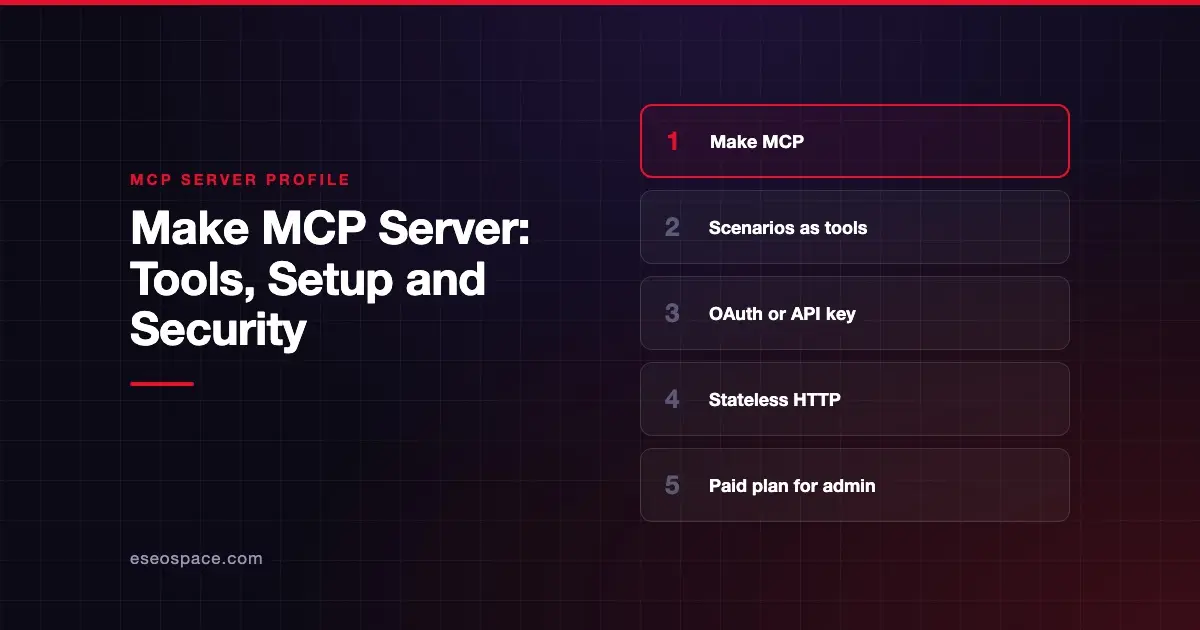
The Make MCP server lets an AI app run your Make scenarios and, on paid plans, manage your Make account. Make publishes and hosts it as a cloud server. Make's docs say it "allows AI systems, such as large language models (LLMs), to run scenarios and manage your Make account."
Checked against: Make MCP server docs on 28 October 2026. eSEOspace did not install or test this server.
Key Takeaways
- Your active and on-demand scenarios become tools the AI can call, so you control what it can do by building scenarios.
- Scenario run tools work on all plans; management tools need a paid plan.
- You can connect with OAuth or an API key, sent in a header or, less safely, in the URL.
- Runs that take longer than the timeout keep going for up to 40 minutes and return an
executionId. - The OAuth scope for running scenarios covers every on-demand and active scenario in the organization.
At a glance
| Item | Detail |
|---|---|
| Publisher | Make |
| Official? | Yes |
| Hosting | Remote URL (https://mcp.make.com/v2 for OAuth) |
| Transport | Stateless Streamable HTTP |
| Sign-in | OAuth or API key |
| Read or write | Both |
| Price | No separate MCP price listed; management tools need a paid plan |
| Source code | Closed (hosted) |
| Status | Not stated by Make |
What it can do
Make's docs describe two tool groups rather than a fixed tool list:
- Scenario run tools: run active and on-demand scenarios. Available on all plans.
- Management tools: view and modify scenarios, connections, webhooks, data stores, teams and organizations. Available on paid plans.
Each scenario you expose uses its inputs (data sent when running) and outputs (data returned). Make recommends detailed scenario descriptions so the AI picks the right one.
Make lists ways to see your current tools, including your client's connector settings, the MCP Inspector CLI or a tools/list request.
Timeouts differ by method. Scenario runs time out after 25 seconds with OAuth and 40 seconds with an API key. Management tools time out after 30 and 60 seconds. If a run times out, it keeps going for up to 40 minutes, and the scenarios:read scope lets the client fetch the output later.
How to connect it
Make documents three URL formats:
OAuth:              https://mcp.make.com/v2
API key in header:  https://<MAKE_ZONE>/mcp/v2
API key in URL:     https://<MAKE_ZONE>/mcp/u/<API_KEY>/v2
MAKE_ZONE is your Make region, for example eu2.make.com. With the header method you send Authorization: Bearer <API_KEY>. An optional ?maxToolNameLength= parameter sets tool name length between 32 and 160 characters; the default is 56.
For Claude Code, Make's example is to run /mcp and select the Make MCP server. Make names Claude and ChatGPT as clients and also offers Make Skills, which bundle connection details for some clients. On the OAuth consent screen you choose the organization and scopes, and the scopes decide which tools appear.
Security notes
Make's docs say little about security beyond authentication, so plan your own controls.
- Avoid the key-in-URL format. Make's docs offer it but do not warn about it. URLs end up in logs and screenshots. Use OAuth or the header method. See secret leakage.
- Broad scenario access. The
Run your scenariosscope reaches all on-demand and active scenarios in an organization. To narrow it, Make says you can upgrade to a Teams plan or higher and create users tied to specific teams. - Scenarios do the real work. A scenario that sends email or edits a CRM does so whenever the AI calls it. Review each scenario as if it were a tool you wrote.
- Management tools. On paid plans the AI can modify scenarios, connections and webhooks. Keep human approval on.
- Long runs. A scenario can keep running after the AI stops waiting, so a cancelled request may still finish.
The MCP security hub has more guidance.
Alternatives
- Zapier MCP server for app-by-app actions without building scenarios.
- Developer-focused platforms compared in our MCP integration platforms list.
- Direct vendor servers such as monday.com when one app is enough.
Next step
Make suits teams that already model processes as scenarios and want AI to trigger them. Start with a few on-demand scenarios that do one safe thing each. eSEOspace can help design that setup through MCP development or an MCP readiness audit. More options are in the MCP server directory.
Frequently asked questions
Is the Make MCP server free?
Make does not list a separate MCP price. Scenario run tools work on all plans, including Free, which Make's pricing page lists with 1,000 credits a month. Management tools need a paid plan.
Which scenarios can the AI run?
With the Run your scenarios scope, all on-demand and active scenarios in the organization. To limit that, Make suggests team-scoped users on Teams plans or higher.
What happens if a scenario takes too long?
The AI's request times out, but Make says the scenario keeps running for up to 40 minutes. The response includes an executionId so the client can fetch the result later.
Should I put my API key in the URL?
Make supports it, but we advise against it. URLs are easy to leak through logs and shared configs. Use OAuth or send the key in an Authorization header instead.