This profile is part of our MCP server directory, within The MCP Guide. Profiles are checked against each vendor's own documentation. Need a server built? See MCP development.
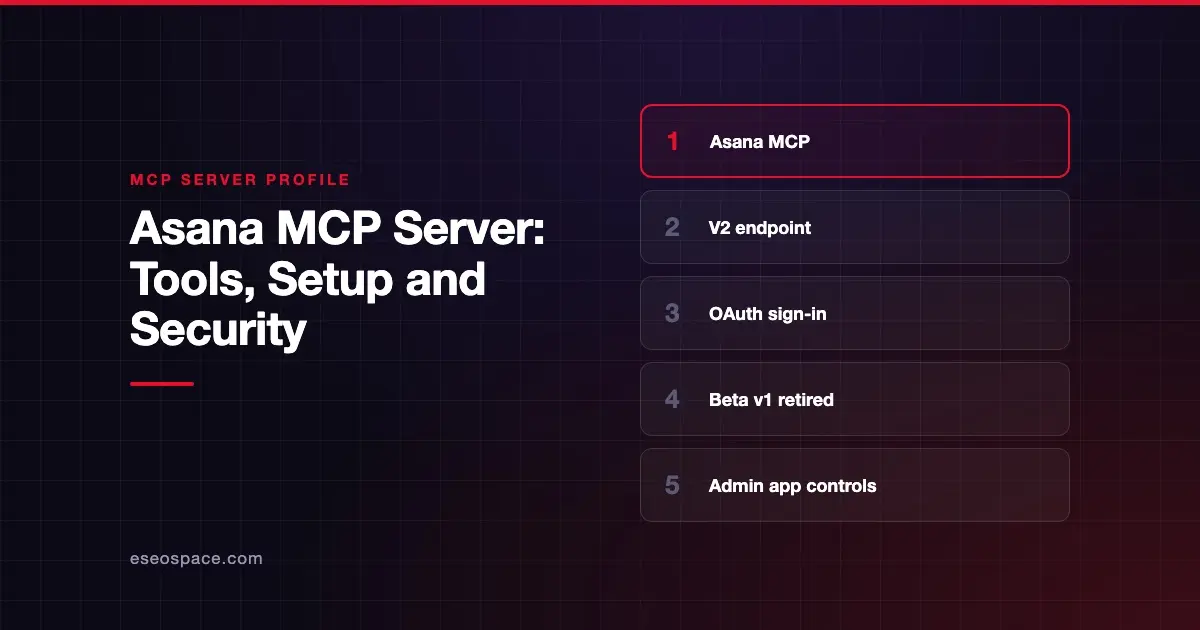
The Asana MCP server lets an AI app work with your Asana tasks and projects, for example finding your incomplete tasks due this week or creating a task in a project. Asana publishes and hosts it. The current version is V2, and Asana says the older beta server is deprecated.
Checked against: Asana's MCP server docs on 28 October 2026. eSEOspace did not install or test this server.
Key Takeaways
- Connect to the V2 endpoint,
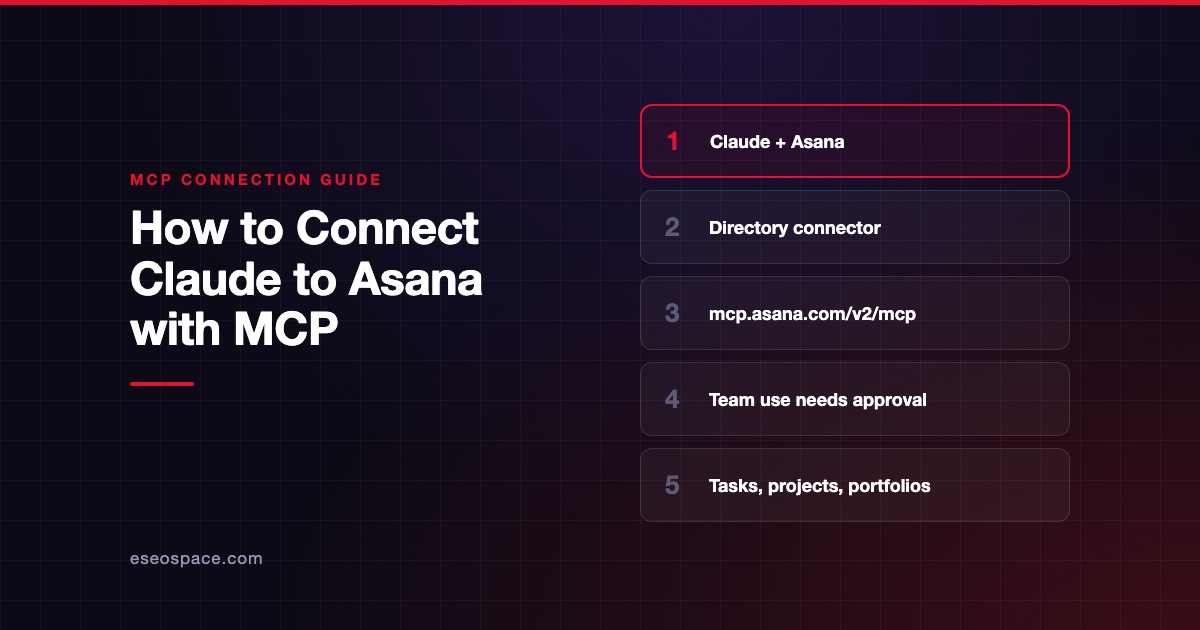
https://mcp.asana.com/v2/mcp, over Streamable HTTP. - The old beta endpoint,
https://mcp.asana.com/sse, had a listed shutdown date of 05/11/2026. Clients still pointed there lose access. - Asana does not publish a fixed tool list; it tells you to run
tools/listin your client. - You sign in with your Asana account through OAuth. Some clients also need a client ID and secret.
- Enterprise+ and Legacy Enterprise admins can allow or block each MCP client through app management.
At a glance
| Item | Detail |
|---|---|
| Publisher | Asana |
| Official? | Yes |
| Hosting | Remote URL (https://mcp.asana.com/v2/mcp) |
| Transport | Streamable HTTP |
| Sign-in | OAuth with your Asana account |
| Read or write | Both (Asana's examples read and create tasks) |
| Price | No separate MCP price listed |
| Source code | Closed (hosted) |
| Status | V2 current; beta v1 deprecated |
What it can do
Asana's page does not list tool names. It says to send a tools/list request from your MCP client to see the current tools and their parameters. That is honest, because the list can change, but it means you should check it yourself before rollout.
Asana describes what the server is for in plain terms. It says you can "create and manage tasks and projects through natural language," "generate reports and summaries based on Asana data" and analyze project data. Its example prompts include:
- "Find all my incomplete tasks due this week"
- "Create a new task in the Marketing project assigned to me"
- "List all sections in the Product Launch project"
- "Show me the status of the Q2 Planning project"
What the AI can see depends on your Asana workspace permissions.
How to connect it
Asana describes three routes:
- Claude: use the Asana app in Claude.
- ChatGPT: use the Asana app in ChatGPT.
- Other MCP clients: Asana names Claude Code, Codex, Cursor and VS Code, with separate setup instructions for each.
For a generic MCP client, Asana's steps are:
- Point the client at
https://mcp.asana.com/v2/mcp. - Confirm the client supports OAuth and Streamable HTTP.
- Follow your client's own documentation. If it does not handle registration itself, generate a client ID and secret using Asana's integration guide.
- Sign in with your Asana account when prompted.
Asana's page contains no config file samples, so we have not added any here. If authorization is blocked, Asana says the prompt sends a request to your admin to unblock the app.
Security notes
The Asana server inherits your workspace permissions. Anything you can see or edit, the AI can too.
- Per-client control. Enterprise+ and Legacy Enterprise customers can allow or block V2 MCP clients one by one through app management. Our page on governance for IT leaders covers how to use controls like this.
- Beta app on other tiers. Customers on other tiers must contact Asana Support, through a super admin, to block the beta app.
- Scopes. Asana's page does not describe the OAuth scopes. Ask Asana or check the client consent screen before approving.
- Write actions. Creating and updating tasks can notify teammates. Keep approval prompts on.
- Task text as input. Comments and task descriptions written by others can try to steer the AI. Read our page on prompt injection.
See the MCP security hub for more.
Alternatives
- monday.com MCP server, which publishes 64 tools.
- ClickUp MCP server, with plan-based daily call limits.
- Smartsheet MCP server for sheet-based project tracking.
Next step
If your team still has clients pointed at the old SSE endpoint, move them to V2 first. Then decide which clients your admins will allow. eSEOspace can help you map that out in an MCP readiness audit, and the MCP server directory has more profiles to compare.
Frequently asked questions
What is the Asana MCP server URL?
The current V2 URL is https://mcp.asana.com/v2/mcp. The beta URL, https://mcp.asana.com/sse, is deprecated, and Asana listed a shutdown date of 05/11/2026.
Which tools does the Asana MCP server have?
Asana does not publish a fixed list. It asks you to run tools/list from your MCP client to see current tools and parameters. Run it before rollout and save the result for your records.
Do I need a paid Asana plan?
Asana's MCP page does not state a plan requirement for access. Per-client allow and block controls are listed for Enterprise+ and Legacy Enterprise customers.
Why does my client say "Client not found"?
Asana's troubleshooting section suggests removing and re-adding the integration. It also says to confirm your client supports Streamable HTTP and OAuth and that it uses the V2 URL.