This guide is part of our MCP connection guides, within The MCP Guide. Steps are copied from the vendor's own documentation. Need a custom connection? See MCP development.
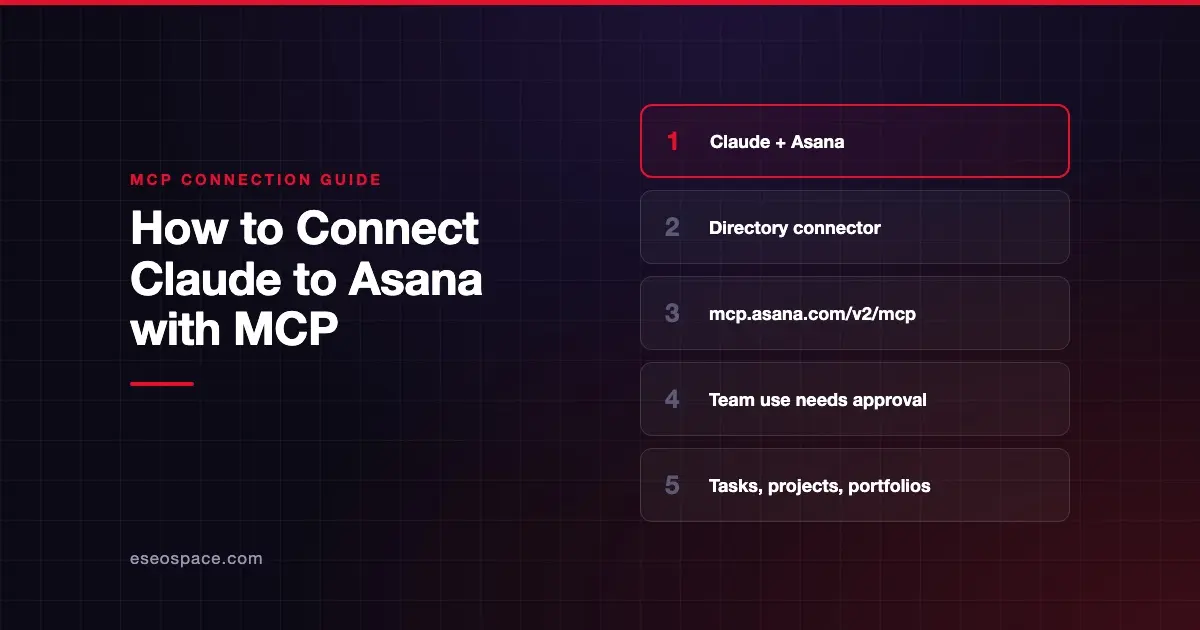
Connecting Claude to Asana lets you check project and portfolio status, create projects and tasks, and assign work from a Claude conversation. Asana calls this the Asana app in Claude, and it runs on Asana's hosted V2 MCP server.
Checked against: Asana's help article on the Asana app in Claude and Claude's guide to connectors on 28 October 2026. eSEOspace did not run these steps; menus can change, so follow the vendor's page if it differs.
Key Takeaways
- Asana documents a six-step setup for Claude that starts from the + menu in a chat and ends with turning on the Asana toggle.
- Asana says the app is available on its Personal, Starter, Advanced, Enterprise and Enterprise+ plans.
- With a Claude team account, the Claude app needs organization-wide approval in Asana, which requires App Management. Asana says Starter does not include App Management.
- Claude's directory lists the connector URL as
https://mcp.asana.com/v2/mcp, Asana's V2 server. - What Claude can see and change depends on your own Asana permissions.
Before you start
Check these points from Asana's and Claude's docs:
- An Asana plan that includes the app. Asana's help article lists Personal, Starter, Advanced, Enterprise and Enterprise+.
- Organization approval for team accounts. Asana says that if you use Claude with a team account, the Claude app needs organization-wide app approval in Asana. Approving apps at that level requires App Management, which Starter does not include.
- The app must not be blocked. Asana's MCP developer page says the client app must not be blocked in Asana's app management. If it is, you are prompted to send your admin a request to unblock it.
- A Claude Owner on Team or Enterprise. Claude's connector guide says an Owner adds a directory connector for the organization, and members then connect with their own accounts.
Steps
Asana's help article gives these steps for Claude:
- Open Claude and click the + icon.
- Scroll down to connectors and click Add connectors.
- Search for Asana and click Connect.
- Authenticate with your Asana account credentials.
- Grant the necessary permissions for Claude to access your Asana data.
- Go back to connectors and turn on the toggle for Asana.
Claude's own guide reaches the same listing from Customize > Connectors. There you select Discover, search for Asana, and select Connect to Claude. On Team and Enterprise, an Owner sees Connect for your team. Claude's Asana listing shows it as made by Asana, with sign-in required and this connector URL:
https://mcp.asana.com/v2/mcpAfter sign-in, Asana appears under Your connectors with the status Connected. In any chat, select +, then Connectors, to check its toggle.
Check that it works
Start with a read request, then try one small write. Claude may ask you to approve each tool call.
Example prompts, taken from Asana's help article:
- "Claude, what's the status of the Q1 Product Launch project in Asana?"
- "Claude, give me a summary of all projects waiting on executive approval"
- "Create a hiring project for our new Sales Manager role with interview stages and onboarding tasks."
Swap in a real project name from your workspace. Asana's developer page also says you can send a tools/list request to see the current tools, because the list changes. Claude's listing shows tools such as get_project, get_tasks, search_tasks_preview, create_task_preview and update_task.
Permissions and safety
Claude can reach only what your Asana account can reach. Within that, it can create projects, create and assign tasks, and update tasks.
- Keep writes on approval. In Claude, open Asana under Customize > Connectors and use Tool permissions to set each tool group to Always allow, Needs approval or Blocked. Assigning tasks notifies teammates, so approval is a sensible default. See MCP permissions and approvals.
- Org-wide limits in Claude. Claude's connector help article says Team and Enterprise Owners can restrict actions for everyone, such as allowing reads but blocking writes.
- Asana admin controls. Asana says Enterprise+ and Legacy Enterprise customers can allow or block each V2 MCP client through app management. Customers on other tiers can ask Asana Support, through a super admin, to block the older beta app.
- Task text is input. Comments and descriptions written by others can contain instructions aimed at the AI. Read MCP prompt injection.
The MCP Security Center has a wider checklist.
If it doesn't work
Asana's developer page lists these fixes:
- Authentication fails. Log out of Asana and back in, and check that you have the needed permissions in your workspace.
- "Client not found" error. Remove the Asana integration in your client and add it back. Asana also mentions trying the beta URL
https://mcp.asana.com/sse, but it says the beta server is deprecated, with a listed shutdown date of 05/11/2026, so treat that as a dead end today. - Connection issues. Confirm the client supports Streamable HTTP and OAuth, and that the server URL is
https://mcp.asana.com/v2/mcp. - Blocked app. If your admin has blocked the Claude app, the sign-in prompt lets you send an unblock request.
In Claude, a connector that has lost access shows Reconnect on the Connectors page.
Next step
Once status questions come back right, let Claude draft tasks from meeting notes with approval on. Our Asana MCP server profile covers the V2 endpoint and admin controls in more depth. For other apps, see the connection guides hub.
Frequently asked questions
Which Asana plans can use the Asana app in Claude?
Asana lists Personal, Starter, Advanced, Enterprise and Enterprise+. With a Claude team account, the app needs organization-wide approval, which requires App Management. Asana says Starter does not include App Management, which can limit team use.
Do I need to paste a server URL?
No. Asana is in Claude's Connectors Directory, so you search for it and click Connect. The listing shows the URL https://mcp.asana.com/v2/mcp for reference.
Can Claude assign tasks to my teammates?
Yes. Asana says you can assign tasks to team members and review task details from Claude. Keep those tools on Needs approval so you see each change before it happens.
Can an Asana admin block Claude?
Yes. Asana says Enterprise+ and Legacy Enterprise customers can allow or block each MCP client through app management. A blocked user is prompted to request access from the admin.