This guide is part of our MCP connection guides, within The MCP Guide. Steps are copied from the vendor's own documentation. Need a custom connection? See MCP development.
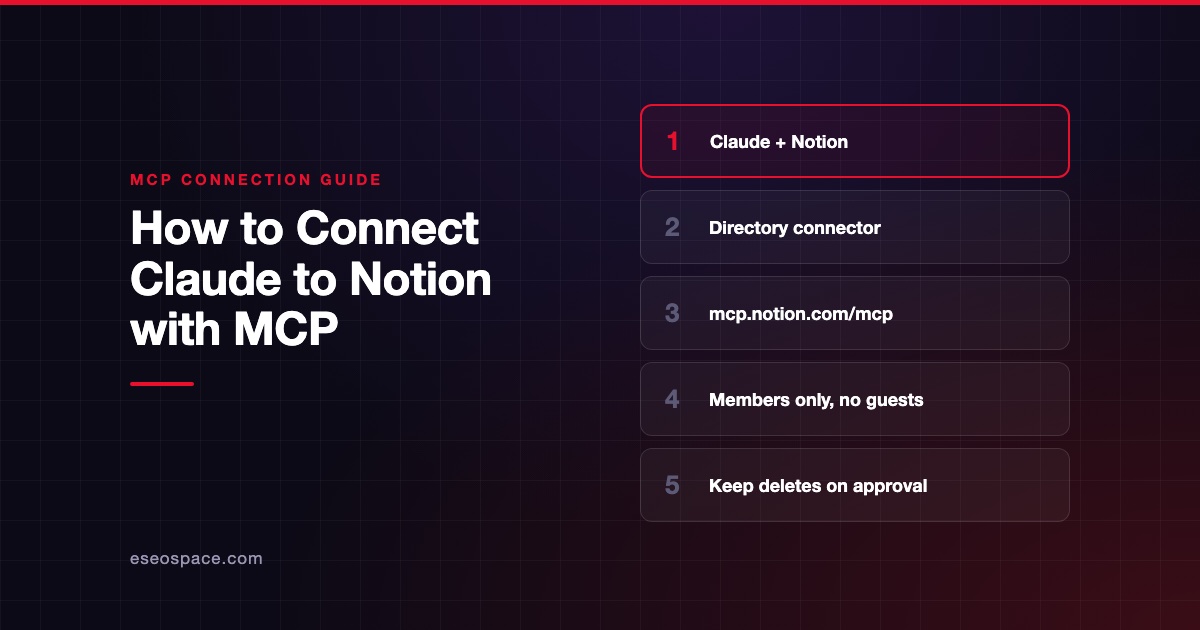
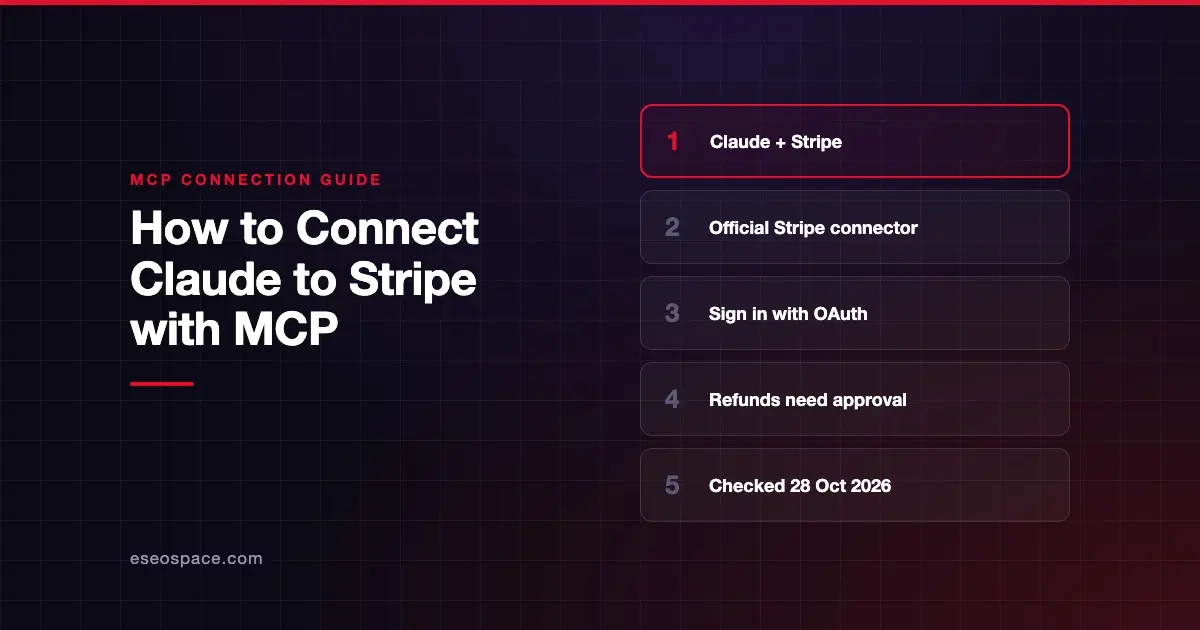
Connecting Claude to Stripe lets you ask questions about customers, payments, invoices and subscriptions in plain English, and have Claude make changes such as creating an invoice. Claude can also search Stripe's documentation while it works. Stripe hosts the server at mcp.stripe.com and lists an official connector in Claude's directory.
Checked against: Stripe's MCP documentation and Claude's guide to getting started with connectors on 28 October 2026. eSEOspace did not run these steps; menus can change, so follow the vendor's page if it differs.
Key Takeaways
- Stripe documents an official connector for Claude on the web and in Claude Desktop, so you add it from the Connectors directory instead of typing a URL.
- You sign in to Stripe through an OAuth window and choose which live mode accounts or sandboxes Claude can reach, with separate permissions for each.
- Stripe requires a human to approve certain writes, such as refunds and outbound payments, through a link the agent gives you.
- On Claude Team and Enterprise plans, an owner must add the connector to the workspace before members can connect.
- Stripe admins can switch MCP access on or off for the whole team, and anyone can revoke a session in their Stripe user settings.
Before you start
You need a Claude account signed in at claude.ai or in the Claude desktop app, and a Stripe account. Claude's getting started guide notes that the connected service may need its own account or paid plan. Stripe does not list a separate price for MCP access.
On a Claude Team or Enterprise plan, Stripe's docs say an owner must add the connector to the workspace first. Members then connect their own Stripe accounts.
On the Stripe side, an administrator can turn MCP access on or off for the team on the MCP and CLI access settings page. Live mode and sandboxes are configured separately. If your company manages your device or network, ask IT to allow mcp.stripe.com.
Steps
Stripe's Claude Desktop instructions say the official connector works on the web and in Claude Desktop. Claude's directory lists it as Anthropic verified, made by Stripe, with this connector URL:
https://mcp.stripe.com/- Go to Customize > Connectors in claude.ai. In the desktop app, select Customize in the sidebar, then Connectors.
- Select Discover, type "Stripe" in Search connectors, and open the Stripe listing.
- Select Connect to Claude and add the connector to your account or workspace. On Team and Enterprise, an owner sees Connect for your team, which adds it for everyone. Members without that role see Request instead.
- Sign in to your Stripe account and grant permissions to Claude in the OAuth window. Stripe's consent page lets you pick one or more live mode accounts or sandboxes and set permissions for each.
- Back in Claude, the connector appears under Your connectors with the status Connected.
- In a conversation, select the + icon, select Connectors, and turn Stripe on.
If you would rather test first, grant access to a sandbox only. You can add live mode later by reconnecting.
Check that it works
Start with read-only questions. Claude will ask before it uses a tool; select Allow once while you check the results.
Example prompts:
- "Use Stripe to get my account info and tell me which account you're connected to." (uses
get_stripe_account_info) - "List my 10 most recent charges and show the amount, currency and status of each." (uses
stripe_api_read) - "Search the Stripe documentation for how to set up a customer portal." (uses
search_stripe_documentation)
Permissions and safety
Stripe's server can read and write. The stripe_api_read tool runs supported GET methods, and stripe_api_write runs supported POST, PATCH, PUT and DELETE methods. Stripe's supported list includes actions like creating refunds, voiding invoices and cancelling subscriptions.
- Human confirmation. Stripe says it requires your confirmation before certain
stripe_api_writeactions, such as refunds and outbound payments. You click the URL the agent gives you, review the request and click Approve. You then tell the agent to retry. Approvals expire after 24 hours. - Tool approval in Claude. Stripe asks you to turn on your client's tool-approval setting. In Claude, open the connector under Customize > Connectors and set Tool permissions to Needs approval or Blocked per tool group.
- Sandbox first. Grant a sandbox during OAuth until you trust the setup.
- Revoke access. Your authorized clients appear under OAuth sessions in your Stripe user settings. Use the overflow menu and select Revoke access.
- Prompt injection. Stripe warns to take care when you use its server alongside other servers. Read MCP prompt injection and the MCP Security Center.
If it doesn't work
- Blocked network. Stripe says managed devices or networks may block external MCP servers. Ask IT to allow
mcp.stripe.com. - No connect button on Team or Enterprise. An owner has to add the connector first. Use Request to ask them.
- MCP turned off. A Stripe admin may have disabled MCP access for live mode or sandboxes in the Dashboard.
- Lost access. If the connector shows Reconnect in Claude, select it and sign in again.
Stripe's docs list no other Claude-specific errors. If the steps above don't help, disconnect the connector and connect it again.
Next step
Read the Stripe MCP server profile for the full tool list and the 30 November 2026 API key deadline. For a store-wide view, see MCP for ecommerce. More setup guides are in the connection guides hub, including Claude Code with Stripe.
Frequently asked questions
Does the Stripe connector work in Claude Desktop and on the web?
Yes. Stripe's docs say you can install the official Stripe connector in Claude on the web and in Claude Desktop. Claude's docs add that connected connectors are also available in the mobile app.
Can Claude issue refunds in Stripe?
Stripe's supported methods include creating refunds. Stripe says refunds and outbound payments need human confirmation first. You approve through a link, and the approval expires after 24 hours.
Do I need an API key to connect Claude to Stripe?
No. The Claude connector uses OAuth, so you sign in instead of pasting a key. Stripe offers agent API keys for clients that can't use OAuth. Starting in December 2026, Stripe MCP stops accepting full-access secret keys and restricted keys without the Agent tag.
How do I disconnect Claude from Stripe?
In Claude, open the connector under Customize > Connectors and select Disconnect. In Stripe, revoke the session under OAuth sessions in your user settings. Admins can revoke other users' sessions from Team and security.