This profile is part of our MCP server directory, within The MCP Guide. Profiles are checked against each vendor's own documentation. Need a server built? See MCP development.
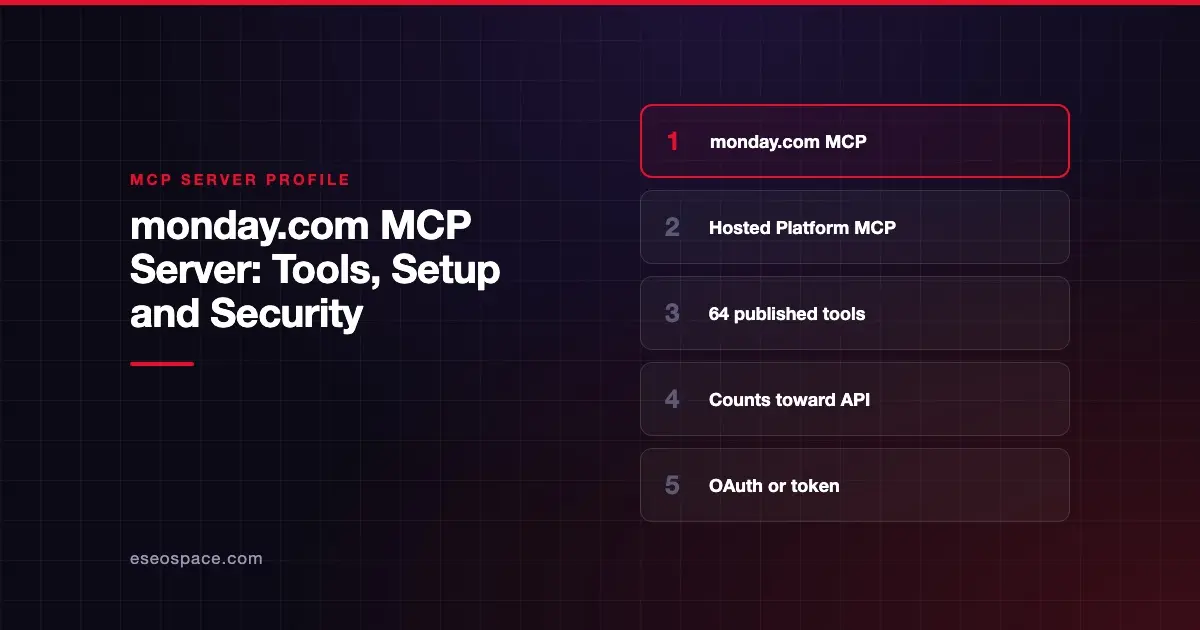
The monday.com MCP server, which monday.com calls the Platform MCP, lets an AI app read and build boards, items, docs, dashboards, forms and automations. monday.com publishes and hosts it at https://mcp.monday.com/mcp. Each tool call runs as a GraphQL API request and counts toward your account's daily API limit.
Checked against: monday.com Platform MCP overview on 28 October 2026. eSEOspace did not install or test this server.
Key Takeaways
- monday.com publishes 64 tools across 15 categories, from boards and docs to automations and AI agents.
- You can connect with an API token, your own OAuth app or dynamic client registration.
- MCP calls use your daily API call allowance, so heavy agent use can affect other integrations.
- monday.com's security overview says the server does not store or log customer OAuth tokens.
- monday.com says its design aligns with the OWASP MCP Top 10 within defined responsibility boundaries.
At a glance
| Item | Detail |
|---|---|
| Publisher | monday.com |
| Official? | Yes |
| Hosting | Remote URL (https://mcp.monday.com/mcp) |
| Transport | Not named on the overview page |
| Sign-in | OAuth 2.0, API token or dynamic client registration |
| Read or write | Both |
| Price | No separate MCP price listed; calls count toward your daily API limit |
| Source code | mondaycom/mcp on GitHub, linked from the docs |
| Status | Not stated on the overview page |
What it can do
monday.com's Platform MCP tools page lists 64 tools. The categories and some of the tool names are:
- Boards and items (10):
create_board,get_board_info,get_board_items_page,get_board_activity,board_insights,create_itemandchange_item_column_values. - Workspaces (7):
list_workspaces,create_workspace,create_folderandmove_object. - Docs (3):
create_doc,update_docandread_docs. - Dashboards, views and forms (12):
create_dashboard,create_widget,create_view,create_formandcreate_form_submission. - Updates and people (5):
create_update,get_updates,create_notificationandlist_users_and_teams. - Workflows and automations (7):
list_automations,create_automation,manage_automations,create_workflowandpublish_workflow. - AI agents (5):
manage_agent,manage_agent_triggersandagent_catalog. - Search, meetings, sprints and schema:
search,get_notetaker_meetings,get_sprint_summary,all_monday_apiandget_graphql_schema. - UI components (4):
show_table,show_chart,show_batteryandshow_assign, which the server calls on its own.
There is no tool named for deletion. The tools page says deletes happen inside two multi-action tools: manage_automations and manage_agent.
How to connect it
The overview page gives this generic configuration:
{
  "mcpServers": {
    "monday-mcp": {
      "url": "https://mcp.monday.com/mcp"
    }
  }
}
monday.com says you can connect from Claude, ChatGPT, Cursor, Copilot, Gemini and other platforms listed on its compatible clients page. You choose an auth path: API token, your own OAuth app or dynamic client registration. The integration guide covers each one.
monday.com also offers a separate Apps MCP for managing monday apps. That is a different server and is not covered here.
Security notes
monday.com publishes a dedicated security overview. Its main points:
- User context. Every tool call runs as the signed-in user and follows that user's monday.com permissions. monday.com says there is no shared service account that bypasses user-level access.
- Tokens. The server does not store or log customer OAuth tokens. You and your AI client are responsible for storing, refreshing and revoking them.
- Admin approval. Account admins can approve dynamic connectors and their redirect URIs before tokens are issued.
- Revocation delay. During early access, revoking a dynamic connector takes effect at the next token refresh. An existing access token can keep working for up to 24 hours.
- No self-service audit export. monday.com says customers cannot yet export MCP or API audit logs themselves. Teams with compliance needs should contact their monday.com representative.
- Prompt injection. monday.com assigns this risk to the AI client or agent layer. Read our page on prompt injection and the OWASP MCP Top 10.
monday.com advises least privilege, such as limiting MCP use to specific workspaces or boards. More guidance is in the MCP security hub.
Alternatives
- Asana MCP server for task and project work with per-client admin controls.
- ClickUp MCP server, which publishes daily call limits by plan.
- Smartsheet MCP server, which labels destructive tools on its tools page.
Next step
monday.com publishes more security detail than most work-management vendors, which makes review easier. Plan for the API call budget and the 24-hour revocation window before you scale. eSEOspace can help with an MCP readiness audit, and the MCP server directory has more profiles.
Frequently asked questions
Does the monday.com MCP server cost extra?
monday.com does not list a separate MCP price. Its docs say each tool call runs as a GraphQL API request and counts toward your account's daily API call limit.
Can the monday.com MCP server delete boards?
The published tool list has no tool named for deletion. monday.com says delete operations exist inside manage_automations and manage_agent, which can delete automations and agents.
Can I use a personal API token?
Yes. monday.com lists API tokens as one auth path, alongside your own OAuth app and dynamic client registration. Tokens act with your full access, so store them like passwords.
How fast does revoking access work?
During early access, monday.com says revoking a dynamic connector takes effect at the next token refresh. An existing token can work for up to 24 hours after revocation.