This profile is part of our MCP server directory, within The MCP Guide. Profiles are checked against each vendor's own documentation. Need a server built? See MCP development.
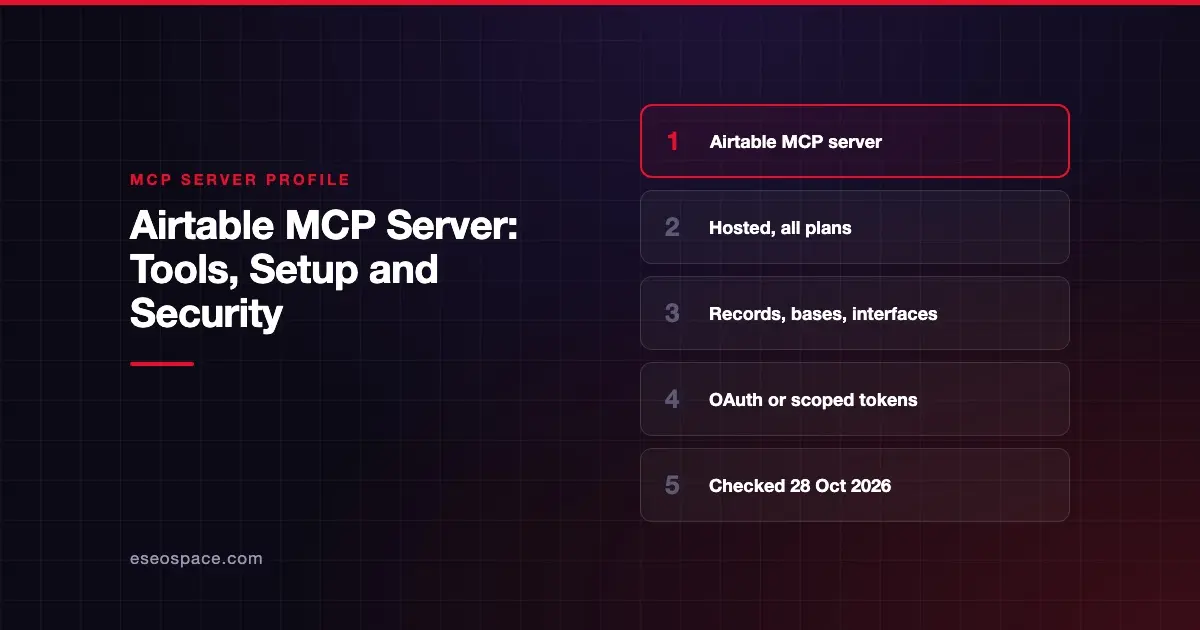
The Airtable MCP server lets AI apps such as Claude, ChatGPT, Gemini and Cursor search, read and update your Airtable data. It can create records and bases, work with interfaces and forms, and draft automations. Airtable hosts it at https://mcp.airtable.com/mcp, and it follows your existing Airtable permissions.
Checked against: Airtable MCP server overview on 28 October 2026. eSEOspace did not install or test this server.
Key Takeaways
- Airtable says the MCP server is available on all plans, with no extra Airtable charge, though API rate limits apply.
- OAuth is recommended for people; personal access tokens suit scripts and server-side setups.
- During OAuth you pick which bases, apps and workspaces to connect.
- Commenter and read-only users can only read through MCP; editors can change records; owners and creators can change schema.
- Some actions stay in the Airtable UI, such as turning an automation on.
At a glance
| Item | Detail |
|---|---|
| Publisher | Airtable |
| Official? | Yes |
| Hosting | Remote URL (https://mcp.airtable.com/mcp) |
| Transport | HTTP (remote) |
| Sign-in | OAuth (recommended for people) or personal access token |
| Read or write | Read and write, limited by your Airtable role and token scopes |
| Price | All plans; no extra Airtable charge per Airtable's support article |
| Source code | Closed |
| Status | Not stated; Airtable says tool names and behavior may change |
What it can do
Airtable's developer page does not publish a full tool list. It gives example capabilities such as "Search bases by name," "Create tables," "Create records," "Modify records," "Create comments" and "Delete automations that are off."
The Airtable support article names some tools: list_workspaces, create_base, list_pages_for_base, list_records_for_page and get_record_for_page. It describes supported actions:
- Search and analyze data.
- Create and update records.
- Create bases.
- Work with interfaces and forms, including submitting forms.
- Create and update automation drafts.
Airtable warns that "tool names, behaviors, and capabilities may change."
Documented limits:
- Record creation is capped at 10 records per request.
- Calls follow standard Airtable API rate limits.
- Automations can be drafted, but must be turned on in the Airtable UI.
- Automations with Script actions cannot be created or edited through MCP.
- MCP cannot add filters to interfaces or edit existing interfaces.
- Calls to development bases return a 403 error.
How to connect it
Airtable offers prebuilt connectors for Claude, Claude Code, ChatGPT, Google Gemini and Gemini Enterprise. For other clients, enter the server URL and complete OAuth:
https://mcp.airtable.com/mcpAirtable says the server supports Dynamic Client Registration, so many clients can register on their own. Note that the latest MCP specification has moved away from DCR, so check how your client registers. Admins who prefer not to allow that can approve a manually created OAuth app in the admin panel.
For scripts or server-side agents, create a personal access token at airtable.com/create/tokens. The same scopes apply to OAuth and tokens:
| Scope | Allows |
|---|---|
data.records:read / data.records:write | Read or change records |
schema.bases:read / schema.bases:write | Read or change base structure |
data.recordComments:read / data.recordComments:write | Read or add comments |
workspacesAndBases:read | List workspaces and bases |
Security notes
Airtable says "the MCP server respects your existing Airtable permissions." What the AI can do depends on your role:
| Role | Through MCP |
|---|---|
| Commenter or Read-only | Read data in bases they can access |
| Editor | Read and update records |
| Base Owner or Creator | Change base schema and records |
| Workspace Owner or Creator | Also create new bases |
| Interface-only user | Only the pages and data exposed in those interfaces |
Practical controls:
- Choose bases carefully. At sign-in, connect only the bases the task needs.
- Use read scopes for read-only work. A token with only read scopes cannot change data. Airtable says enterprise admins can use a service account for a central read-only setup. This is least privilege in practice.
- Enterprise allowlist. Admins can restrict third-party integrations under Admin Panel > Settings > Integrations & development > "Third party integration allowlist."
- Revoke easily. Users can remove bases or delete the integration in their profile's Integrations settings.
Airtable also says to "make sure you trust the tools you're using or any other data sources you connect to." Record text written by outsiders, such as form submissions, could carry prompt injection. See the MCP security hub.
Alternatives
- Supabase MCP Server: for teams moving from spreadsheet-style bases to Postgres.
- Firebase MCP Server: app data in Firestore and Realtime Database.
- Notion's MCP server, listed in the productivity section of the MCP server directory.
More profiles are in the MCP server directory.
Next step
Start with a read-only token on one base and see how the AI answers questions. Then decide who may grant write scopes. For a team rollout plan, see our MCP readiness audit or MCP for small business.
Frequently asked questions
Is the Airtable MCP server free?
Airtable says MCP is included with your current plan on all plans, with no extra Airtable charges. Existing API rate limits still apply.
Can the AI see bases I do not have access to?
No. Airtable says the server respects your existing permissions. You can only reach data you could already view or change, and you choose which bases to connect.
Can I connect Airtable to an AI app in read-only mode?
Yes. Use a token or OAuth grant with only read scopes, or connect as a user with a Commenter or Read-only role. Airtable also mentions a service account option for enterprise read-only setups.
Can the AI turn on Airtable automations?
No. Airtable says MCP can create and update automation drafts, but turning an automation on must be done in the Airtable UI.