This profile is part of our MCP server directory, within The MCP Guide. Profiles are checked against each vendor's own documentation. Need a server built? See MCP development.
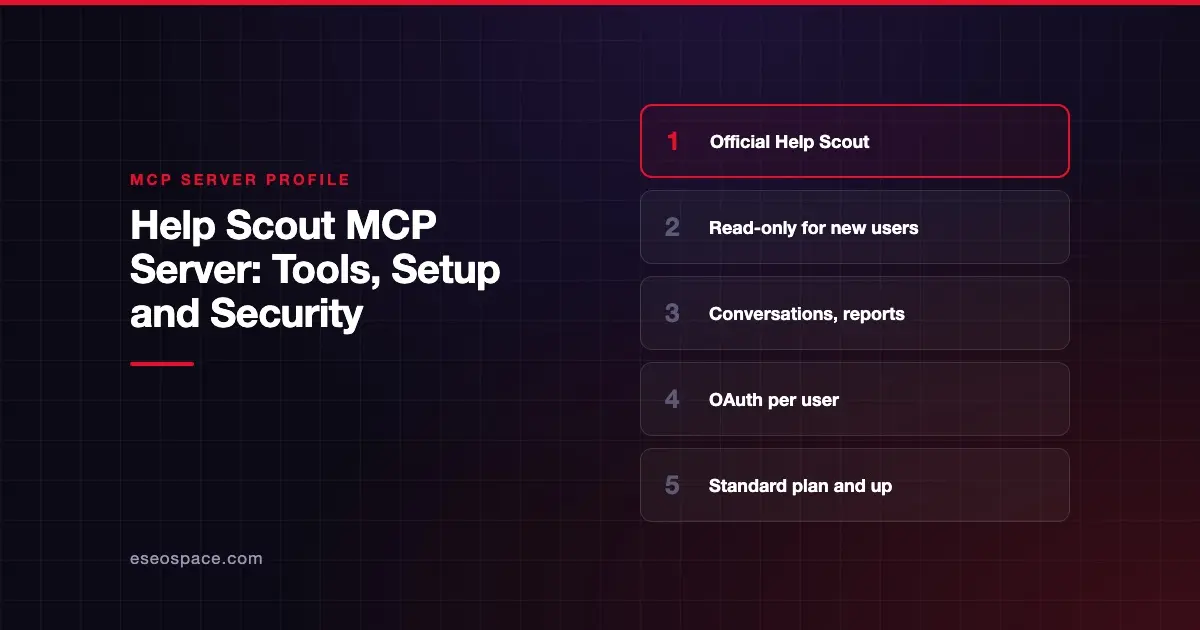
The Help Scout MCP connector lets an AI app search and summarize support conversations, look up customer profiles, and pull company, productivity and happiness reports. It can also search Help Scout Docs articles. Help Scout publishes and hosts it, and as of October 2026 access is read-only for new connections.
Checked against: Connect your AI Agent to Help Scout via MCP on 28 October 2026. eSEOspace did not install or test this server.
Key Takeaways
- The server URL is
https://mcp.helpscout.net/mcp, and each team member signs in with their own Help Scout account. - New connections are read-only. The AI cannot reply to customers, add notes, change tags or edit Docs.
- It is available on the Standard, Plus and Pro plans. Report tools need Plus or Pro.
- Help Scout has no account-wide switch to turn MCP off. Any User or Administrator can connect.
- The connector does not strip sensitive information, so whatever customers wrote reaches the AI.
At a glance
| Item | Detail |
|---|---|
| Publisher | Help Scout |
| Official? | Yes |
| Hosting | Remote URL: https://mcp.helpscout.net/mcp |
| Transport | Not stated |
| Sign-in | OAuth (each user signs in on Help Scout's page) |
| Read or write | Read-only for new connections |
| Price | No separate MCP price listed; Standard, Plus or Pro plan required |
| Source code | Closed (hosted by Help Scout) |
| Status | Generally available, per Help Scout |
What it can do
Help Scout's article describes capability groups rather than tool names:
- Conversations: list, search and summarize conversations, including threads, tags, custom fields and attachment file names. It cannot open attachment contents.
- Customers: profiles, emails, phone numbers, history and organizations.
- Inboxes and saved replies.
- Users and teams.
- Workflows.
- Reports: company, conversation, productivity and happiness reports, on Plus or Pro.
- Docs: search and read articles, sites and collections, if you add a Docs API key.
To check that the connection works, Help Scout suggests asking your AI app to "Run the Help Scout health check."
Help Scout says a small number of MCP beta accounts kept write tools. Write actions for everyone are on its roadmap, with no date given.
How to connect it
Help Scout documents three paths:
Claude Team or Enterprise: a Claude Owner adds a custom web connector under Organization settings > Connectors using the server URL. Each member then clicks Connect under Customize > Connectors.
Claude Pro or Max: go to Customize > Connectors, choose Add custom connector, name it "Help Scout," enter https://mcp.helpscout.net/mcp, click Add, then log in and approve.
ChatGPT: turn on Developer mode under Settings > Security and login, then add the server URL on the Plugins page. Help Scout notes that admins must approve Developer mode on Business, Enterprise and Education workspaces. OpenAI's custom MCP server guide now says you don't need to turn on Developer Mode first: go to Plugins, select +, then Add custom MCP server, and finish with Create as a plugin. OpenAI lists custom servers for Business and Enterprise/Edu on ChatGPT web, with Pro limited to read/fetch, as of October 2026.
The OAuth client ID and secret fields are optional, because the connector registers itself. Help Scout warns not to paste an App ID or secret from My Apps. For Docs tools, copy your Docs API key from Your Profile > Security and Access and paste it into the "Help Scout Docs API Key (optional)" field during sign-in.
Security notes
Read-only access lowers the risk of the AI acting on customers. It does not lower the risk of data exposure, and support inboxes are full of personal data. Key points from Help Scout:
- Permissions follow the user. The connector sees what that user's inbox permissions allow. Help Scout says search filters "are not a security boundary."
- No global off switch. Control access through your AI platform instead. Claude Team and Enterprise admins can allowlist or block connectors by URL. On Plus and Pro you can remove a user's Access API permission or make them a Light User.
- Revocation lag. Deactivating the user is the reliable way to cut off access. Access tokens can stay valid for up to 2 hours and refresh tokens for up to 30 days. A Docs API key must be revoked separately.
- Data handling. Help Scout says requests run in real time and it stores only session tokens and any Docs API key, encrypted at rest. Retrieved content is governed by your AI provider's terms.
- HIPAA. Accounts with a signed BAA on Pro also need a BAA with the AI provider.
When write tools arrive, the MCP tools specification advice applies: clients should prompt for confirmation on sensitive operations and log tool usage for audit purposes.
Customer emails can contain text written to manipulate an AI. Read about prompt injection through tool results and data exfiltration, and see our MCP security center.
Alternatives
- Zendesk, Intercom or Front, other help desk products that appear in our CRM, sales and support category.
- Slack MCP server, if your support team escalates in Slack.
- Gmail MCP server, for teams that run support from a shared Gmail inbox.
Next step
Before rolling this out to a whole support team, decide which roles may connect and where retrieved customer data may go. eSEOspace can help write that policy in an MCP readiness audit. More profiles are in our MCP server directory.
Frequently asked questions
Can the Help Scout MCP connector reply to customers?
Not for new connections. Help Scout says access is read-only, so the AI cannot reply, add notes, change tags or edit Docs.
Which Help Scout plans include MCP?
Standard, Plus and Pro, which are the plans with API access. Report tools require Plus or Pro.
Can an admin turn MCP off for the whole account?
Help Scout says there is no account-wide setting. You can restrict users through API permissions on Plus and Pro, or block the connector in your AI platform.
Does the AI see attachments?
It sees attachment file names but cannot open attachment contents, according to Help Scout.