This profile is part of our MCP server directory, within The MCP Guide. Profiles are checked against each vendor's own documentation. Need a server built? See MCP development.
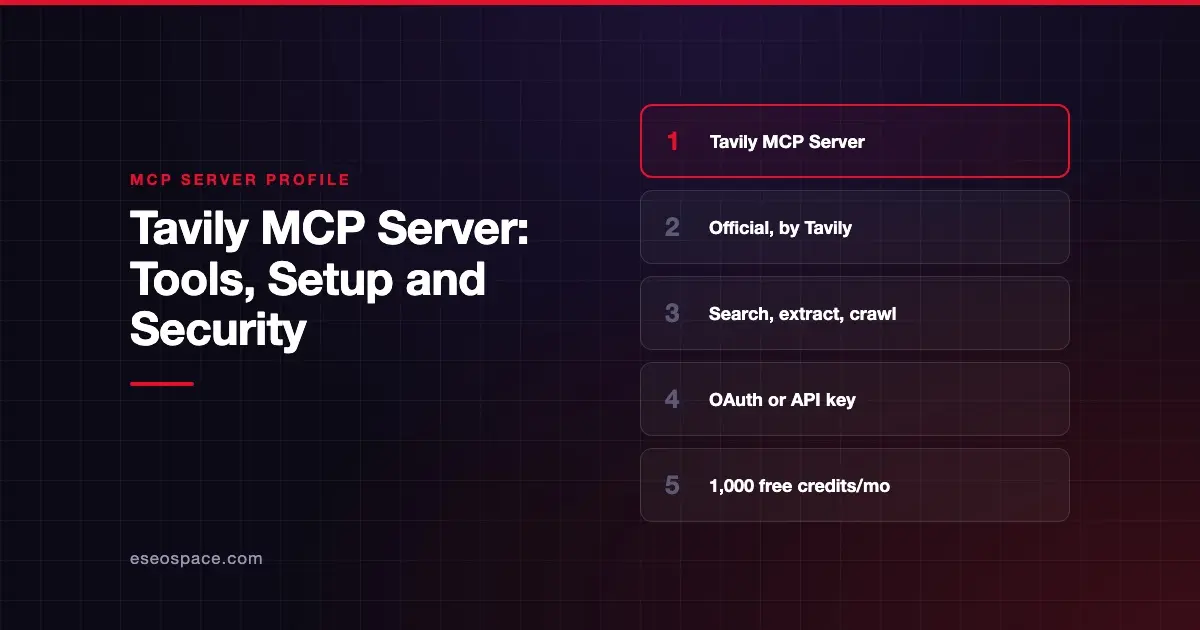
The Tavily MCP server lets an AI app search the web, pull content from pages, crawl a site and map its URLs. Tavily publishes it as a hosted remote server and as an open-source npm package. Its tools are built for agents that need fresh web data in a clean format.
Checked against: Tavily MCP docs on 28 October 2026. eSEOspace did not install or test this server.
Key Takeaways
- Tavily's docs list five tools:
tavily_search,tavily_extract,tavily_crawl,tavily_mapandtavily_research. - The hosted server is at
https://mcp.tavily.com/mcp/, and a local package runs withnpx -y tavily-mcp@latest. - You can sign in with OAuth or pass an API key in the URL or an Authorization header.
- OAuth keeps your key out of the URL, which Tavily describes as the secure option.
- Tavily's free Researcher plan includes 1,000 API credits a month; pay-as-you-go is $0.008 per credit.
At a glance
| Field | Detail |
|---|---|
| Publisher | Tavily |
| Official? | Yes |
| Hosting | Both: remote URL https://mcp.tavily.com/mcp/ and local package tavily-mcp |
| Transport | Streamable HTTP (remote); stdio (local) |
| Sign-in | OAuth or API key |
| Read or write | Read only |
| Price | No separate MCP price listed; Tavily API credits apply |
| Source code | github.com/tavily-ai/tavily-mcp |
| Status | Not stated |
What it can do
Tavily's docs name five tools:
tavily_search: real-time web search.tavily_extract: pulls content from web pages.tavily_crawl: explores a website page by page.tavily_map: builds a structured map of a site's URLs.tavily_research: research across sources.
The GitHub README describes the first four. It adds that you can set default search parameters with a DEFAULT_PARAMETERS header (remote) or environment variable (local). For example, you can always include images or set search_depth.
The README also documents an optional TAVILY_HUMAN_ID variable. When set, the server forwards it as an X-Human-Id header so you can see usage per end user. The docs say Tavily hashes these IDs before processing or storing them.
How to connect it
For Claude Code, the README gives two options. With OAuth:
claude mcp add --transport http tavily https://mcp.tavily.com/mcpThen run claude, type /mcp, select the Tavily server and complete sign-in.
With a key in the URL:
claude mcp add --transport http tavily https://mcp.tavily.com/mcp/?tavilyApiKey=<your-api-key>Add --scope user to make the server available in all your projects.
For the local server, the README's client config is:
{
  "mcpServers": {
    "tavily-mcp": {
      "command": "npx",
      "args": ["-y", "tavily-mcp@latest"],
      "env": {
        "TAVILY_API_KEY": "your-api-key-here"
      }
    }
  }
}
The local server needs Node.js 20 or later. The README also has Cursor steps that use the mcp-remote bridge. Tavily's docs call that bridge an "experimental stop-gap" for clients that only support local servers.
Security notes
Prefer OAuth. The docs present OAuth as the secure option because no key goes in the URL. Keys in URLs can leak through logs, screenshots and shared configs. See MCP secret leakage.
Which key OAuth uses. After sign-in, Tavily uses a key named mcp_auth_default if one exists. A personal key with that name wins over a team key. Otherwise it uses your default key, then the first available key. Name a key on purpose so you know which budget pays.
Session tracking. The docs say the server creates an X-Session-Id for each MCP session so calls can be attributed.
Clearing credentials. The README says to run rm -rf ~/.mcp-auth to clear stored OAuth credentials when using mcp-remote.
Untrusted pages. Extract and crawl return raw page content. Treat it as untrusted, as explained in prompt injection through MCP tool results. The MCP security center has more.
Pricing
Tavily's pricing page lists four plans: Researcher, Pay As You Go, Project and Enterprise. As of October 2026, the free Researcher plan includes "1,000 API credits / month," and Pay As You Go costs "$0.008 / credit." The MCP docs add that "Keyless access" can call Search and Extract without an API key.
Alternatives
- Exa MCP server: hosted search, fetch and agent research.
- Firecrawl MCP server: deeper scraping, crawling and browser interaction.
- Brave Search MCP server: Brave's own index, run locally.
See more on our MCP server profiles hub.
Next step
Crawl and map tools show how an agent sees your site's structure. If that view looks messy, our MCP readiness audit is a good place to start.
Frequently asked questions
Do I need an API key for the Tavily MCP server?
Not with OAuth. You add the server URL, sign in, and Tavily picks a key from your account. You can also pass a key in the URL or an Authorization header.
What is the difference between crawl and map?
tavily_map builds a structured map of a site's URLs. tavily_crawl explores pages and gathers their content. Map is the lighter option when you only need the URL list.
How much does it cost?
The server is open source. Usage draws on Tavily API credits. The free Researcher plan includes 1,000 credits a month, and pay-as-you-go is $0.008 per credit as of October 2026.
Can I set default search options?
Yes. Send a DEFAULT_PARAMETERS header to the remote server, or set the DEFAULT_PARAMETERS environment variable locally, with a JSON object such as {"include_images": true}.