This profile is part of our MCP server directory, within The MCP Guide. Profiles are checked against each vendor's own documentation. Need a server built? See MCP development.
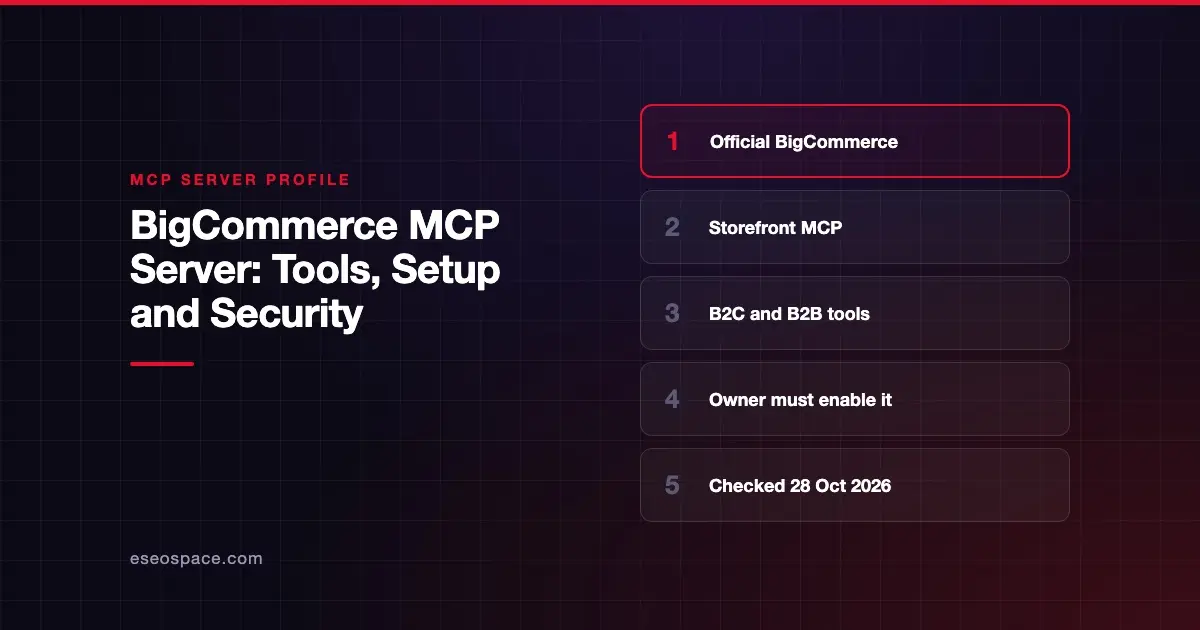
BigCommerce's Storefront MCP lets an AI agent shop a BigCommerce store on behalf of a customer. It covers browsing the catalog, building a cart and checking out, plus Buyer Portal tasks for B2B buyers. BigCommerce hosts it, and each storefront gets its own endpoint.
Checked against: BigCommerce's MCP overview on 28 October 2026. eSEOspace did not install or test this server.
Key Takeaways
- BigCommerce's MCP server is storefront-facing. It serves shoppers and buyers, not back-office admin work.
- Two tool sets share one endpoint: B2C Storefront for guests and logged-in customers, and B2B Storefront for Buyer Portal users.
- Only a store owner can turn it on, under Settings, then API and MCP, then MCP.
- Each storefront has its own endpoint URL, shown in the MCP settings.
- BigCommerce says it can take up to 10 minutes for the server to become fully available after you enable it.
At a glance
| Item | Detail |
|---|---|
| Publisher | BigCommerce |
| Official? | Yes |
| Hosting | Remote URL, one per storefront |
| Transport | Streamable HTTP |
| Sign-in | Guest or logged-in shopper; B2B buyers sign in as Buyer Portal users |
| Read or write | Both: reads catalog, writes carts, checkouts and B2B lists and quotes |
| Price | No separate MCP price listed |
| Source code | Closed (hosted service) |
| Status | Not labeled on the overview page |
What it can do
BigCommerce documents two tool sets on the same endpoint:
- B2C Storefront: shopping flows for guests and logged-in customers, including catalog, cart and checkout tools.
- B2B Storefront: extra tools for authenticated Buyer Portal users, such as shopping lists and quotes. These are gated by B2B Edition at the store level and by buyer permissions per tool.
BigCommerce says the B2C catalog, cart and checkout tools are available to every session on a B2B-enabled store, including guests. The overview page does not list individual tool names.
The server can also link an MCP session to a shopper's browser session. A Stencil chat widget can pass a sync token so the agent sees the same cart and, for B2B buyers, the same company and permissions. BigCommerce documents a POST /api/mcp call with an X-Bc-Storefront-Sync-Token header for this.
How to connect it
1. Enable it. You need an active storefront. A store owner turns on Storefront MCP under Settings → API and MCP → MCP and accepts the terms. The endpoint appears under Select storefront.
2. Add it to a client. BigCommerce gives this Claude Code command:
claude mcp add --transport http bigcommerce <YOUR_MCP_SERVER_URL>Add --scope user to enable it in all projects. For Claude Desktop, BigCommerce uses the mcp-remote helper, which needs Node.js 18 or higher:
{
  "mcpServers": {
    "bigcommerce": {
      "command": "npx",
      "args": ["mcp-remote", "<YOUR_MCP_SERVER_URL>"]
    }
  }
}
For Cursor, BigCommerce says to set "type": "streamable-http" and the "url" in .cursor/mcp.json. Warp uses the same mcp-remote config as Claude Desktop.
Security notes
- Owner control. Only a store owner can enable MCP, and they must accept BigCommerce's terms first.
- Buyer permissions. B2B tools are gated per buyer permission, so a buyer's agent cannot do more than the buyer can.
- Public storefront tools. B2C tools are open to guest sessions. Treat the endpoint like your public storefront and watch for abuse, such as cart spam. Our page on resource exhaustion in MCP covers the risk.
- Session linking. Sync tokens tie an agent to a shopper's browser session. Handle them as you would a session cookie.
- No admin tools documented. The overview page does not mention a management server, which limits the blast radius compared with admin servers.
- What the spec says. The MCP tools specification says there SHOULD always be a human in the loop who can deny tool calls. The spec's security best practices also recommend scope minimization.
For more, see the MCP security center and prompt injection through MCP tool results.
Alternatives
- Shopify MCP servers: UCP catalog, cart and checkout servers for shopping agents.
- commercetools MCP server: admin-level tools for carts, orders and products.
- WooCommerce MCP server: product and order admin tools in developer preview.
Next step
Agent-ready storefronts are part of how AI assistants will recommend and sell products. If you want your catalog to show up well in those flows, our MCP marketing team can help. Browse more options in the MCP server directory.
Frequently asked questions
Can I manage my BigCommerce store with this MCP server?
The overview page describes storefront tools for shoppers and B2B buyers. It does not mention a management or admin MCP server.
Who can turn on BigCommerce MCP?
Only a store owner. They enable Storefront MCP in the control panel and accept the terms. The server can take up to 10 minutes to become available.
Does it support B2B buyers?
Yes. The B2B Storefront tool set adds Buyer Portal tools such as shopping lists and quotes. It needs B2B Edition, and each tool respects the buyer's permissions.
What is the endpoint URL?
There is no single URL. Each storefront has its own MCP endpoint, shown in the MCP settings after you select the storefront.