This profile is part of our MCP server directory, within The MCP Guide. Profiles are checked against each vendor's own documentation. Need a server built? See MCP development.
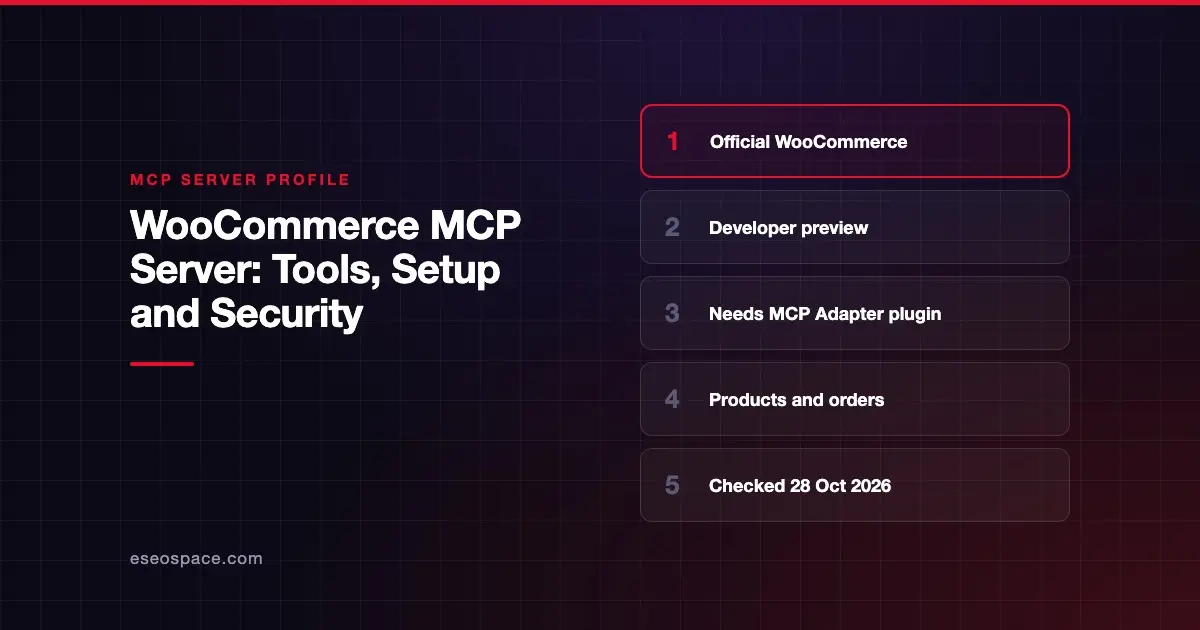
WooCommerce's MCP support lets an AI app query, create and update products, and query orders, change order status and add order notes on a WooCommerce store. WooCommerce publishes it as a developer preview. It works through the WordPress Abilities API and a separate MCP Adapter plugin.
Checked against: WooCommerce's MCP documentation on 28 October 2026. eSEOspace did not install or test this server.
Key Takeaways
- WooCommerce says its MCP implementation is in developer preview, so details and APIs may change.
- You need the separate "MCP Adapter" plugin from WordPress.org. WooCommerce does not bundle it.
- Remote connections use WordPress Application Passwords. The old
X-MCP-API-Keymethod was removed in WooCommerce 11.3. - Product abilities include query, create, update and delete. Order abilities include query, status updates and notes.
- WooCommerce warns that order and customer tools can expose personal data.
At a glance
| Item | Detail |
|---|---|
| Publisher | WooCommerce, with the WordPress MCP Adapter plugin |
| Official? | Yes |
| Hosting | Runs on your own store; local proxy package for clients |
| Transport | HTTP endpoint on your site; local STDIO through WP-CLI |
| Sign-in | WordPress Application Passwords (remote); WP-CLI --user (local) |
| Read or write | Both |
| Price | No separate MCP price listed |
| Source code | Ships in WooCommerce; MCP Adapter plugin is on WordPress.org |
| Status | Developer preview |
What it can do
The MCP Adapter's default server exposes three tools:
mcp-adapter-discover-abilitiesmcp-adapter-get-ability-infomcp-adapter-execute-ability
The AI discovers WooCommerce "abilities" through these tools, then runs them. WooCommerce documents these ability groups:
- Products: query (with filtering and pagination), create, update and delete. One named example is
woocommerce/products-query. - Orders: query (with filtering and pagination), query order notes (
woocommerce/order-notes-query), update order status and add order notes.
WooCommerce's docs do not give exact names for every ability. Developers can also register their own abilities, and the docs include a demo ability called woocommerce-demo/store-info.
How to connect it
- Install and activate the MCP Adapter plugin. WooCommerce's docs give this WP-CLI command:
wp plugin install mcp-adapter --activate- Your store's MCP endpoint is:
https://yourstore.com/wp-json/mcp/mcp-adapter-default-server- Create a WordPress Application Password for a dedicated user. Then add the proxy to your MCP client:
{
  "mcpServers": {
    "woocommerce_store": {
      "command": "npx",
      "args": [
        "-y",
        "@automattic/mcp-wordpress-remote@latest"
      ],
      "env": {
        "WP_API_URL": "https://yourstore.com/wp-json/mcp/mcp-adapter-default-server",
        "WP_API_USERNAME": "your-username",
        "WP_API_PASSWORD": "your-application-password"
      }
    }
  }
}
WooCommerce notes that VS Code uses servers instead of mcpServers. Remote connections should run over HTTPS. Local STDIO connections authenticate through WP-CLI with --user and need no Application Password.
If you used the older /wp-json/woocommerce/mcp endpoint, WooCommerce says it was removed in 11.3.
Security notes
- Personal data. WooCommerce warns that order and customer operations can expose names, email addresses, physical addresses and payment details. The store owner is responsible for data protection compliance. See data exfiltration through MCP.
- Dedicated user. WooCommerce recommends a dedicated WordPress user with only the capabilities the client needs. The default server requires the
readcapability, and each ability runs its own permission check. - Destructive tools. Product delete is in the documented ability set. A low-privilege user is the simplest way to block it.
- Secrets in config. Do not commit configs that contain an Application Password to version control. Revoke unused Application Passwords.
- Preview status. Abilities and endpoints may change between releases. Re-test after each WooCommerce update.
- What the spec says. The MCP tools specification says there SHOULD always be a human in the loop who can deny tool calls. The spec's security best practices also recommend scope minimization.
For more, see the MCP security center and secrets and credential leakage in MCP.
Alternatives
- Shopify MCP servers: developer docs, shopper-facing catalog and cart tools, and customer account tools.
- BigCommerce MCP server: storefront shopping tools for B2C and B2B buyers.
- Saleor MCP server: read-only access to products, customers and orders.
Next step
WooCommerce stores often run many plugins, so test MCP on a staging copy first. If you want an agent that does more than the default abilities, our MCP development team can build custom abilities. Read MCP for ecommerce for the bigger picture.
Frequently asked questions
Is WooCommerce MCP built in?
Partly. WooCommerce registers its abilities through the WordPress Abilities API automatically. To expose them to AI apps you must install the separate MCP Adapter plugin.
Can an AI agent delete products through WooCommerce MCP?
WooCommerce documents create, update and delete for products. Whether the agent can use them depends on the WordPress user's capabilities, so connect with a limited user.
Does WooCommerce MCP use REST API keys?
No. WooCommerce says remote connections use WordPress Application Passwords, and the X-MCP-API-Key method was removed in 11.3.
Is it safe for customer data?
WooCommerce warns that order and customer tools can expose personal information. Use a minimal user, HTTPS and your own data-retention rules.