This profile is part of our MCP server directory, within The MCP Guide. Profiles are checked against each vendor's own documentation. Need a server built? See MCP development.
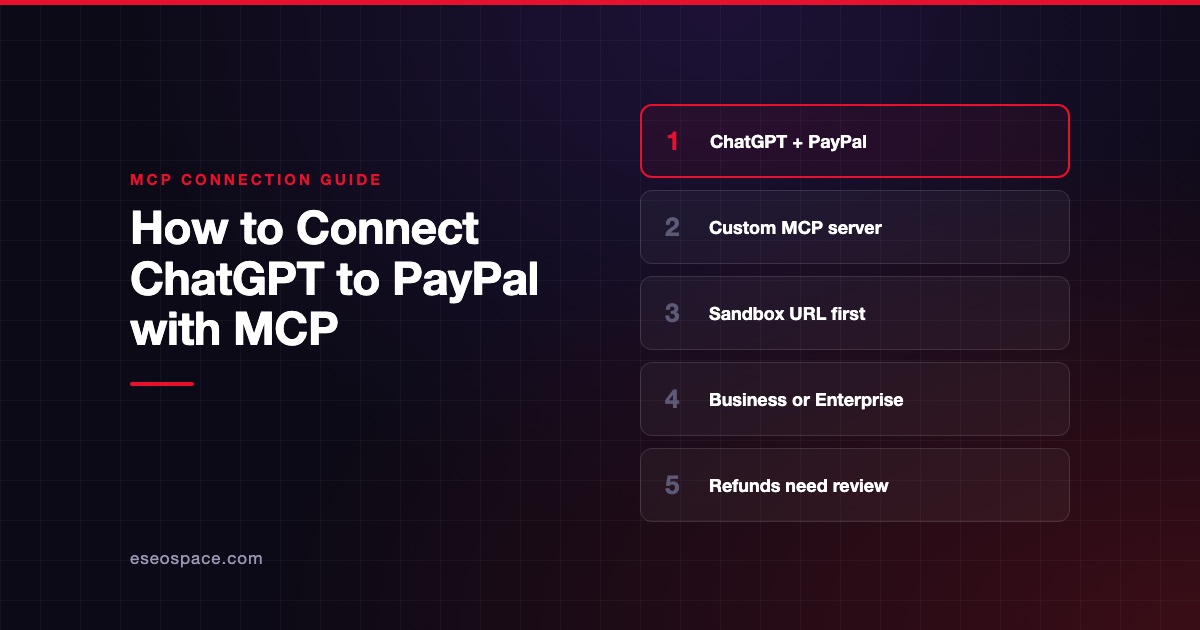
The PayPal MCP server lets an AI app work with your PayPal business account. It can create invoices, look up orders and disputes, manage subscriptions and issue refunds. PayPal publishes both a local package and hosted remote endpoints.
Checked against: PayPal's MCP server documentation on 28 October 2026. eSEOspace did not install or test this server.
Key Takeaways
- PayPal offers a local server (
@paypal/mcpon npm) and remote servers with separate sandbox and production URLs. - The local server uses a PayPal access token. The remote server sends you to a PayPal login page for consent.
- The tool catalog covers catalog, disputes, invoices, payments, reporting, shipment tracking and subscriptions.
- Several tools move money, including
pay_orderandcreate_refund. The pages we read do not describe a built-in approval step. - Start in the sandbox environment and turn on your AI client's tool-approval prompts.
At a glance
| Item | Detail |
|---|---|
| Publisher | PayPal |
| Official? | Yes |
| Hosting | Both: local npm package and remote URLs |
| Transport | Local stdio; remote SSE (/sse) or streamable HTTP (/http) |
| Sign-in | Local: access token. Remote: PayPal login, or client ID and secret as a bearer token |
| Read or write | Both |
| Price | No separate MCP price listed |
| Source code | paypal/agent-toolkit on GitHub |
| Status | Not labeled; page last updated 30 June 2026 |
What it can do
PayPal lists its tools in the agent tools catalog. The MCP page says the complete catalog is available in both the local and remote servers.
| Area | Tools |
|---|---|
| Catalog | create_product, list_product, show_product_details |
| Disputes | list_disputes, get_dispute, accept_dispute_claim |
| Invoices | create_invoice, list_invoices, get_invoice, send_invoice, send_invoice_reminder, cancel_sent_invoice, generate_invoice_qr_code |
| Payments | create_order, create_refund, get_order, get_refund, pay_order |
| Reporting | get_merchant_insights, list_transaction |
| Shipment tracking | create_shipment_tracking, get_shipment_tracking, update_shipment_tracking |
| Subscriptions | cancel_subscription, create_subscription, create_subscription_plan, list_subscription_plans, show_subscription_details, show_subscription_plan_details, update_subscription |
The catalog also lists search_product, create_cart and checkout_cart for the remote server, for gift cards, behind a feature-flag header.
How to connect it
Local server. You need Node.js 18 or later and a PayPal access token. PayPal's example config for Claude Desktop is:
{
  "mcpServers": {
    "paypal": {
      "command": "npx",
      "args": [
        "-y",
        "@paypal/mcp",
        "--tools=all"
      ],
      "env": {
        "PAYPAL_ACCESS_TOKEN": "YOUR_PAYPAL_ACCESS_TOKEN",
        "PAYPAL_ENVIRONMENT": "SANDBOX"
      }
    }
  }
}
Set PAYPAL_ENVIRONMENT to SANDBOX or PRODUCTION.
Remote server. The endpoints are:
- Sandbox:
https://mcp.sandbox.paypal.com - Production:
https://mcp.paypal.com
Add /sse or /http for the transport you want. PayPal's examples use the mcp-remote helper. After you save the config, the client redirects you to PayPal's login page to grant consent.
{
  "mcpServers": {
    "paypal-mcp-server": {
      "command": "npx",
      "args": [
        "mcp-remote",
        "https://mcp.sandbox.paypal.com/sse"
      ]
    }
  }
}
PayPal's examples use Claude but say any MCP client works, "such as Cursor or Cline." PayPal notes a known issue with Cursor on Windows for remote connections. If sign-in gets stuck, PayPal suggests clearing ~/.mcp-auth.
Security notes
- Money-moving tools. Per PayPal's catalog,
pay_ordercaptures payment for an authorized order andcreate_refundrefunds a captured payment.checkout_cartfinalizes a cart and processes payment.accept_dispute_claimresolves a dispute in the buyer's favor. - No documented approval step. The PayPal pages we read do not describe a server-side human confirmation step. Your AI client's tool-approval prompt is your main check. Keep it on, and read about approval fatigue so people do not click yes to everything.
- Load fewer tools. The local example passes
--tools=all. Loading only the tools you need cuts risk. - Use the sandbox. Both local and remote servers support a sandbox. Test prompts there before you point an agent at production.
- Protect credentials. Keep access tokens and client secrets out of shared config files. See secrets and credential leakage in MCP.
- What the spec says. The MCP tools specification says there SHOULD always be a human in the loop who can deny tool calls. The spec's security best practices also recommend scope minimization.
The MCP security center has a full checklist for payment servers.
Alternatives
- Stripe MCP server: remote only, with server-side approval for refunds and outbound payments.
- Square MCP server: beta, with OAuth on the remote server and a read-only mode locally.
- Mollie MCP server: remote, OAuth only, and no refund tool as of October 2026.
Next step
Invoicing and dispute lookups are good first jobs for an agent. Refunds and payment capture should wait until your approval rules are clear. If you want help designing that, see our MCP development service or browse more in the MCP server directory.
Frequently asked questions
Does PayPal have an official MCP server?
Yes. PayPal documents both a local server, published on npm as @paypal/mcp, and remote servers at mcp.paypal.com and mcp.sandbox.paypal.com. Both are on PayPal's developer site.
Can the PayPal MCP server issue refunds?
Yes. The catalog lists create_refund, which processes a refund for a captured payment. The pages we checked do not describe a separate approval step, so use your client's tool-approval setting.
Which AI apps work with it?
PayPal's examples use Claude Desktop. The docs say any MCP client works, naming Cursor and Cline as examples.
Is there a test mode?
Yes. Set PAYPAL_ENVIRONMENT to SANDBOX for the local server, or use https://mcp.sandbox.paypal.com for the remote one.