This profile is part of our MCP server directory, within The MCP Guide. Profiles are checked against each vendor's own documentation. Need a server built? See MCP development.
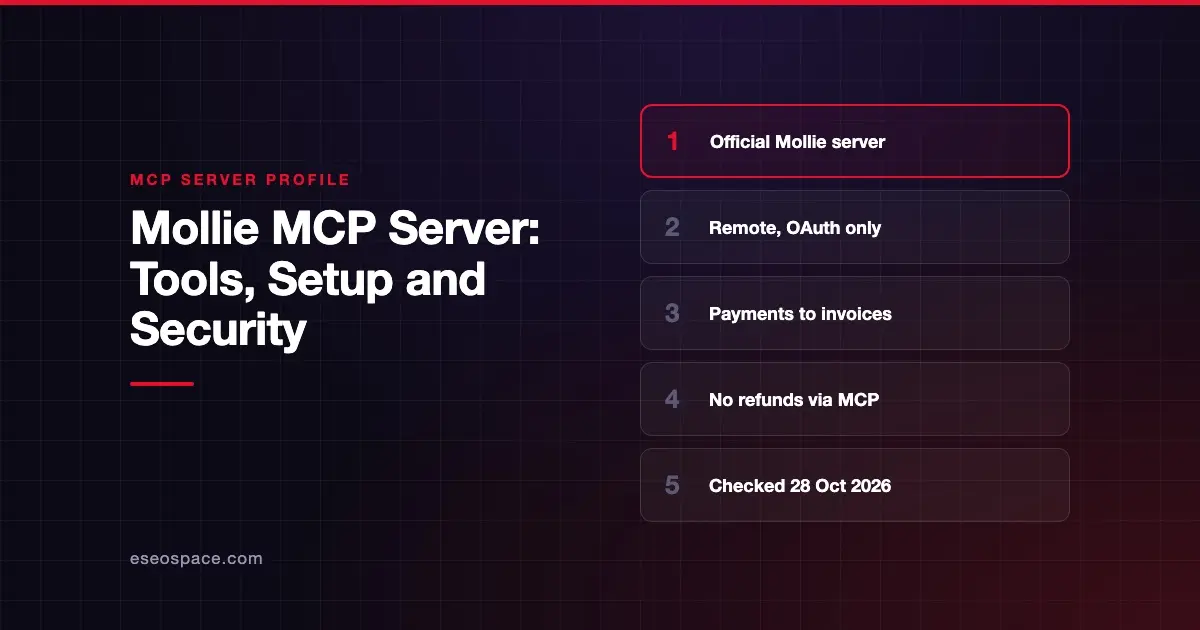
The Mollie MCP server lets an AI app check and manage your Mollie account in plain language. It covers payments, payment links, customers, subscriptions, settlements, invoices and more. Mollie hosts it and connects it through Mollie's own login screen.
Checked against: Mollie's MCP server documentation on 28 October 2026. eSEOspace did not install or test this server.
Key Takeaways
- The server lives at
https://mcp.mollie.com/mcp, and you connect by signing in to Mollie and approving the request. - Mollie says static tokens are deprecated. The OAuth flow is the only supported way to connect.
- The AI can only do what your Mollie account role already allows, and every action is attributed to you.
- It can create payments, charge existing customers and capture held payments. Mollie says it does not currently support issuing refunds.
- There is no page in the Mollie web app to manage AI access yet. You revoke access from the AI tool itself.
At a glance
| Item | Detail |
|---|---|
| Publisher | Mollie |
| Official? | Yes |
| Hosting | Remote URL: https://mcp.mollie.com/mcp |
| Transport | Remote HTTP; mcp-remote proxy for older clients |
| Sign-in | OAuth through Mollie's login (static tokens deprecated) |
| Read or write | Both |
| Price | No separate MCP price listed |
| Source code | No source repository linked from the MCP docs |
| Status | Not labeled |
What it can do
Mollie describes capabilities by area rather than by tool name:
| Area | What you can ask |
|---|---|
| Payments | Look up, list, search and total payments; create a new payment |
| Payment links | Create a link, look one up, see who paid, check totals |
| Customers | List, search, view, create and update customers; charge an existing customer |
| Subscriptions | List, view, create, update or cancel |
| Mandates | List, view, create or revoke a saved authorization for recurring charges |
| Captures | List or view captures; capture a held payment |
| Balances | Check balance, see a balance report and balance transactions |
| Settlements | List settlements and see what is in the next one |
| Sales invoices | Create, list, view or update invoices you send |
| Invoices | View invoices Mollie has billed you |
| Payment methods, terminals, webhooks, profiles | View, and for webhooks create, update or test |
Mollie adds a warning: the server "doesn't currently support issuing refunds."
How to connect it
Add https://mcp.mollie.com/mcp to your MCP client. Mollie says Claude, ChatGPT, Cursor and other current clients support the flow out of the box:
- Your AI tool connects and sees that Mollie requires authentication.
- You are sent to Mollie's authorization page to sign in and review the permissions.
- You approve, and you are sent back to your AI tool.
Any member of your Mollie organization can connect their own AI tool this way. It does not need an owner or admin.
For older clients that only support local servers, Mollie gives this mcp-remote config:
{
  "mcpServers": {
    "Mollie": {
      "command": "npx",
      "args": ["mcp-remote", "https://mcp.mollie.com/mcp"]
    }
  }
}
The first time, mcp-remote opens the same Mollie authorization screen and stores the tokens on your machine.
Security notes
- Scoped to your role. Mollie says connecting an AI tool "never gives it a broader scope than you already have." Give staff the narrowest Mollie role that fits their job.
- Money-moving actions. Creating payments, charging an existing customer, capturing a held payment and creating mandates or subscriptions all affect money. Mollie tells you to turn on your client's permission prompt for anything that creates or changes something.
- Attribution. Every action shows up in your account as if you did it yourself.
- Any member can connect. Because no admin approval is needed, set a team policy on which AI tools may connect. See MCP governance for IT leaders.
- Revoking access. There is no Mollie dashboard page for this yet. Remove Mollie from the AI tool's connected apps instead.
- What the spec says. The MCP tools specification says there SHOULD always be a human in the loop who can deny tool calls. The spec's security best practices also recommend scope minimization.
For a full checklist, see the MCP security center and approval fatigue.
Alternatives
- Stripe MCP server: server-side approval for refunds, plus admin on/off controls.
- PayPal MCP server: invoicing, subscriptions and refunds, local or remote.
- Adyen MCP server: local alpha server for Checkout and Management APIs.
Next step
Mollie's role-based scoping makes it easy to start small. Give a bookkeeper read access to settlements and invoices first. If you want a reviewed rollout plan, book our MCP readiness audit, or compare more options in the MCP server directory.
Frequently asked questions
Can the Mollie MCP server issue refunds?
No. Mollie's docs say the server does not currently support issuing refunds. It can show refunds inside a settlement.
Do I need an API key to connect?
No. Mollie says the previous static-token method is deprecated. You sign in through Mollie's own authorization page instead.
Can an employee connect without an admin?
Yes. Mollie says any member of your organization can connect their own AI tool. The tool is limited to that person's role.
How do I disconnect Mollie from an AI tool?
Remove Mollie from the AI tool's connected apps or integrations settings. Mollie does not yet have a dashboard page for this.