This profile is part of our MCP server directory, within The MCP Guide. Profiles are checked against each vendor's own documentation. Need a server built? See MCP development.
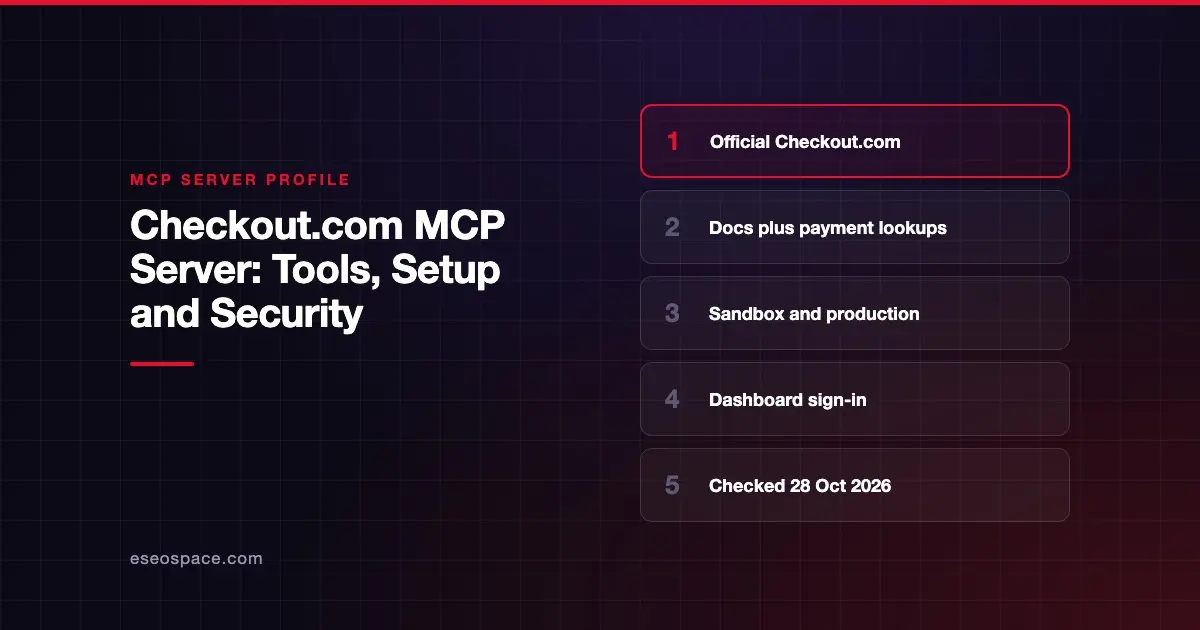
The Checkout.com MCP server lets an AI coding assistant search Checkout.com's docs, API reference and support site. It can also look up payment details and list your entities. Checkout.com hosts it, with separate sandbox and production endpoints.
Checked against: Checkout.com's MCP server documentation on 28 October 2026. eSEOspace did not install or test this server.
Key Takeaways
- Checkout.com aims the server at developers working in an IDE, such as Claude Code, Cursor or VS Code with GitHub Copilot.
- Seven tools cover integration guidance, docs search and API schemas.
- Two payment tools let you query a payment's status and view or switch your active entity.
- You sign in with your Checkout.com Dashboard credentials. You need an active Dashboard account.
- The docs we read list no refund, capture or payout tools.
At a glance
| Item | Detail |
|---|---|
| Publisher | Checkout.com |
| Official? | Yes |
| Hosting | Remote URLs: sandbox https://checkout.mcp.sbox.cko.tech, production https://mcp.checkout.com |
| Transport | HTTP |
| Sign-in | Dashboard login through the client's auth flow |
| Read or write | Mostly read; List Entities can change the active entity |
| Price | No separate MCP price listed |
| Source code | Closed (hosted service) |
| Status | Not labeled on the page we read |
What it can do
Integration tools search Checkout.com's knowledge base:
Guide: get guidance on the best integration path.DocsSearch: search the technical docs.ApiSearch: search the API reference.SupportSearch: search the support site.ListOperations: list available API operations.GetOperation: get details for one API operation.GetSchema: get schema information.
Payment operation tools:
Get Payment Details: query the status of a payment.List Entities: view your entities and change the active entity.
Checkout.com says you can chain tools in one prompt. Its example asks the agent to use Guide and ListOperations to find the API operations needed for a PayPal payment request.
How to connect it
Pick the endpoint for the environment you want. In Claude Code, Checkout.com gives:
claude mcp add --transport http checkout-mcp-sandbox https://checkout.mcp.sbox.cko.techor, for production:
claude mcp add --transport http checkout-mcp https://mcp.checkout.comThen run /mcp in Claude Code and sign in with your Dashboard credentials.
For Cursor, add this to mcp.json:
{
  "mcpServers": {
    "checkout-mcp": {
      "url": "https://mcp.checkout.com",
      "auth": {
        "CLIENT_ID": "checkout-mcp"
      }
    }
  }
}
For VS Code with GitHub Copilot, run MCP: Open User Configuration from the Command Palette and add:
{
  "servers": {
    "checkout-mcp": {
      "url": "https://mcp.checkout.com"
    }
  }
}
Then run MCP: List Servers, select the server, choose Start, allow authentication and sign in. To disconnect, disable the server in your IDE or remove it from the config file.
Security notes
- Limited write surface. Based on the page we read, no tool refunds, captures or voids payments. That makes this a low-risk server compared with full payment APIs.
- Payment data still flows.
Get Payment Detailsreturns real payment information from production. Think about which AI tools and models can see it. See cross-server data leakage in MCP. - Use sandbox while building. The sandbox endpoint keeps test work away from live data.
- Dashboard identity. Access is tied to your Dashboard login, so it follows your existing user permissions and offboarding.
- Docs content as input. Search results are text the model will read. Treat any tool output as untrusted, as covered in prompt injection through MCP tool results.
- What the spec says. The MCP tools specification says there SHOULD always be a human in the loop who can deny tool calls. The spec's security best practices also recommend scope minimization.
See the MCP security center for a full checklist.
Alternatives
- Stripe MCP server: docs search plus full read and write API access.
- Adyen MCP server: local alpha server with refunds and payment links.
- Plaid MCP server: diagnostics and analytics for a Plaid integration.
Next step
This server is a developer productivity tool first. If you are planning a Checkout.com integration and want help with the build, see our Claude Code development service. For other payment options, browse the MCP server directory.
Frequently asked questions
Can the Checkout.com MCP server issue refunds?
The documentation we read lists no refund tool. The payment tools are Get Payment Details and List Entities.
Do I need a Checkout.com account?
Yes. Checkout.com says you must have an active Dashboard account to authenticate with the server.
Is there a test environment?
Yes. Use https://checkout.mcp.sbox.cko.tech for sandbox and https://mcp.checkout.com for production.
Which AI tools does Checkout.com document?
Claude Code, Claude Desktop, Cursor, and VS Code with GitHub Copilot. Checkout.com says other tools can follow their own remote MCP setup docs.