This profile is part of our MCP server directory, within The MCP Guide. Profiles are checked against each vendor's own documentation. Need a server built? See MCP development.
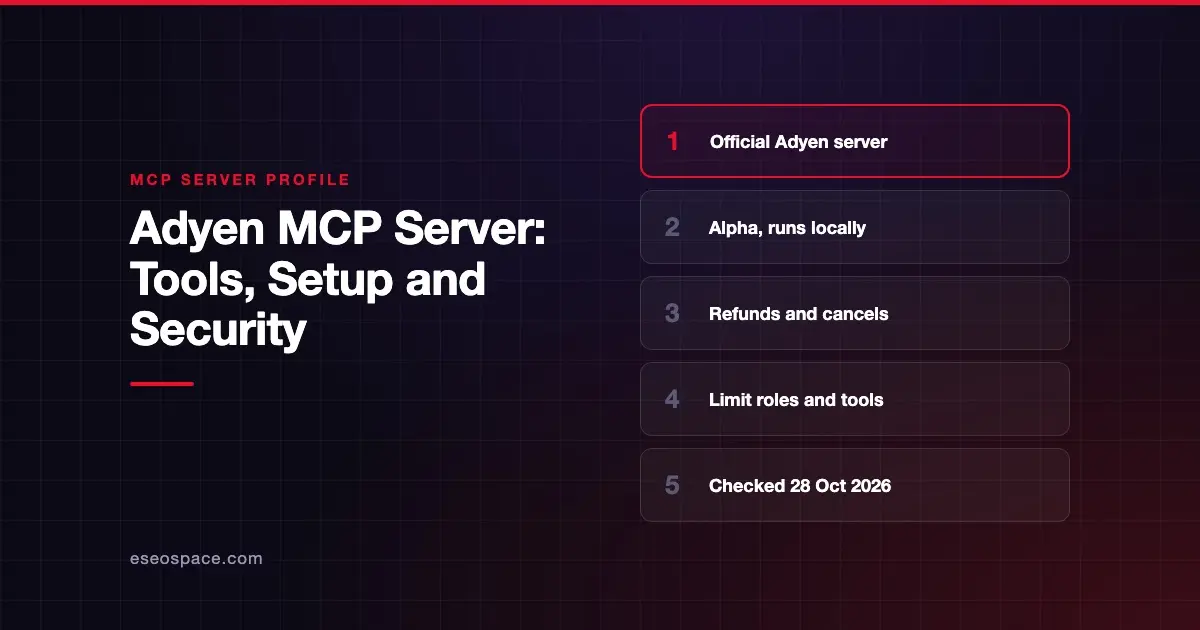
The Adyen MCP server lets an AI app call parts of Adyen's Checkout and Management APIs. It can create payment sessions and payment links, refund or cancel payments, and manage terminals and webhooks. Adyen publishes it as an open-source package you run on your own machine.
Checked against: Adyen's MCP server documentation on 28 October 2026. eSEOspace did not install or test this server.
Key Takeaways
- Adyen's server runs locally through
npx -y @adyen/mcpand authenticates with an Adyen API key. - The GitHub README is titled "Adyen MCP Server - Alpha," and Adyen says it is still adding APIs and endpoints.
- It includes money-moving actions: refunding a captured payment and cancelling an authorized payment.
- You pick
TESTorLIVEwith a flag. Live use also needs your live URL prefix. - Adyen advises running only the tools you need and using a new API key with limited roles.
At a glance
| Item | Detail |
|---|---|
| Publisher | Adyen |
| Official? | Yes |
| Hosting | Local package (@adyen/mcp on npm) |
| Transport | stdio |
| Sign-in | Adyen API key (ADYEN_API_KEY) |
| Read or write | Both |
| Price | No separate MCP price listed |
| Source code | Adyen/adyen-mcp on GitHub (MIT) |
| Status | Alpha, per the README title |
What it can do
The README groups the supported endpoints like this:
- Checkout API, Sessions: create a
/sessionspayment request, get a session result, get available payment methods. - Checkout API, Payment Links: create a payment link, get its status, and force a link to expire.
- Checkout API, Modifications: cancel an authorized payment and refund a captured payment.
- Management API, Accounts: list merchant accounts.
- Management API, Terminals: list terminals, reassign a terminal, list Android apps and certificates, create and list terminal actions, and get or update terminal settings.
- Management API, Webhooks: list, get and test webhooks.
- Management API, Payment methods, Users, API credentials and Allowed origins: read-only lookups.
The README shows tool names in its --tools example, such as list_all_company_webhooks and list_all_merchant_webhooks. It does not print a full list of tool names.
How to connect it
Set your API key without saving it in your shell history, as Adyen suggests:
read -s ADYEN_API_KEY
export ADYEN_API_KEY
Run the server in the test environment:
npx -y @adyen/mcp --env=TESTFor live, add your live URL prefix:
npx -y @adyen/mcp --env=LIVE --livePrefix=YOUR_PREFIX_URLLoad only the tools you need:
npx -y @adyen/mcp --env=TEST --tools=list_all_company_webhooks,list_all_merchant_webhooksAdyen's VS Code example:
{
  "servers": {
    "adyen-mcp-server": {
      "type": "stdio",
      "command": "npx",
      "args": ["-y", "@adyen/mcp", "--env=TEST"],
      "env": {
        "ADYEN_API_KEY": "${ADYEN_API_KEY}"
      }
    }
  }
}
Security notes
- Money moves. The server can refund captured payments and cancel authorized ones. Adyen's pages do not describe a server-side approval step. Leave these tools out with
--toolsunless you need them, and keep client approval prompts on. - Dedicated key. Adyen recommends a new web service user and API key just for MCP, with roles limited to the tools you use. The full role list includes Checkout and Merchant PAL web service roles plus several Management API read and write roles.
- Test first. Use
--env=TESTwhile you build prompts and workflows. - Terminal and webhook writes. Reassigning terminals and updating terminal settings affect in-store hardware. Treat those tools as high risk too.
- Alpha software. Expect changes. Pin a package version once you go to production.
- What the spec says. The MCP tools specification says there SHOULD always be a human in the loop who can deny tool calls. The spec's security best practices also recommend scope minimization.
For background, see excessive permissions in MCP servers, MCP supply chain risks and the MCP security center.
Alternatives
- Stripe MCP server: remote, with server-side approval for refunds and outbound payments.
- Checkout.com MCP server: remote, with docs search and payment lookups.
- Mollie MCP server: remote with OAuth, no refund tool as of October 2026.
Next step
Enterprise payment teams usually want a narrow, audited agent rather than broad API access. Our MCP development team can wrap only the endpoints you need. See more options in the MCP server directory.
Frequently asked questions
Is the Adyen MCP server hosted?
No. Adyen's docs say to run it locally. You start it with npx -y @adyen/mcp and pass your API key as an environment variable.
Can it issue refunds?
Yes. The README lists refunding a captured payment and cancelling an authorized payment. Use --tools to leave those out if your agent only needs lookups.
Is it production-ready?
The README calls it "Alpha," and Adyen says it is still adding APIs and endpoints. Test in TEST mode first.
What API roles does it need?
It depends on the tools you run. Adyen lists Checkout and Merchant PAL web service roles plus Management API roles for accounts, terminals, webhooks, payment methods and API credentials.