This page is part of our MCP Security Center, within The MCP Guide. Want a second opinion on your setup? Request a free MCP readiness review.
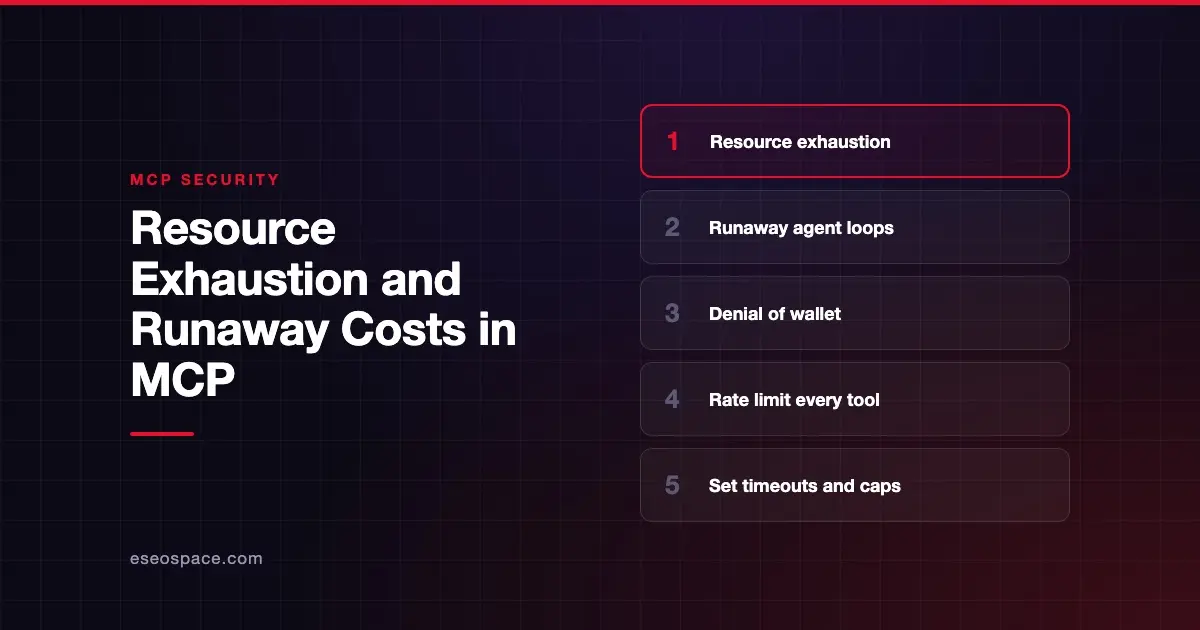
Resource exhaustion in MCP is when a server, client or connected service runs out of memory, CPU, API quota or money. The cause is too many requests, or requests that are too large. Sometimes an attacker causes it on purpose. Often an AI agent causes it by accident, by retrying a tool in a loop or pulling far more data than it needs.
The MCP specification puts a rule on this at the server level. The tools specification says servers MUST "rate limit tool invocations," and clients SHOULD "implement timeouts for tool calls."
OWASP's LLM Top 10 calls the wider problem "Unbounded Consumption," including "Denial of Wallet," where high volumes of operations drive up pay-per-use costs. This page covers both the outage side and the bill side. Sources were checked on 28 October 2026.
Key Takeaways
- Resource exhaustion covers crashes from oversized requests and surprise bills from agents calling paid APIs too often.
- The MCP spec says servers MUST rate limit tool invocations and clients SHOULD set timeouts for tool calls.
- Published advisories show MCP servers and SDKs crashing from a single huge request or an endless stream with no line break.
- Cost runaway is often accidental: a looping agent, a retry storm, or a tool that returns huge results.
- Budgets, quotas, size limits and alerts at each layer contain the damage.
How resource exhaustion happens
Oversized or endless input
A server that reads a request body without a size limit can be crashed by one large request. The mcp-framework advisory (CVE-2026-39313) describes exactly this. A maxMessageSize setting existed but was never enforced, and the body was read "before any authentication checks run."
The stdio transport is not immune. The Kotlin SDK advisory (CVE-2026-53937) found that a peer sending bytes without a newline could grow the read buffer until the process ran out of memory. The fix in 0.13.0 adds a configurable cap, 16 MiB by default.
Agent loops and retry storms
An AI agent may call the same tool again and again when a result confuses it. Each call can hit a paid API. Without a cap, a single long session can generate thousands of calls.
The spec anticipates one kind of loop. In the authorization specification, clients SHOULD "implement retry limits" and track scope upgrade attempts "to avoid repeated failures." The best practices page adds that clients should cache recent failures "to avoid repeated elevation loops."
Expensive queries
Some tools are costly by design: full-site crawls, large database queries, video processing. A prompt-injected instruction or a vague request can trigger them at scale. OWASP lists "Resource-Intensive Queries" as a separate example.
Unbounded state
Servers that hold state per user, such as carts or workflow handles, can fill memory if nothing expires. The spec's tool design guidance suggests stating retention in the tool description, for example "baskets expire after 24 hours of inactivity."
An illustrative example
This scenario is illustrative, not a real incident.
A small agency connects an AI assistant to an SEO data server that bills per API call. A team member asks for "keyword data for every page on the site." The site has 4,000 pages.
The agent calls the tool once per page. Some calls time out, so it retries each one. By morning, the API account has used its monthly quota and the card on file has been charged overage fees. Nobody set a per-session limit.
Who is at risk
- Teams using MCP servers that wrap paid APIs, such as search, SEO data, AI image generation or messaging.
- Server operators exposing HTTP endpoints without size limits, rate limits or authentication.
- Platforms running agents unattended, where no human sees a loop until the bill arrives.
- Small businesses on card-billed plans without hard spending caps.
How to detect it
- Track tool calls per session, per user and per hour. A sudden spike is your early warning.
- Set billing alerts on every paid API behind an MCP server.
- Monitor server memory and request sizes. Look for single requests far larger than normal.
- Review sessions with repeated identical tool calls. That pattern usually means a loop.
Our MCP audit logging guide covers what to log so these signals exist.
How to reduce the risk
Server side
- Rate limit every tool. It is a MUST in the tools spec. Limit per user or token, not just globally.
- Cap request sizes before parsing. Enforce limits as bytes arrive, before authentication, as the mcp-framework advisory recommends.
- Paginate large results. Return pages, not everything at once.
- Stop work on cancellation. On Streamable HTTP, the transport spec says closing the response stream is cancellation, and the server SHOULD stop work "as soon as practical."
- Expire state. Give handles and caches a bounded lifetime.
Client side
- Set timeouts on tool calls, as the spec recommends.
- Cap tool calls per task and stop for human review when the cap is hit.
- Limit retries. Do not retry the same failing call indefinitely.
- Ask for confirmation before expensive operations. The tools spec says clients SHOULD prompt for confirmation on sensitive operations.
Organization side
- Put hard spending limits on every paid API account, not just alerts.
- Use separate API keys per team or workflow, so one runaway does not drain shared quota.
- An MCP gateway can add central rate limits and usage logs across many servers.
- Update SDKs. Several of the advisories above were fixed by upgrading the library, not by app code.
What the spec says
The 2026-07-28 tools page lists four server MUSTs under Security Considerations: validate inputs, implement access controls, rate limit tool invocations, and sanitize outputs. Client SHOULDs include timeouts, confirmation prompts and audit logging.
The spec does not set specific limits or cost controls. Those depend on your servers and budget. That is why budget caps and monitoring sit with your organization, not the protocol.
Next step
Check whether each paid API behind your MCP servers has a hard cap, and whether your servers enforce rate limits. Our MCP readiness audit reviews limits, timeouts and logging. If you are building a server, our MCP development team builds rate limiting and size caps in from the start. More threats are in the MCP Security Center.
Frequently asked questions
Does the MCP spec require rate limiting?
Yes, for servers. The tools specification says servers MUST rate limit tool invocations. It also says clients SHOULD implement timeouts for tool calls.
What is "denial of wallet"?
It is OWASP's term for running up high volumes of operations to drive up costs on pay-per-use services. In MCP, an attacker or a looping agent can cause it through tools that call paid APIs.
Can a stdio server be crashed too?
Yes. The Kotlin SDK advisory showed that a peer sending data without a newline could exhaust memory through stdio. The fix added a buffer cap.
How do I stop an AI agent from looping?
Set a cap on tool calls per task, limit retries, and add timeouts. When the cap is hit, pause for a person to review. Billing alerts catch what the caps miss.
Is this the same as a DDoS attack?
It overlaps. A DDoS floods a service from many sources. Resource exhaustion in MCP can come from one oversized request, one looping agent, or one expensive tool used carelessly.