

This article is part of our Law Firm Marketing Guide: how clients find lawyers online, what the advertising rules allow, and how to choose the right help. Want to know where your firm's site stands? Get a free 20–30 page website audit within 24 hours.
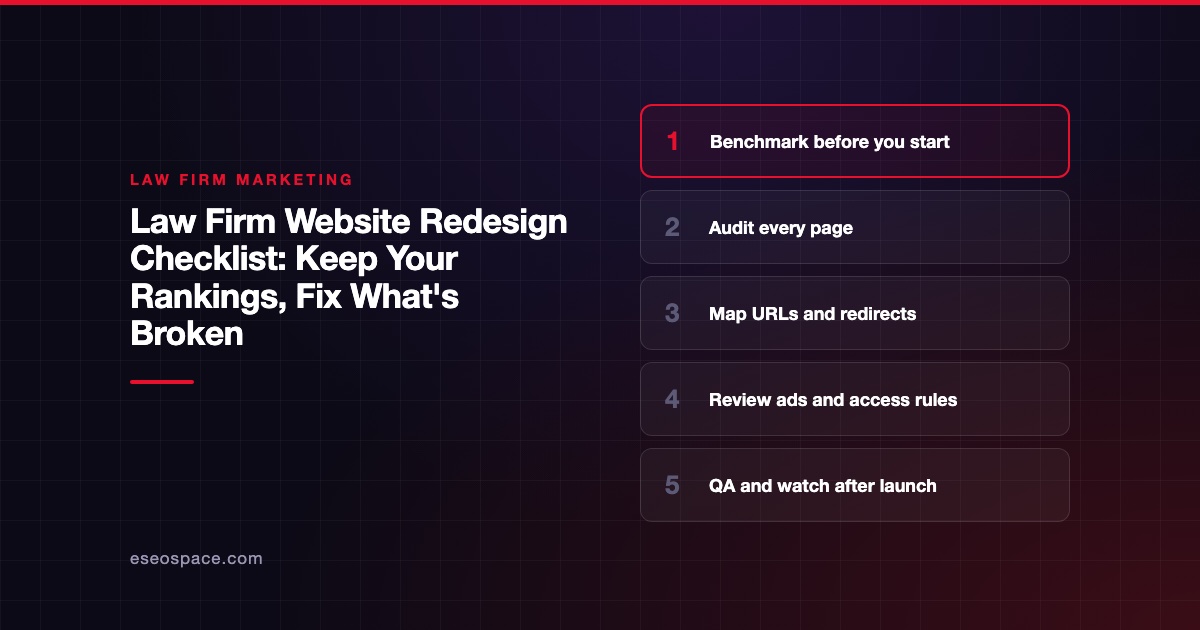
A law firm website redesign keeps its rankings when you treat it as a migration first and a design project second. That means benchmarking the old site, deciding what happens to every URL, redirecting each one to its closest new page, and checking the new site against your state's advertising rules before it goes live.
Most redesign damage is avoidable. Pages that brought in cases get deleted, URLs change without redirects, tracking breaks, and nobody notices for weeks. This checklist walks through each phase so that does not happen. It is part of our Law Firm Marketing Guide.
Advertising and accessibility rules vary by state. This article cites specific states as examples. Confirm your obligations with your state bar and counsel.
Key Takeaways
- Benchmark traffic, rankings, leads and top pages before you change anything, so you can measure the result.
- Audit every page and decide to keep, merge, rewrite or retire it; do not drop pages that bring in leads.
- Google recommends server-side permanent redirects from each old URL to its new equivalent, kept for at least a year.
- A redesign is also a new advertisement: review every page for your state's rules, and in Texas, check whether the homepage needs filing.
- Expect some ranking movement after launch, and watch Search Console, redirects and lead flow closely for the first weeks.
Phase 1: Benchmark the current site
Before design starts, capture where you are. You cannot tell whether the redesign worked without a baseline.
- [ ] Export 12 months of organic traffic by landing page from Google Analytics.
- [ ] Export Search Console performance data: queries, pages, clicks and impressions.
- [ ] List your top pages by organic entrances and by leads.
- [ ] Record current rankings for your priority terms, including map pack positions.
- [ ] Count monthly calls and form leads by source, from your call tracking and intake system.
- [ ] Note current Core Web Vitals. Google's Core Web Vitals page defines good scores as LCP within 2.5 seconds, INP under 200 milliseconds and CLS under 0.1.
- [ ] Crawl the full site and save the list of every URL, title, meta description and H1.
- [ ] Export your backlink profile so you know which pages other sites link to.
Store all of this in one place. You will use it in phases 3 and 6.
Phase 2: Audit the content
Go through every URL from the crawl and give it one of four labels:
| Decision | When to use it | What happens to the URL |
|---|---|---|
| Keep | Page performs and is accurate | Same URL if possible, or redirect to the new URL |
| Rewrite | Page has traffic or links but is thin or outdated | Keep or redirect; rewrite content before launch |
| Merge | Several pages cover the same topic | Redirect all to the strongest single page |
| Retire | No traffic, no links, no value | Redirect to the closest relevant page, or let it return 404 if nothing fits |
Things to look for in a law firm audit:
- Practice pages that are thin, duplicated across cities or out of date with current law.
- Attorney bios for people who have left the firm, or missing bar admissions and credentials.
- Blog posts that cite old statutes, fee schedules or procedures.
- Results pages that need current disclaimers.
- Location pages that are near-identical except for the city name.
Our guide to law firm website must-haves lists what the new site should include, so the audit can flag gaps as well as problems.
Phase 3: Plan URLs and redirects
This is the step that protects rankings. Google's guide to site moves with URL changes sets out the process:
- [ ] Build a URL map. For every old URL, decide the new URL it should point to. Keep it in a spreadsheet.
- [ ] Keep URLs that work. If an old URL is clean and descriptive, keep it. Changing URLs you do not need to change only adds risk.
- [ ] Use server-side permanent redirects. Google recommends server-side permanent redirects where possible and says 301 and other permanent redirects do not cause a loss in PageRank.
- [ ] Avoid chains. Send each old URL straight to its final destination, not through a series of hops.
- [ ] Redirect to the closest match, not everything to the homepage.
- [ ] Keep redirects for a long time. Google says to keep them as long as possible, generally at least one year.
- [ ] Update internal links to the new URLs rather than relying on redirects.
- [ ] Update canonical tags to the new URLs.
- [ ] Prepare a new XML sitemap.
Google's redirects documentation adds that permanent redirects (301 or 308) show the new target in search results, while temporary ones (302, 307) keep showing the old URL. JavaScript redirects should only be used if server-side or meta refresh redirects are impossible, because Google might never see them if rendering fails.
If the domain itself is changing, for example after a firm name change, use the Change of Address tool in Search Console after the redirects are live. Google says it is not needed for HTTP to HTTPS moves or www changes on the same domain.
Phase 4: Design and build with intake in mind
A redesign is the right time to fix how the site converts.
- [ ] Click-to-call phone number in the header on mobile.
- [ ] Short intake forms, with the right disclaimers next to them. See our guide to website disclaimers and contact forms.
- [ ] Call tracking installed with dynamic number insertion, so the main number stays consistent in listings.
- [ ] Clear practice area navigation that matches how clients describe their problem.
- [ ] Attorney bios with photos, admissions, education and a direct contact path.
- [ ] Office pages with address, hours, parking and map for each location.
- [ ] Fast loading on phones; test against your phase 1 baseline.
If you are still deciding on the platform, read WordPress vs Custom-Built Law Firm Websites.
Phase 5: Compliance and accessibility review
Advertising rules
A new website is a new set of advertising communications. Review every page, not only the new copy.
- [ ] Remove unsupported superlatives, predictions and comparisons.
- [ ] Add or update results disclaimers wherever past results appear.
- [ ] Check testimonials and reviews against your state's rules.
- [ ] Confirm specialist or certification language matches your state's rules.
- [ ] Translate required disclaimers on any non-English pages.
Filing rules differ. For example, in Texas, Rule 7.05 in the Texas Disciplinary Rules, Part VII exempts information and links on a law firm website from filing, except the homepage contents unless they are otherwise exempt. Its comment says the whole site must still comply with Rules 7.01 and 7.02. So a new Texas homepage may need to be filed. In Florida, the Bar's ethics checklist for websites, social media and video says websites need not be filed but must comply with the advertising rules. Check your own state.
Accessibility
The Department of Justice's web accessibility guidance for businesses open to the public names the Web Content Accessibility Guidelines (WCAG) as helpful technical guidance. It warns that a clean report from an automated checker does not necessarily mean everything is accessible, and recommends manual review too.
The W3C's WCAG overview says WCAG 2.2 was published in October 2023 and that content conforming to 2.2 also conforms to 2.1 and 2.0. Building to WCAG 2.2 AA during a redesign is cheaper than retrofitting later.
- [ ] Keyboard navigation through menus and forms.
- [ ] Visible focus states and adequate color contrast.
- [ ] Alt text on meaningful images.
- [ ] Labeled form fields and readable error messages.
- [ ] Captions on videos.
- [ ] Manual testing with a screen reader, not only an automated scan.
For more, see ADA and WCAG accessibility for law firm websites.
Security
- [ ] HTTPS everywhere, with no mixed content.
- [ ] Updated platform, theme and plugins; unused plugins removed.
- [ ] Spam protection on forms that does not block real leads.
- [ ] Backups and a rollback plan.
Phase 6: Pre-launch QA
Run these on the staging site before you switch over:
- [ ] Test every redirect in the URL map. Each should return a single 301 to the right page.
- [ ] Crawl staging for broken links, missing titles, duplicate titles and missing H1s.
- [ ] Confirm staging is blocked from search engines, and that the block will be removed at launch.
- [ ] Submit every form and confirm the email, CRM record and thank-you page all work.
- [ ] Call every phone number on the site from a mobile phone.
- [ ] Confirm analytics, key events, Google Ads conversion tags and call tracking fire on the new site.
- [ ] Check structured data for the firm, attorneys and FAQs.
- [ ] Review the site on a phone, a tablet and a desktop browser.
For the full go-live list, see our law firm website launch checklist.
Phase 7: Launch and the weeks after
- [ ] Launch at a quiet time, with your developer available.
- [ ] Remove any staging noindex or password protection immediately.
- [ ] Submit the new sitemap in Search Console.
- [ ] Recheck redirects live, in batches, against the URL map.
- [ ] Update your Google Business Profile website links and key directory listings if URLs changed.
- [ ] Watch Search Console for crawl errors and indexing issues every few days for the first month.
- [ ] Compare traffic, rankings and leads to your phase 1 baseline weekly.
Set expectations with the partners. Google's site move guide says to expect temporary ranking fluctuation during a move, and that a medium-sized site can take a few weeks or more for Google to process the new URLs. Short-term movement is normal. A sustained drop on specific pages usually points to a missed redirect or removed content, which the baseline helps you find.
Next step
If you are planning a redesign now, read the law firm website launch checklist to prepare for go-live. When you want a team to handle the migration, compliance review and rebuild, see our law firm website and SEO services or our website redesign services.
Frequently asked questions
Will a website redesign hurt my law firm's Google rankings?
It can, but most of the risk is avoidable. Losses usually come from changed URLs without redirects, deleted pages that had traffic, or broken tracking. Google's site move guidance says some temporary fluctuation is normal, so benchmark first and monitor closely after launch.
How long should I keep 301 redirects after a redesign?
Google's site move documentation says to keep redirects for as long as possible, generally at least one year. Keeping them longer is fine and helps anyone following old links or bookmarks.
Should I change my URLs during a redesign?
Only when the old URLs are genuinely poor, such as long strings of numbers or outdated practice names. Every URL change needs a redirect and adds risk. If an existing URL is clear and descriptive, keep it.
Does a new law firm website need to be filed with the state bar?
It depends on your state. In Texas, website content is exempt from filing except the homepage contents, unless those are otherwise exempt. Florida's checklist says websites need not be filed but must comply with the advertising rules. Check your own state bar's requirements.
Is an accessibility overlay enough for a redesigned site?
No tool alone guarantees accessibility. The DOJ's guidance says a clean automated report does not necessarily mean a site is accessible and recommends manual review. Build to WCAG 2.2 AA in the redesign and test manually.









