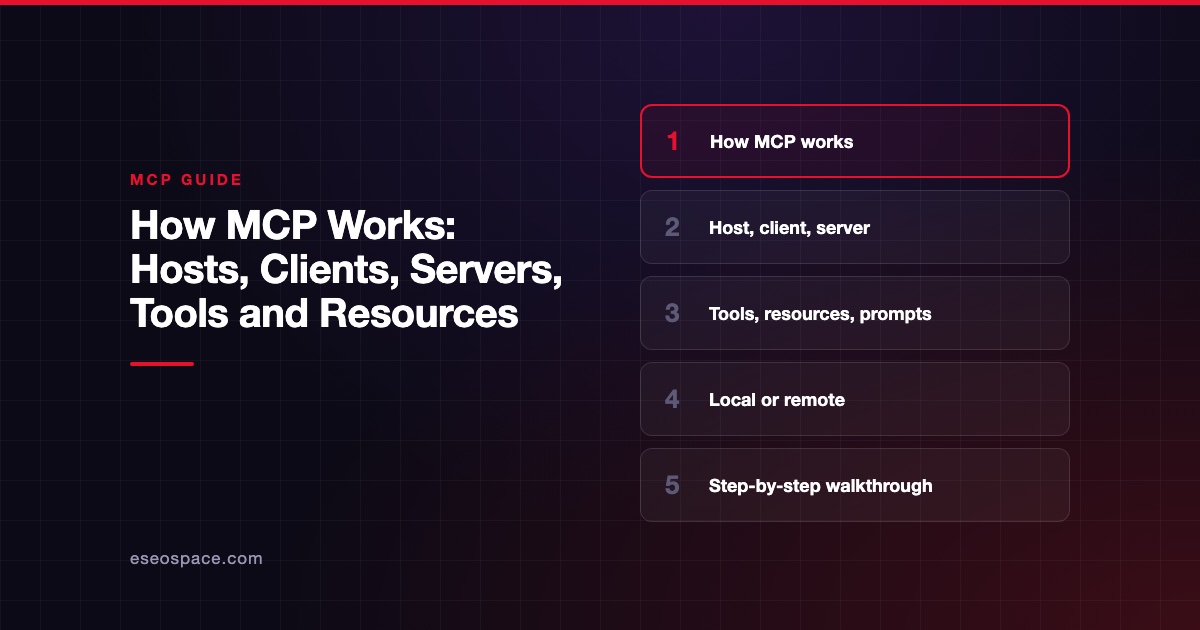
This lesson is part of Learn MCP, our free course on the Model Context Protocol, within The MCP Guide.
In this lesson you will:
- Learn the three roles in every MCP setup: host, client and server.
- See why a host creates one client for each server it connects to.
- Understand what "local" and "remote" mean for a server.
In Lesson 1 you saw why AI apps needed one shared way to reach tools. Now you will learn the names of the parts. These three words show up in every MCP doc, settings screen and security review.
Key Takeaways
- The host is the AI app you use, such as Claude Desktop, Claude Code or VS Code.
- A client is a connector the host creates inside itself, one for each server.
- A server is a program that gives the AI access to a tool or data source, such as GitHub, a database or your files.
- "Server" describes the job, not the location: a server can run on your laptop or on a vendor's cloud.
- Local servers usually serve one client; remote servers usually serve many.
1. The three roles, in the spec's own words
The MCP specification describes three participants that talk using JSON-RPC 2.0 messages:
- Hosts: "LLM applications that initiate connections"
- Clients: "Connectors within the host application"
- Servers: "Services that provide context and capabilities"
The architecture overview gives slightly fuller definitions:
| Role | Official definition | Plain-English version |
|---|---|---|
| MCP host | "The AI application that coordinates and manages one or multiple MCP clients" | The app you type into |
| MCP client | "A component that maintains a connection to an MCP server and obtains context from an MCP server for the MCP host to use" | A connector inside the app, one per server |
| MCP server | "A program that provides context to MCP clients" | The bridge to a tool or data source |
An "LLM" is a large language model, the AI model that reads and writes text. The host is the app wrapped around it.
2. The host: the app you already use
The host is the part you see. The architecture doc names Claude Code and Claude Desktop as examples. Our guide to AI apps that support MCP lists many more, including ChatGPT, VS Code with GitHub Copilot and Cursor.
The host does three jobs. It holds the conversation with you. It decides which servers to connect to, based on your settings. And it passes information between the AI model and those servers.
Because the host sits in the middle, it is also where safety controls live. Approval prompts, tool on/off switches and admin allowlists are all host features.
3. The client: one connector per server
The client is the part most people never notice. The architecture overview says the host creates "one MCP client for each MCP server," and each client keeps "a dedicated connection" to its server.
The docs give a concrete example. Visual Studio Code acts as a host. When it connects to the Sentry MCP server, it creates a client object for that connection. When it also connects to a local filesystem server, it creates a second client.
So if you connect three servers, your host runs three clients. Each one handles exactly one server. This keeps connections separate, which helps when one server fails or needs a different sign-in.
4. The server: the bridge to your tools
A server is a program that exposes some capability to AI apps. The server concepts page lists common examples: file system servers, database servers, GitHub servers, Slack servers and calendar servers.
Servers offer three building blocks: tools, resources and prompts. Lesson 3 covers each one. For now, think of a server as a menu of things the AI is allowed to ask for.
Many software companies now publish official servers for their own products. Our explainer on what an MCP server is goes deeper.
5. Local vs remote servers
The architecture doc stresses that "MCP server" means the program that serves context, "regardless of where it runs." There are two common setups:
| Setup | Where it runs | How it connects | Example from the docs |
|---|---|---|---|
| Local server | Your own computer | stdio (the host starts it as a program and talks through its input and output) | The filesystem server launched by Claude Desktop |
| Remote server | The vendor's platform | Streamable HTTP (messages sent over the web to a URL) | The official Sentry MCP server |
The docs add that local servers using stdio "typically serve a single MCP client." Remote servers using Streamable HTTP "will typically serve many MCP clients."
This choice affects setup, sign-in and risk. Lesson 5 explains the two transports, and Lesson 12 compares them in practice.
6. Putting it together
Here is one realistic setup, described in MCP terms:
- Host: Claude Desktop on your laptop.
- Client 1 connects to Server A, a local filesystem server that can read your Documents folder.
- Client 2 connects to Server B, a remote project-management server you signed in to.
- Client 3 connects to Server C, a remote analytics server.
When you ask a question, the host collects what all three servers offer. The AI model then picks what it needs. The host routes each request through the right client to the right server.
Notice what this means for trust. Each server is a separate party with its own access. Adding a fourth server adds a fourth party that receives whatever the AI sends it and can act in its own system.
7. Why the roles matter for safety
The specification says hosts "must obtain explicit user consent before invoking any tool." It also says hosts "must obtain explicit user consent before exposing user data to servers."
Those duties sit with the host, not the server. That is why your choice of AI app matters, and why its settings matter. A careful server cannot protect you from a host with approvals switched off.
It also means you should judge each server separately. Our security center covers the main risks, and our deeper hosts, clients and servers reference covers the spec details.
Try it
Map a setup you use, or one you would like to use. Fill in this table on paper or in a doc:
| Role | Your answer |
|---|---|
| Host (the AI app) | |
| Server 1 (name, local or remote) | |
| Server 2 (name, local or remote) | |
| Server 3 (name, local or remote) | |
| How many clients will the host create? |
Then answer two questions:
- Which server would worry you most if it misbehaved? Why?
- Where would you look to switch that server off? (Hint: it is a host setting.)
Check yourself: the number of clients should equal the number of servers.
Recap
Every MCP setup has three roles. The host is the AI app, the client is a connector inside it, and the server is the program that reaches a tool or data source. A host creates one client per server. Servers can be local, running on your machine, or remote, running on a vendor's platform. Consent and approvals are the host's job, so both your app and each server deserve scrutiny.
Course navigation
Previous lesson: Lesson 1: The Problem MCP Solves.
Next lesson: Lesson 3: Tools, Resources and Prompts.
Back to the Learn MCP course outline.
Frequently asked questions
Is Claude or ChatGPT the host or the client?
The app is the host. Inside it, the app creates a client for each server you connect. You rarely see the clients directly, but they are why each server gets its own separate connection.
Can one MCP server be used by many hosts?
Yes. A remote server can serve many clients from many hosts at once. That is the main promise of MCP: a vendor builds one server and many AI apps can use it.
Is an MCP server the same as a web server?
Not exactly. A remote MCP server often runs on a web server and receives messages over HTTP. But a local MCP server is just a program on your computer that talks through standard input and output, with no website involved.
Do I need to install anything to use a remote server?
Usually not. Many apps let you add a remote server by URL and sign in. Local servers often need a runtime such as Node.js installed on your computer.
Where can I read the exact definitions?
The architecture overview and the specification define all three roles. The Learn MCP course page links to our plain-English references.