This page is part of our MCP specification reference, a plain-English guide to the Model Context Protocol spec (version 2026-07-28), within The MCP Guide. Building a server? See MCP development.
Status in the 2026-07-28 spec: extension (official, io.modelcontextprotocol/ui)
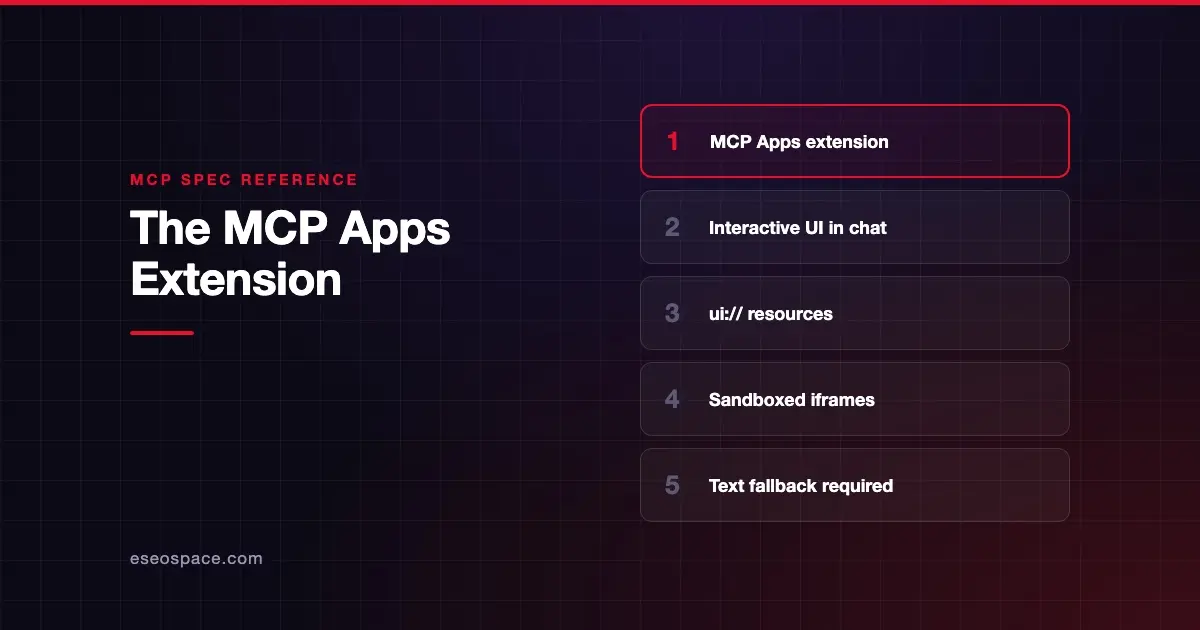
The MCP Apps extension lets an MCP server show an interactive screen, such as a chart, form or dashboard, directly inside an AI conversation. A tool points to a ui:// resource containing an HTML page. The AI app (the host) fetches that page and renders it in a sandboxed frame next to the chat.
MCP Apps became "the first official MCP extension" on 26 January 2026, according to the MCP Apps launch post. It is not part of the core spec. Both sides must opt in, and a server must still work as plain text for clients that do not support it.
Key Takeaways
- MCP Apps let tools return interactive HTML interfaces that render inside the chat.
- A tool links to its UI through
_meta.ui.resourceUri, which points to aui://resource. - Hosts render the UI in a sandboxed iframe that cannot reach the host page, cookies or storage.
- The app talks to the host over
postMessageand can ask it to call the server's tools. - Clients that lack support fall back to the normal text result, so always return useful text.
Why MCP Apps exist
The MCP Apps overview opens with a simple point: "Text responses can only go so far." Some tasks need interaction, not prose. The overview lists good fits:
- Exploring complex data, like a map you can click to drill into sales by region.
- Configuring something with many options in one form.
- Viewing rich media such as PDFs, 3D models or images.
- Real-time monitoring dashboards.
- Multi-step workflows, such as approving expense reports one by one.
The launch post says MCP Apps built on patterns pioneered by the community MCP-UI project and the OpenAI Apps SDK.
How MCP Apps work
- The tool declares a UI. Its description includes
_meta.ui.resourceUri, pointing to aui://resource. The host may preload it. - The host fetches the resource. It uses a normal
resources/read. The resource is an HTML page with MIME typetext/html;profile=mcp-app. - The host renders it in a sandbox. Web hosts typically use a sandboxed iframe inside the conversation.
- App and host talk. They exchange JSON-RPC messages over
postMessage. The app can request tool calls, send messages and update the model's context. Some messages match core MCP (liketools/call); most use aui/prefix.
Example: a tool that declares a UI
This tool definition is from the MCP Apps specification (SEP-1865):
{
  "name": "get_weather",
  "description": "Get current weather for a location",
  "inputSchema": {
    "type": "object",
    "properties": {
      "location": { "type": "string" }
    }
  },
  "_meta": {
    "ui": {
      "resourceUri": "ui://weather-server/dashboard-template",
      "visibility": ["model", "app"]
    }
  }
}
Tool visibility
The visibility field controls who can call a tool. It defaults to ["model", "app"].
| Value | Effect |
|---|---|
["model", "app"] | The AI model and the app can both call it |
["app"] | Hidden from the model; only the app can call it (for example, a refresh button) |
Hosts must hide tools from the model when visibility excludes "model". They must also reject app calls to tools that exclude "app".
Security model
Running third-party HTML inside an AI app is risky, so the extension is built around isolation. The overview says apps "can't access the parent page, steal cookies, or escape their container." All communication goes through postMessage, and "the host controls which capabilities your app can access," such as which tools it may call.
The spec's threat model names the risks it guards against: malicious HTML, sandbox escape attempts, unauthorized tool calls, data exfiltration, and phishing or social engineering. Servers declare allowed external domains through a content security policy in _meta.ui.csp. Hosts may tighten it but must not loosen it.
The launch post still advises hosts to "proactively and thoroughly vet MCP servers before connecting them." A sandbox reduces risk. It does not make an untrusted server trustworthy. Our MCP security checklist covers vetting.
Negotiation and fallback
Under 2026-07-28, a client advertises MCP Apps support in the extensions field of its per-request capabilities, listing supported MIME types. The extensions overview shows this example:
{
  "io.modelcontextprotocol/clientCapabilities": {
    "extensions": {
      "io.modelcontextprotocol/ui": {
        "mimeTypes": ["text/html;profile=mcp-app"]
      }
    }
  }
}
Servers list io.modelcontextprotocol/ui in their server/discover response. If a host does not support MCP Apps, the spec says the "tool behaves as standard tool (text-only fallback)."
What changed across spec versions
| Date | Change |
|---|---|
| November 2025 | MCP Apps proposed (SEP-1865 created 21 November 2025) |
| 26 January 2026 | Spec marked Stable; launched as the first official extension |
| 2026-07-28 core spec | Extensions became an official part of the protocol, negotiated per request and via server/discover instead of the initialize handshake |
The extensions overview notes that before 2026-07-28, many SDKs already negotiated extensions during initialize. The Apps spec also deprecates an older flat _meta["ui/resourceUri"] key in favor of _meta.ui.resourceUri, to be removed before general availability. More on extensions in how MCP extensions work.
Client support
The extension support matrix, read on 28 October 2026, marked MCP Apps support in Claude (web), Claude Desktop, VS Code GitHub Copilot, Microsoft 365 Copilot, Goose, Postman, MCPJam, ChatGPT, Cursor, Archestra.AI, PostHog Code and Kiro Crew. The matrix is community-maintained. Our guide to AI apps that support MCP covers each app.
Common mistakes
- No text fallback. Hosts without MCP Apps support show only the text result. Make it useful.
- Using the old
ui/resourceUrikey. It is deprecated. Use_meta.ui.resourceUri. - Wide-open CSP. Declare only the domains the app actually needs.
- Exposing UI-only tools to the model. Use
visibility: ["app"]for buttons and refreshes the model should not trigger. - Treating the sandbox as full security. Vet servers anyway and keep tool permissions narrow.
- Assuming one host behaves like another. Test in each client your users rely on.
Next step
MCP Apps can put your product inside Claude, ChatGPT and Copilot, which is both a build and a marketing decision. Read Skills over MCP for the newest official extension, or talk to our MCP development team about building an app. For the business view, see MCP Apps, Tasks and Skills explained.
Frequently asked questions
What is the MCP Apps extension?
It is an official MCP extension, identified as io.modelcontextprotocol/ui, that lets servers deliver interactive HTML interfaces rendered inside AI conversations. It launched as the first official MCP extension on 26 January 2026.
Is MCP Apps part of the core MCP spec?
No. It is an extension. Both the client and server must opt in, and servers must still work as text-only tools for clients that do not support it.
How do MCP Apps stay secure?
Hosts render them in sandboxed iframes that cannot access the host page, cookies or storage. All communication goes through postMessage, the host controls which tools the app may call, and servers declare allowed external domains through a content security policy.
Does ChatGPT support MCP Apps?
Yes. The official extension support matrix marked ChatGPT as supporting MCP Apps when we checked it on 28 October 2026.
Can an MCP App call tools by itself?
It can ask the host to call tools on its own server. The host decides whether to allow it, and tools marked visibility: ["app"] can be called by the app while staying hidden from the model.