This article is part of our MCP Guide: what the Model Context Protocol is, how to use it safely, and how to choose servers, tools and help. Want a second opinion on your setup? Request a free MCP readiness review.
MCP extensions are optional add-ons to the Model Context Protocol (MCP) that add features beyond the core spec. The three you will hear about most are MCP Apps, which show interactive screens inside an AI chat, Tasks, which handle long-running jobs, and Skills over MCP, which deliver reusable workflow instructions from a server.
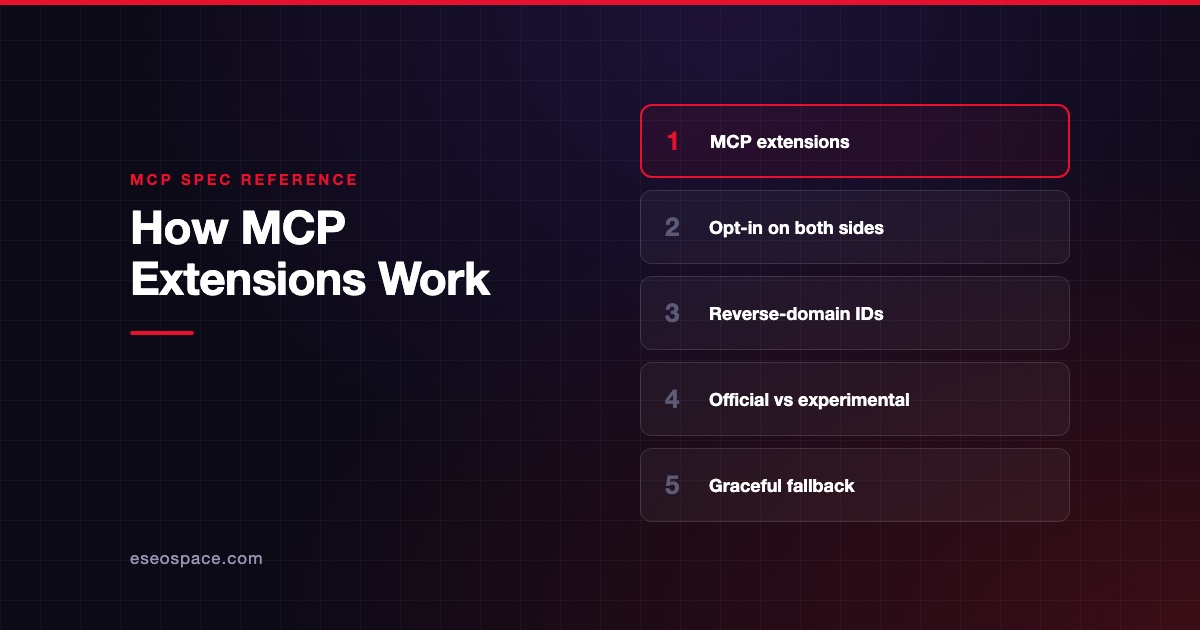
Extensions only work when both sides agree to use them. Your AI app and the MCP server must each declare support. If either side does not, the core protocol still works as normal.
This guide explains each official extension in plain English, using the official MCP extensions overview and related docs, checked on 28 October 2026. If you need a refresher on the basics, read how MCP works first.
Key Takeaways
- Extensions add optional features on top of the core MCP spec without changing it, and both client and server must opt in.
- MCP Apps let a server show interactive UI, such as charts or forms, inside the conversation in a sandboxed frame.
- Tasks let a server return a ticket for slow jobs, so the client can check back later instead of waiting.
- Skills over MCP let a server share workflow instructions and files that an AI agent can load when needed.
- Official extensions also include two sign-in extensions: OAuth Client Credentials and Enterprise-Managed Authorization.
- Support varies by AI app, so check the official client matrix before you build on an extension.
What an MCP extension is
The core MCP spec sets the minimum every client and server must do. The MCP blog's explainer on extensions describes extensions as a way to "layer new capabilities on top of the baseline MCP implementation without touching the core protocol."
This keeps the core stable while giving new ideas a place to prove themselves. A popular extension may later become a candidate for the core spec.
How extensions are named and switched on
Each extension has an ID in the form vendor-prefix/extension-name. Official ones use the io.modelcontextprotocol prefix, for example io.modelcontextprotocol/tasks. A company building its own extension should use its reversed domain, like com.example/my-extension.
Extensions became an official part of the protocol in the 2026-07-28 spec. Clients list the extensions they support with each request. Servers list theirs in their server/discover response. The overview page notes that extensions "are always disabled by default and require explicit opt-in." See what changed in the 2026-07-28 spec for the bigger picture.
What happens when one side does not support it
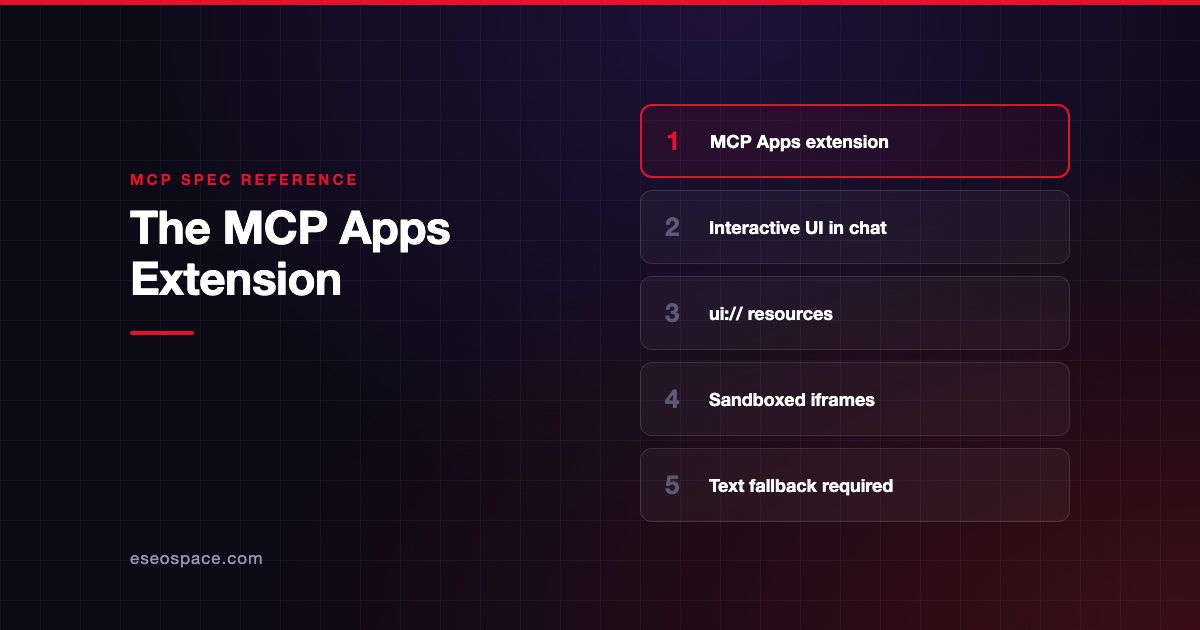
The extensions overview calls this graceful degradation. The supporting side either falls back to core behavior or rejects the request if the extension is required. For example, a server with a chart UI should still return useful text to apps that cannot show the chart.
The official extensions at a glance
| Extension | ID | What it does |
|---|---|---|
| MCP Apps | io.modelcontextprotocol/ui | Shows interactive HTML screens inside the conversation |
| Tasks | io.modelcontextprotocol/tasks | Runs long jobs in the background with a durable handle |
| Skills over MCP | io.modelcontextprotocol/skills | Shares workflow instructions and supporting files |
| OAuth Client Credentials | io.modelcontextprotocol/oauth-client-credentials | Machine-to-machine sign-in with no user login |
| Enterprise-Managed Authorization | io.modelcontextprotocol/enterprise-managed-authorization | Central access control through a company identity provider |
Official extensions live in GitHub repositories with the ext- prefix inside the MCP organization. Experimental ideas live in repositories with the experimental-ext- prefix until they pass the formal proposal process.
MCP Apps: interactive screens inside the chat
MCP Apps let a server return an interactive interface, such as a dashboard, form or video player, that appears right in the AI conversation. The official MCP Apps overview puts it simply: "Text responses can only go so far."
MCP Apps became live as the first official MCP extension on 26 January 2026, according to the MCP Apps launch post. The post says the design built on two earlier efforts: the community MCP-UI project and the OpenAI Apps SDK.
How MCP Apps work
- A tool's description points to a UI resource with a
ui://address. - The AI app fetches that resource from the server. It is an HTML page, usually with its scripts bundled in.
- The AI app shows the page inside a sandboxed iframe, a walled-off frame in the chat.
- The app and the AI host talk through a secure messaging channel. The app can ask the host to call tools on the server and get fresh data back.
Why it matters for business
The MCP Apps docs list good fits: exploring complex data, filling in forms with many options, viewing rich media, live monitoring and multi-step approvals. A sales manager could ask "show me sales by region" and get a clickable map instead of a list of numbers.
Security model
The overview says MCP Apps run in a sandboxed iframe that cannot read the parent page's cookies, storage or content. The host controls which capabilities the app can use, such as which tools it may call. That lets AI apps show third-party screens without fully trusting the server author.
Which AI apps support MCP Apps
On 28 October 2026, the official extension support matrix listed MCP Apps support in Claude (web), Claude Desktop, VS Code GitHub Copilot, Microsoft 365 Copilot, Goose, Postman, MCPJam, ChatGPT, Cursor, Archestra.AI, PostHog Code and Kiro Crew. Our guide to AI apps that support MCP covers each app.
Tasks: jobs that take minutes or hours
Some actions do not finish in a second or two. Think of a data export, a build pipeline, or a step that waits for a human to approve. The Tasks extension docs explain that Tasks let a server "return a durable handle instead of blocking."
A durable handle works like a claim ticket. The client can check back later, even after a restart.
How Tasks work
- The client says it supports Tasks. The server says so too.
- When a job will be slow, the server returns a task ID instead of the final result.
- The client checks progress with
tasks/get. - If the job needs input, such as a user confirmation, its status becomes
input_required. The client answers withtasks/update. - When the status is
completed, the result is ready. The client can also sendtasks/cancel, though the server may not be able to stop the work.
Task statuses
| Status | Meaning |
|---|---|
working | The job is in progress |
input_required | The server needs an answer before it continues |
completed | The job finished and the result is available |
failed | An error occurred |
cancelled | The job was cancelled |
Tasks were part of the core spec as an experimental feature before. The 2026-07-28 release moved them into this official extension and redesigned them around polling. The client matrix marked Tasks support in Claude (web), Claude Code and MCPJam on 28 October 2026.
Skills over MCP: reusable instructions from a server
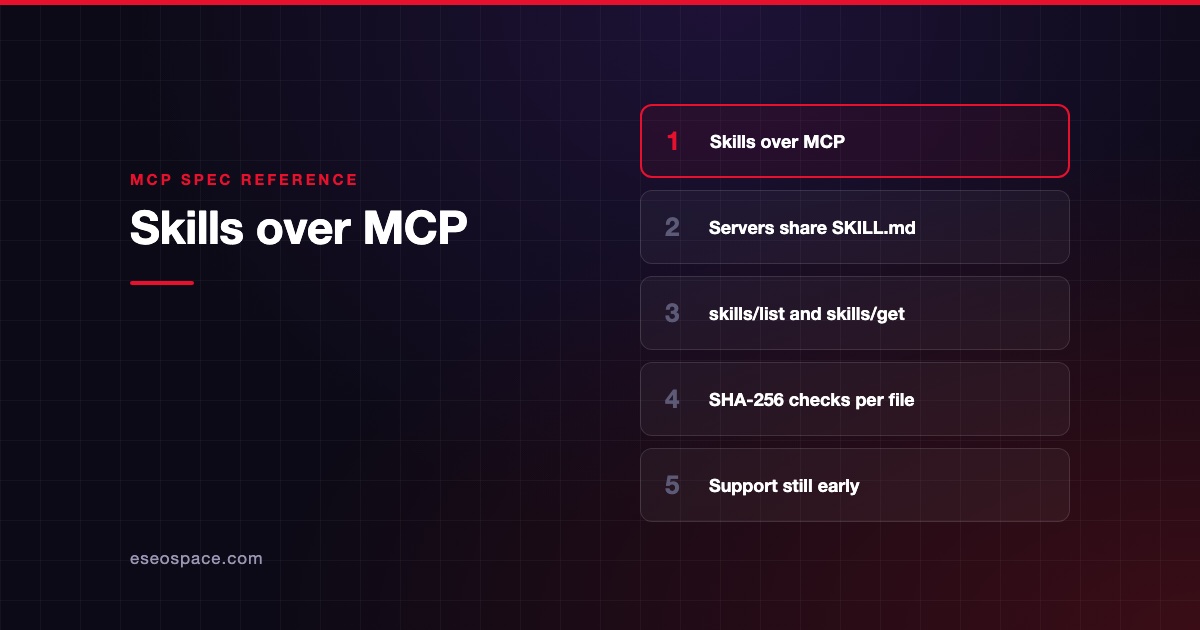
A skill is a folder of instructions that teaches an AI agent how to do a specific job. It contains a SKILL.md file and optional supporting files, following the open Agent Skills specification. A code review checklist or a document processing routine are typical examples.
The Skills extension docs explain that Skills over MCP let a server share these instructions with AI apps. The benefit is that the instructions travel with the service they describe. The AI only loads them when it needs them.
Status and history
Skills are the newest of the three. According to the Skills Over MCP Working Group charter, the proposal that defines the extension, SEP-2640, became Final on 13 September 2026. The Skills docs say SDK and host support is "still being implemented."
Built-in safety checks
The Skills extension asks AI apps to treat skill content as untrusted. Each skill lists its files with a fingerprint, called a SHA-256 digest, and file size. The AI app must check those before using a file.
If any file changes, a previous approval no longer counts, and the user must approve again. Skills that try to run code or grant extra tool permissions need explicit approval per skill.
Who supports it
As of 28 October 2026, the client matrix showed Skills support as early. The mcpc command-line client was marked as supported. ChatGPT, fast-agent and MCP Inspector were marked "Partial."
Do you need to care about extensions yet?
It depends on your role.
- If you use AI apps at work, you will notice MCP Apps first, as charts and forms appearing in chat. Ask IT which servers are approved.
- If you run IT or security, focus on the sign-in extensions and on which apps can show third-party UI. Our guide to MCP governance covers controls.
- If you sell software with an MCP server, MCP Apps can make your product visible inside Claude, ChatGPT and Copilot. That is a product and marketing decision as much as a technical one. See how to market an MCP server.
- If you are building a server, each extension adds scope and testing. Plan a fallback for apps without support.
If you are planning a server with extensions, our MCP development team can help you scope it.
Next step
Extensions add real value, but each one adds design, build and testing work. Before you commit, read our guide to MCP server development cost in 2026.
Frequently asked questions
What are MCP Apps?
MCP Apps are an official MCP extension that lets a server show interactive HTML screens, such as charts, forms or dashboards, inside an AI conversation. They run in a sandboxed frame controlled by the AI app. MCP Apps became the first official MCP extension on 26 January 2026.
What are MCP Tasks?
Tasks are an official extension for long-running operations. Instead of making the client wait, the server returns a task ID. The client checks progress, answers questions if the task needs input, and collects the result when it is done.
What is Skills over MCP?
Skills over MCP is an official extension that lets a server share Agent Skills, which are folders of workflow instructions with a SKILL.md file. AI apps can discover the skills and load them only when needed, after checking file fingerprints.
Are MCP extensions required?
No. Extensions are optional and disabled by default. Both the AI app and the server must opt in, and servers should fall back to normal behavior for apps that do not support an extension.
Who approves official MCP extensions?
Official extensions go through the Specification Enhancement Proposal process on the Extensions Track. At least one reference implementation in an official SDK is required before review, and Core Maintainers have final authority over inclusion.
Does ChatGPT support MCP Apps?
Yes. The official MCP client matrix marked ChatGPT as supporting MCP Apps on 28 October 2026, and the January 2026 launch post listed it among the first supporting clients.