This page is part of our MCP specification reference, a plain-English guide to the Model Context Protocol spec (version 2026-07-28), within The MCP Guide. Building a server? See MCP development.
Status in the 2026-07-28 spec: core (the extensions capability field); each individual extension is optional
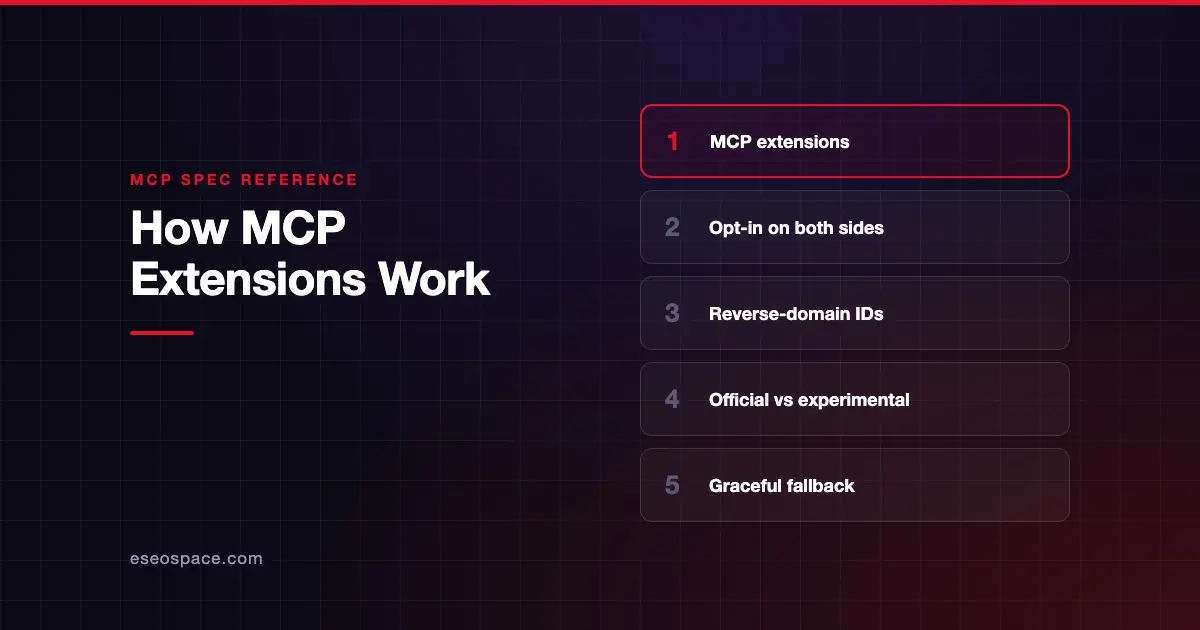
MCP extensions are optional add-ons to the protocol that live outside the core specification. Each one has an identifier, such as io.modelcontextprotocol/tasks, and works only when both the client and the server declare support for it. Official examples include Tasks, MCP Apps, Skills over MCP and two authorization extensions.
The 2026-07-28 spec made extensions a formal part of the protocol by adding an extensions field to both client and server capabilities. Before that, many SDKs carried extensions informally.
This page explains how the framework works, using the extensions overview and the versioning page, as of October 2026.
Key Takeaways
- Extensions add features beyond the core spec and are "always disabled by default."
- Identifiers use a vendor prefix plus a name; official ones use
io.modelcontextprotocol/. - Clients declare extensions in per-request capabilities; servers declare them in
server/discover. - If only one side supports an extension, the supporting side must fall back to core behavior or reject the request.
- Official extensions live in
ext-repositories; experimental ones inexperimental-ext-repositories. - New official extensions go through an Extensions Track SEP and need a reference implementation in an official SDK.
What an MCP extension is
The overview defines extensions as "optional additions to the specification that define capabilities beyond the core protocol." They can be modular (such as authentication), specialized (such as industry-specific logic) or experimental (ideas being tested "for potential core inclusion").
As of October 2026, the overview lists these official extensions:
| Extension | What it adds |
|---|---|
| Tasks | Long-running operations with polling, mid-flight input and durable handles |
| MCP Apps | Interactive UI such as charts and forms, shown inside the conversation |
| Skills over MCP | Workflow instructions and files a server can share with agents |
| OAuth Client Credentials | Machine-to-machine sign-in |
| Enterprise-Managed Authorization | Centralized access control for enterprises |
For a business-level overview of the first three, see MCP Apps, Tasks and Skills explained.
Why extensions exist
The core spec has to stay small and stable, because every implementation must support its base. But real needs vary. A design tool wants interactive UI; a data pipeline wants long-running jobs; a bank wants enterprise sign-in.
Extensions let those features grow without forcing them on everyone. SEP-2133, the proposal that defined the framework, also allows "unofficial extensions" that are "not recognized by MCP governance" and run by outside developers.
How extensions work
Identifiers
An extension identifier has the format {vendor-prefix}/{extension-name}. It follows the same rules as _meta keys, except the prefix is mandatory. Official extensions use io.modelcontextprotocol. A third party should use a reversed domain it owns: the overview's example is com.example/my-extension for a company owning example.com.
Negotiation
Both sides list extensions in the extensions field of their capabilities. The value is a settings object; an empty object means "supported, no settings."
Clients send theirs in _meta on each request. This example is from the extensions overview:
{
  "jsonrpc": "2.0",
  "id": 1,
  "method": "tools/call",
  "params": {
    "name": "get_weather",
    "arguments": { "location": "New York" },
    "_meta": {
      "io.modelcontextprotocol/protocolVersion": "2026-07-28",
      "io.modelcontextprotocol/clientCapabilities": {
        "extensions": {
          "io.modelcontextprotocol/ui": { "mimeTypes": ["text/html;profile=mcp-app"] }
        }
      },
      "io.modelcontextprotocol/clientInfo": { "name": "ExampleClient", "version": "1.0.0" }
    }
  }
}
Servers list theirs in the server/discover response, for example "extensions": { "io.modelcontextprotocol/ui": {} }.
Fallback
The versioning page sets the rule: if one party supports an extension and the other does not, "the supporting party MUST either revert to core protocol behavior or reject the request with an appropriate error." The overview gives examples. A server with UI-enhanced tools "should still return meaningful text content" for clients without the UI extension. A server that requires a specific sign-in extension can reject clients that lack it.
Official vs experimental
| Type | Where it lives | Status |
|---|---|---|
| Official | ext- repositories in the MCP GitHub organization, such as ext-auth, ext-apps and ext-skills | Recommended by MCP maintainers |
| Experimental | experimental-ext- repositories, such as experimental-ext-interceptors | Incubating; must say so clearly |
| Unofficial | Anywhere, under the author's own prefix | Not recognized by MCP governance |
Experimental extensions must belong to a Working Group or Interest Group. Core Maintainers keep oversight, "including the ability to archive or remove them."
How a new official extension is approved
The overview lists five steps:
- Propose an Extensions Track SEP using the SEP guidelines.
- Implement at least one reference implementation in an official SDK, "required before the SEP can be reviewed."
- Review by Core Maintainers, who "have final authority over inclusion."
- Publish the extension to its extension repository.
- Adopt: other clients, servers and SDKs can then implement it.
Extensions then evolve on their own, managed by the extension repository's maintainers. A breaking change should use a new identifier, such as io.modelcontextprotocol/my-extension-v2.
SDKs may choose which extensions to support; it is "not required for protocol conformance." See the official MCP SDKs for tiers.
What changed across spec versions
The extensions overview says: "Extensions became an official part of the protocol in version 2026-07-28." The 2026-07-28 changelog added the extensions field to client and server capabilities and moved experimental tasks out of the core into the io.modelcontextprotocol/tasks extension.
Before that, on 2025-11-25 and earlier, many SDKs already passed capabilities.extensions through the initialize handshake. The overview notes that field "is not part of the published schemas for these protocol versions." If the other side omits it, treat the extension as unsupported.
One caution: as of 28 October 2026, the 2026-07-28 spec overview still says extensions are "negotiated during initialization." That is leftover wording. The versioning page and extensions overview describe the current per-request model.
Common mistakes
- Assuming support. Never use an extension the other side did not declare.
- No fallback. If your server needs MCP Apps, also return plain text for clients without it.
- Squatting on the official prefix.
io.modelcontextprotocol/and other prefixes withmodelcontextprotocolormcpas the second label are reserved. - Breaking changes under the same ID. Removing or renaming fields means a new identifier.
- Treating experimental as stable. Experimental repositories can be archived.
Next step
Extensions are where much of MCP's new functionality now lands. Start with the most widely discussed one, the MCP Tasks extension, or browse every topic in the MCP specification hub.
Frequently asked questions
What are MCP extensions?
Optional additions to the MCP specification that add features beyond the core protocol. Both client and server must opt in. Official ones include Tasks, MCP Apps, Skills over MCP and two authorization extensions.
Are MCP extensions part of the core spec?
The framework is: the extensions capability field is defined in the 2026-07-28 spec. Each extension's own rules are documented separately, and no implementation is required to support any extension.
How does a client know a server supports an extension?
The server lists it under capabilities.extensions in its server/discover response. The client lists its own supported extensions in _meta on each request.
What happens if only one side supports an extension?
The supporting side must fall back to core behavior or reject the request with an error. Extensions should document their fallback.
Can anyone create an MCP extension?
Yes. Third parties can publish extensions under their own reverse-domain prefix, but these are not recognized by MCP governance. Official status requires an Extensions Track SEP, a reference implementation and Core Maintainer approval.