This profile is part of our MCP server directory, within The MCP Guide. Profiles are checked against each vendor's own documentation. Need a server built? See MCP development.
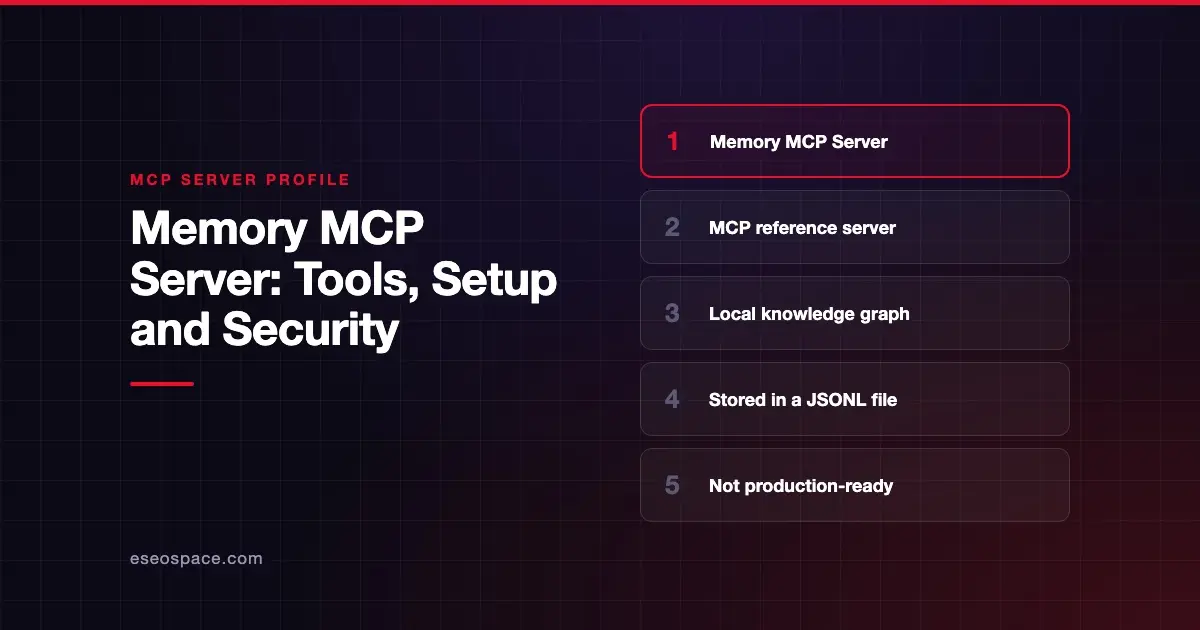
The Memory MCP server gives an AI app a simple long-term memory. It stores people, organizations and facts as a knowledge graph in a local file, so the app can recall them in later chats. It is a reference server from the Model Context Protocol project, published in the modelcontextprotocol/servers repository.
Checked against: Knowledge Graph Memory Server README on 28 October 2026. eSEOspace did not install or test this server.
The repository says: "The servers in this repository are intended as reference implementations to demonstrate MCP features and SDK usage. They are meant to serve as educational examples for developers building their own MCP servers, not as production-ready solutions." The Memory README itself calls the server "A basic implementation of persistent memory."
Key Takeaways
- Memory is an MCP project reference implementation, described by its README as "basic."
- It stores entities, relations and observations in a local JSONL file you can point anywhere with
MEMORY_FILE_PATH. - It has nine tools, including three delete tools, plus a
memory://knowledge-graphresource. - Whatever the model saves can come back in future chats, so bad or injected "facts" can persist.
- It runs locally over stdio, needs Node.js 24 or later for npx, and is free under the MIT License.
At a glance
| Field | Detail |
|---|---|
| Publisher | Model Context Protocol project (reference servers maintained by the MCP steering group) |
| Official? | Yes, an MCP project reference server |
| Hosting | Local package @modelcontextprotocol/server-memory, or Docker image mcp/memory |
| Transport | stdio |
| Sign-in | None |
| Read or write | Both |
| Price | Free and open source (MIT License) |
| Source code | github.com/modelcontextprotocol/servers/src/memory |
| Status | Reference implementation, "not production-ready" per the repo |
What it can do
The graph has three parts. Entities have a name, a type such as "person" and a list of observations. Relations are directed links in active voice, such as "works_at." Observations are single facts attached to an entity.
The README documents nine tools:
create_entities: adds new entities. Existing names are skipped.create_relations: links two existing entities.add_observations: adds facts to existing entities.delete_entities: removes entities and their relations.delete_observations: removes specific facts.delete_relations: removes specific links.read_graph: returns the whole graph.search_nodes: searches names, types and observation text.open_nodes: returns named entities and the relations between them.
It also exposes the whole graph as a resource at memory://knowledge-graph. Clients that subscribe get notified when it changes.
The README includes a sample system prompt for chat personalization. It suggests pasting it into a Claude.ai Project's custom instructions. The prompt tells the model when to recall and what to save.
How to connect it
This is the README's Claude Desktop config with npx:
{
  "mcpServers": {
    "memory": {
      "command": "npx",
      "args": [
        "-y",
        "@modelcontextprotocol/server-memory"
      ]
    }
  }
}
The Docker version stores data in a named volume:
{
  "mcpServers": {
    "memory": {
      "command": "docker",
      "args": ["run", "-i", "-v", "claude-memory:/app/dist", "--rm", "mcp/memory"]
    }
  }
}
Set MEMORY_FILE_PATH in the env block to choose the storage file. The default is memory.jsonl in the server's directory. The repository's getting-started section uses this server as its main example and shows the Windows cmd /c wrapper.
Security notes
Where the data lives. Everything is written to a JSONL file on disk. The README does not describe encryption, so treat that file like any other sensitive document. Pick its location with MEMORY_FILE_PATH and keep it out of shared or synced folders if it may hold personal data.
Shared files. Each client starts its own server process. The README says two clients using the same file take turns through a lock file, so writes are not lost. It also notes the folder must be writable.
Delete tools. Three tools remove data. Keep approval prompts on for them.
Poisoned memory. This is the risk specific to memory servers. If the model reads a malicious page or document, it might save a false "fact." That fact then returns in every later chat that recalls it. Read prompt injection through MCP tool results and cross-server data leakage before pairing Memory with web tools. The MCP security center has the wider checklist.
Alternatives
- Built-in memory features in your AI app, where available, which avoid running a separate server.
- Filesystem MCP server: store notes as plain files in a folder you control.
- A notes or docs workspace with its own MCP server, such as Notion, for team knowledge.
See more on our MCP server profiles hub.
Next step
A shared memory for a team needs access rules, review and a retention plan. Our MCP development team can help you design one on top of the systems you already use.
Frequently asked questions
Where does the Memory server store data?
In a local JSONL file. By default it is memory.jsonl in the server's directory. You can change it with the MEMORY_FILE_PATH environment variable.
Can several apps share one memory?
Yes. The README says each client runs its own process, and writes to the same file take turns through a lock file. The folder holding the file must be writable.
Can I delete what it remembers?
Yes. It has delete_entities, delete_observations and delete_relations tools. You can also edit or remove the JSONL file directly.
Is it production-ready?
No. The repository calls its servers reference implementations, "not production-ready solutions," and the README calls Memory a basic implementation.